
Highest-Converting Shopify Themes: 8 Picks Judged on CRO

Summarize this article with AI


No theme publishes a conversion rate. Here are 7 CRO criteria (INP, cart drawer, sticky add to cart, search, bundles, reviews, mobile) and 8 Theme Store themes judged on them.
The highest-converting Shopify themes are the ones that ship the features shoppers use right before they buy: a fast mobile product page, a cart drawer with upsells, a sticky add to cart, predictive search, room for bundles and visible reviews. No theme has a published conversion rate, so this guide judges themes on those criteria instead of on looks. On that basis, Release and Be Yours cover the most ground on the Theme Store today, Focal and Impact are close behind, and Horizon is the best free starting point.
Below: the seven criteria with how to check each one, a shortlist of eight Theme Store themes with prices and feature coverage, a worked example of what a theme switch is worth, and a test plan before you pay.
Why nobody can tell you a theme's conversion rate
Search "highest converting Shopify themes" and most results are lists written by theme vendors, with their own theme in first place and lift figures that have no method behind them. Shopify does not publish conversion rates per theme, and a theme's conversion rate would mostly measure the stores that chose it: their traffic, offers, photos and prices.
What you can verify is narrower and more useful: the features each theme declares on its Theme Store listing, its review history, and how it performs on your own store once installed. If you are still picking a theme on design, budget or catalog size, start with our guide to choosing a theme on the Theme Store or the budget-friendly picks for small businesses. This article is about the conversion features only.
The 7 CRO criteria for a high-converting Shopify theme
Criterion | Why it matters for conversion | How to check it before you buy |
|---|---|---|
Speed and Core Web Vitals (LCP, INP, CLS) | Slow pages and laggy taps lose shoppers before they see the offer | Run the demo through PageSpeed Insights on mobile; after install, read the Web performance report |
Cart drawer with upsells | The cart is where the order total is decided; a drawer keeps shoppers on the page | Look for "Slide-out cart" and "Cross-selling" in the Theme Store feature list, then add 2 items on the demo |
Sticky add to cart | Long mobile product pages push the button out of reach | Look for "Sticky cart"; scroll a demo product page on a phone |
Predictive search | Searchers already know what they want | Type a misspelled product name in the demo search |
Bundles and volume discounts | Raises units per order without more traffic | "Quantity pricing" covers B2B price breaks only; for DTC tiers, test your bundle app on the demo |
Reviews placement | Stars near the price answer "is this any good?" at the moment of decision | Check whether product cards and the product page have a rating block |
Mobile UX | Most theme demos are judged on desktop; most shoppers are on phones | Quick buy, swatches and thumb-reachable buttons on a real phone |
1. Speed and Core Web Vitals, including INP
Speed is the one criterion with hard numbers behind it. In a study commissioned by Google and run by Deloitte(opens in a new tab) across 37 brand sites and more than 30 million sessions, a 0.1 second faster mobile site came with an 8.4% higher conversion rate for retail sites.
Since March 2024, Interaction to Next Paint (INP) has replaced First Input Delay as a Core Web Vital(opens in a new tab). INP measures how long the page takes to respond to a tap, such as opening a variant picker or the cart drawer. Google's threshold: 200 milliseconds or less is good, above 500 milliseconds is poor(opens in a new tab), measured at the 75th percentile of real visits. Themes heavy on animations and scripts often pass the loading test and fail this one.
The Theme Store's own bar is low: a theme must average a Lighthouse performance score of 60(opens in a new tab) across its home, product and collection pages, on desktop and mobile. Every theme on the store clears it, so it tells you little. After install, Shopify's web performance dashboard(opens in a new tab) shows LCP, INP and CLS from real visitors over the last 30 days: open Online Store in the admin for the summary, or Analytics > Reports for the full reports. We cover the fixes in Shopify speed optimization.
2. A cart drawer with upsells and a free shipping bar
The cart is where order value is set. A slide-out cart keeps the shopper on the product page, and it is the natural place for one relevant add-on and a progress bar toward free shipping. Look for "Slide-out cart" and "Cross-selling" on the listing, then add two products on the demo: does the drawer show a recommendation, can you change quantities without a page reload, does the total update? Our comparison of cart drawer vs cart page explains when each one wins. For reference, here is what a cart drawer upsell and a free shipping progress bar look like in a theme.
3. Sticky add to cart on mobile
On a phone, a product page with a gallery, description, tabs and reviews pushes the add to cart button off screen after the first scroll. A sticky add to cart bar keeps the price and the button on screen. The Theme Store lists it as "Sticky cart". Published A/B results on sticky buttons are mixed, so treat it as a strong default for long product pages and test it on yours.
4. Predictive search
Shoppers who search already know what they want. Baymard Institute found(opens in a new tab) that search autocomplete is provided on 80% of e-commerce sites, but only 19% get all the implementation details right. Every Theme Store theme must ship predictive search(opens in a new tab), so the question is quality: type a misspelled product name in the demo, check that it suggests products, collections and pages, and that results show images and prices. See how predictive search should behave.
5. Room for bundles and volume discounts
Bundles raise units per order from the same visitors. Be careful with the Theme Store's "Quantity pricing" tag: it means the theme displays quantity rules and volume pricing for B2B catalogs(opens in a new tab), not consumer quantity breaks. For direct-to-consumer tiers ("buy 2, save 10%"), mix-and-match boxes or free gifts, you need an app, and the theme needs clean app blocks on the product page and a cart that shows the discount line clearly. Install your bundle app on the trial theme and check both places.
6. Reviews where the decision happens
Star ratings work when they sit next to the price and on product cards, not only at the bottom of the page. Check that the theme has a product rating block that reads the ratings from your review app, and a spot near the top of the home page for a store-level rating such as a Trustpilot score. Trust badges near the add to cart button do the same job for payment and returns.
7. Mobile UX
Most demos are judged on a desktop screen, while most Shopify traffic comes from phones. Open the demo on your own phone and check: quick buy from collection pages, color swatches, a menu you can use with one thumb, a cart icon with a count, and no layout jump when images load (that is CLS).
The shortlist: 8 Theme Store themes compared on conversion features
The table uses each theme's Theme Store listing as of October 2026: price, share of positive reviews, and whether the developer lists each conversion feature. These tags are declared by the developers, so verify them on the demo. All of them have slide-out carts, cross-selling and quick buy.
Theme (developer) | Price | Positive reviews | Slide-out cart | Sticky cart | Quantity pricing | Stock counter | Countdown timer |
|---|---|---|---|---|---|---|---|
Release (DigiFist) | $420 | 95% of 118 | Yes | Yes | Yes | Yes | Yes |
Be Yours (RoarTheme) | $350 | 98% of 695 | Yes | Yes | Yes | Yes | Yes |
Focal (Maestrooo) | $320 | 93% of 335 | Yes | Yes | Yes | Yes | No |
Impact (Maestrooo) | $400 | 85% of 200 | Yes | Yes | Yes | No | No |
Symmetry (Clean Canvas) | $420 | 94% of 392 | Yes | Yes | No | Yes | Yes |
Impulse (Archetype Themes) | $500 | 94% of 1,304 | Yes | No | No | Yes | Yes |
Cama (Trafik Plus) | $240 | 86% of 7 | Yes | Yes | No | No | Yes |
Horizon (Shopify) | Free | 36% of 212 | Yes | No | No | Yes | No |
Release: the widest feature coverage
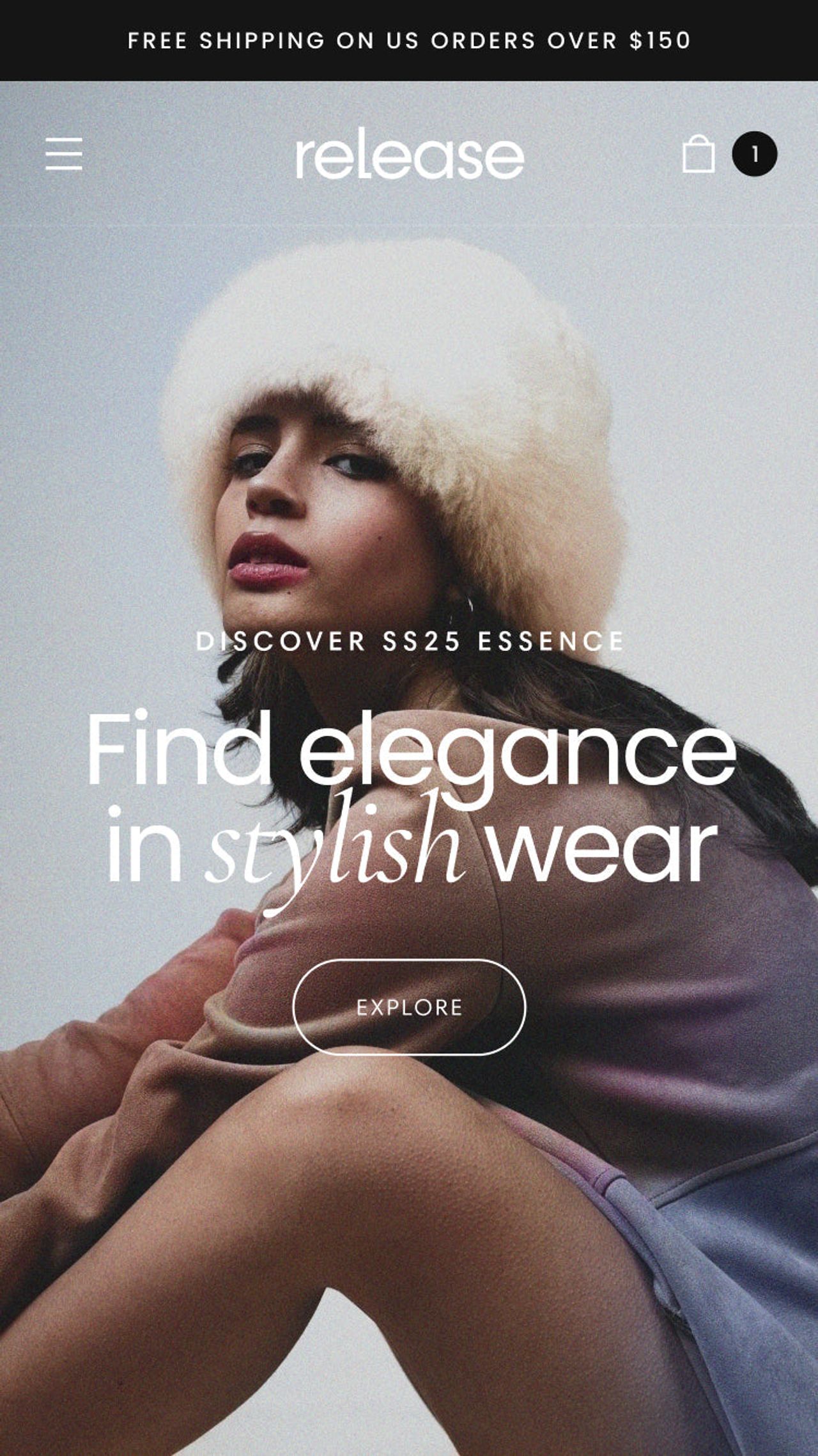
Release(opens in a new tab) by DigiFist ($420) ticks every box in the table, plus a back-in-stock alert and a quick order list, with 95% positive reviews out of 118. It suits brands with a medium catalog that want promos, countdowns and bundles without stacking apps.
Be Yours: best reviewed, built for beauty
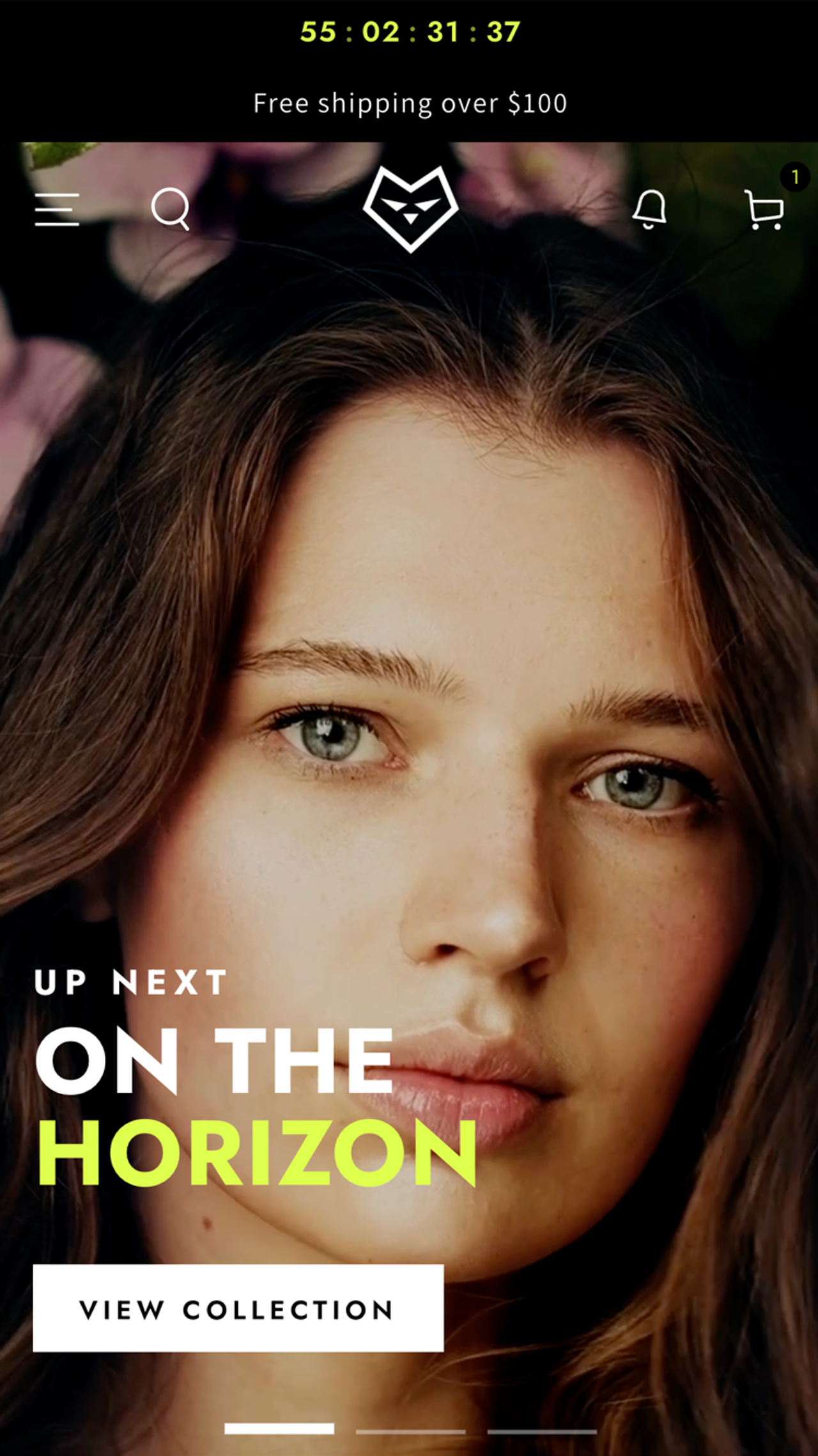
Be Yours(opens in a new tab) by RoarTheme ($350) also covers every criterion in the table and has the best review record of the shortlist: 98% positive out of 695. Its presets lean toward skincare, fragrance and beauty, with ingredient tabs and before/after sliders.
Focal: cross-selling on product and cart pages
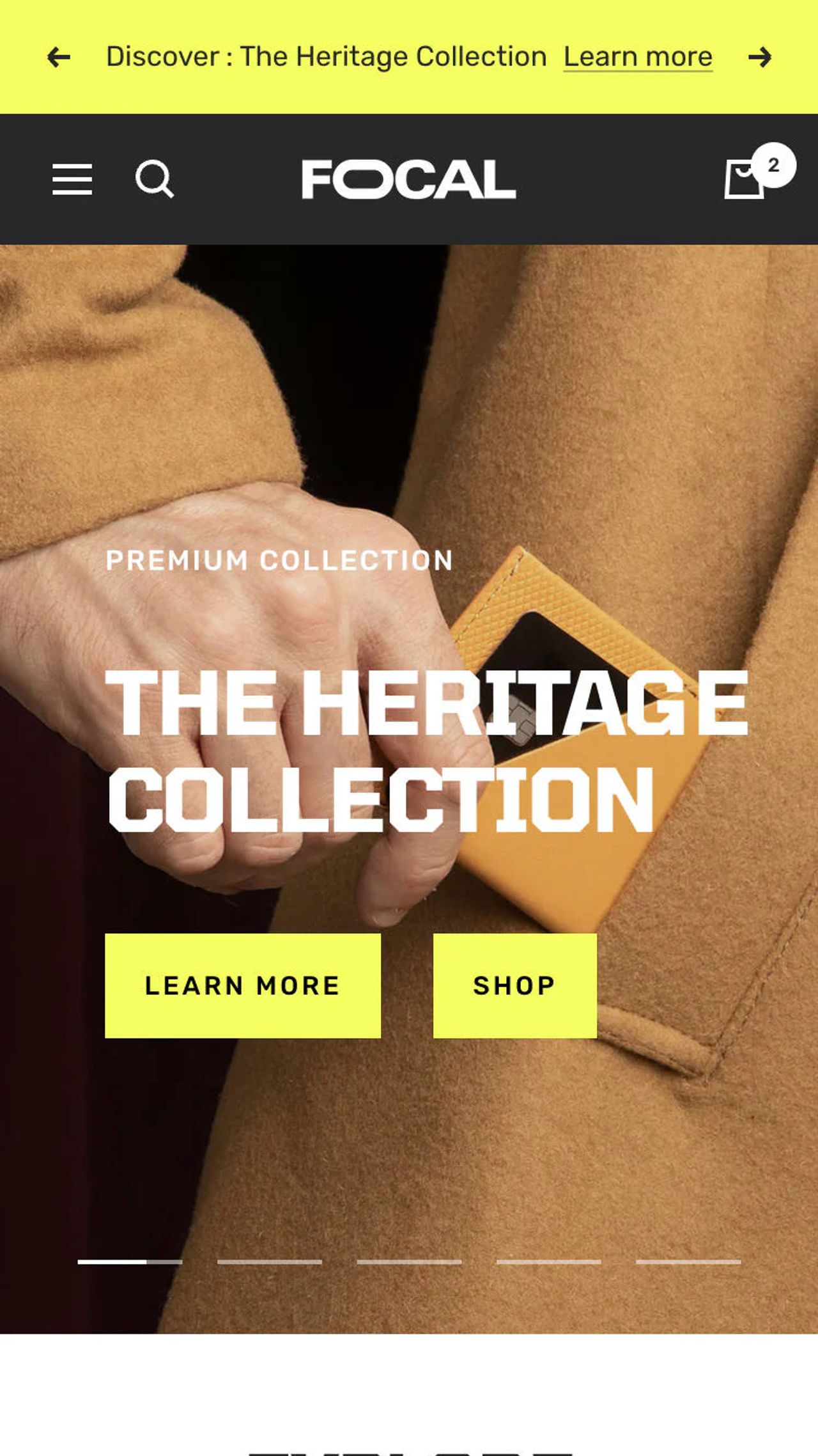
Focal(opens in a new tab) by Maestrooo ($320) advertises product recommendations on product and cart pages and a sticky add to cart, with quantity pricing and a stock counter. 93% positive out of 335. The cheapest of the fully equipped options.
Impact: bold visuals with conversion basics
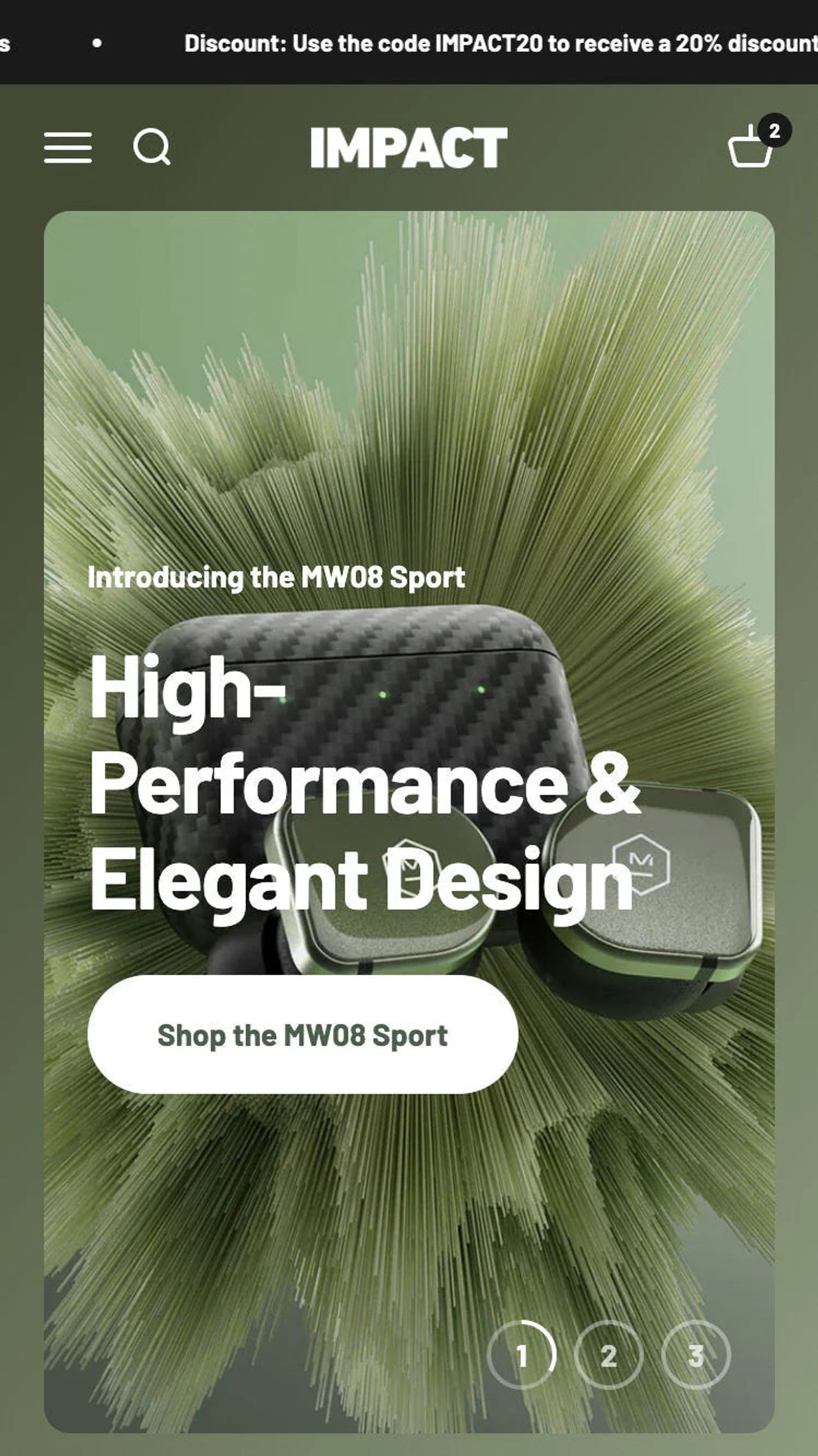
Impact(opens in a new tab) by Maestrooo ($400) pairs a loud visual style with quick buy on collection pages, sticky add to cart and complementary products. No stock counter or countdown in its feature list. 85% positive out of 200.
Symmetry: filters for large catalogs
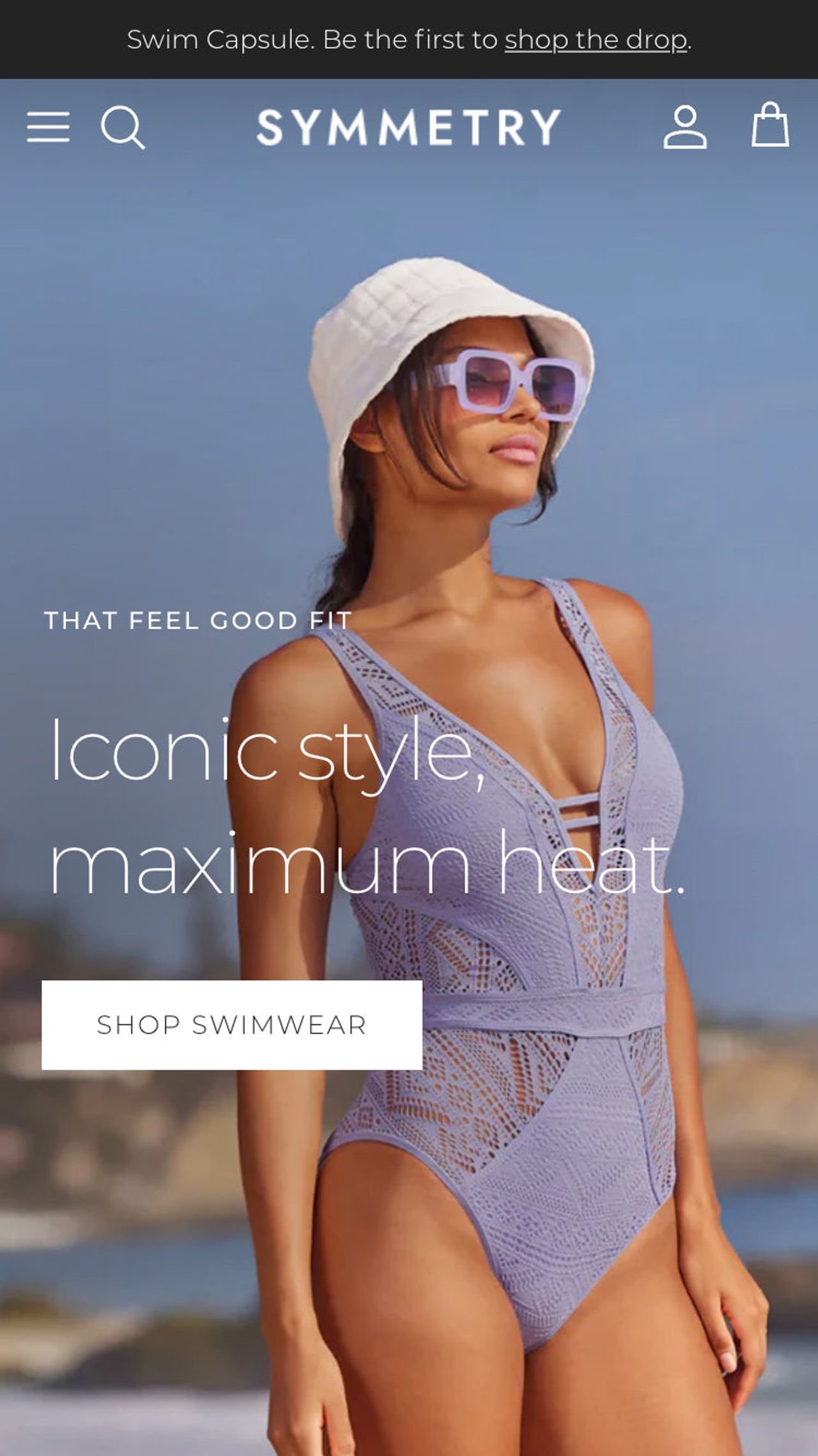
Symmetry(opens in a new tab) by Clean Canvas ($420) is built around strong collection filtering, which matters most when shoppers browse many products. It has sticky cart, stock counter and countdown, but no quantity pricing tag. 94% positive out of 392.
Impulse: proven, promo-heavy
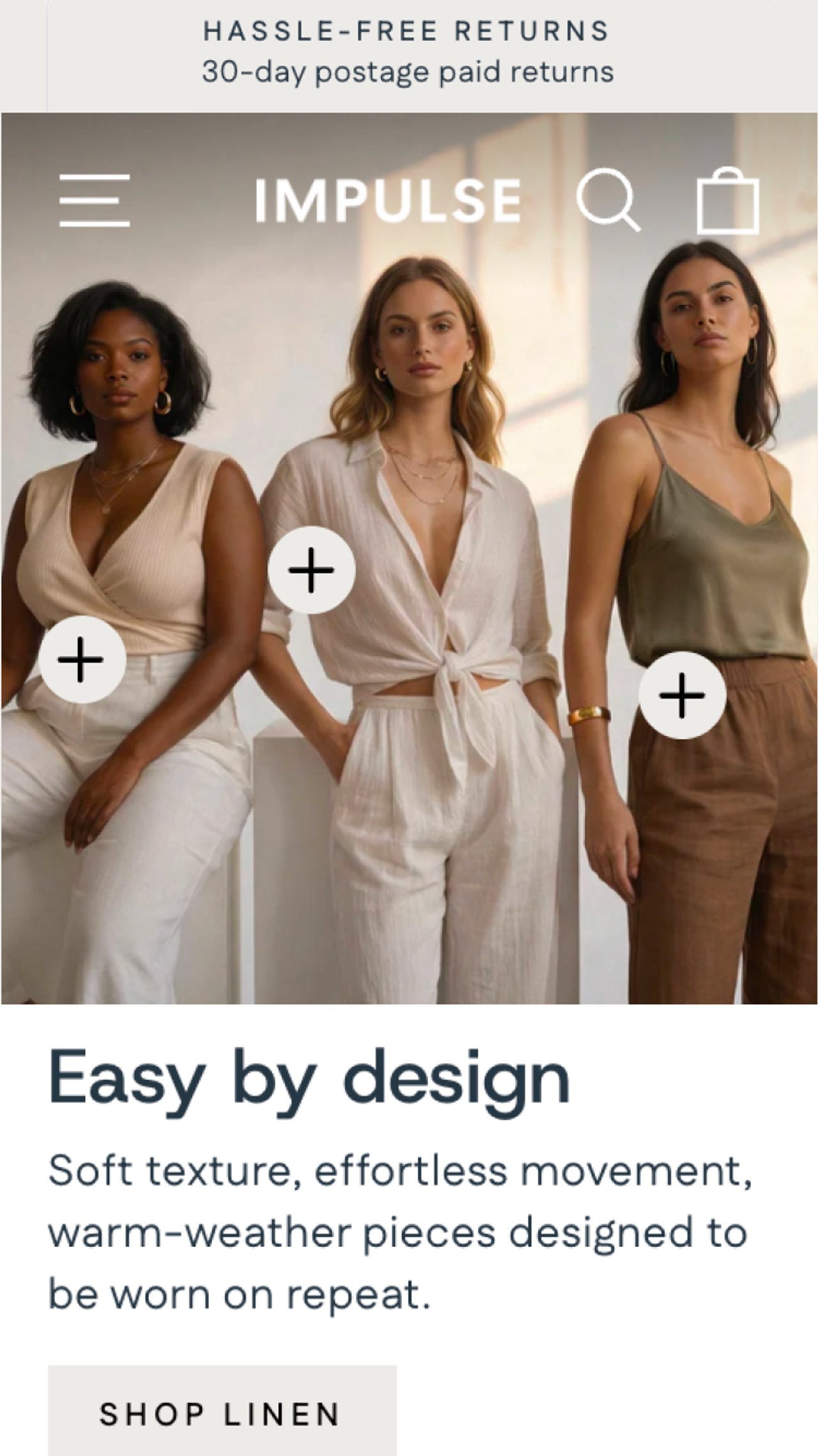
Impulse(opens in a new tab) by Archetype Themes ($500) has the largest review base of the list, 94% positive out of 1,304, and leans on promotions: countdown timer, promo popups, stock counter. Its listing does not include a sticky cart, so check the product page on mobile before buying.
Cama: our theme, a lean option
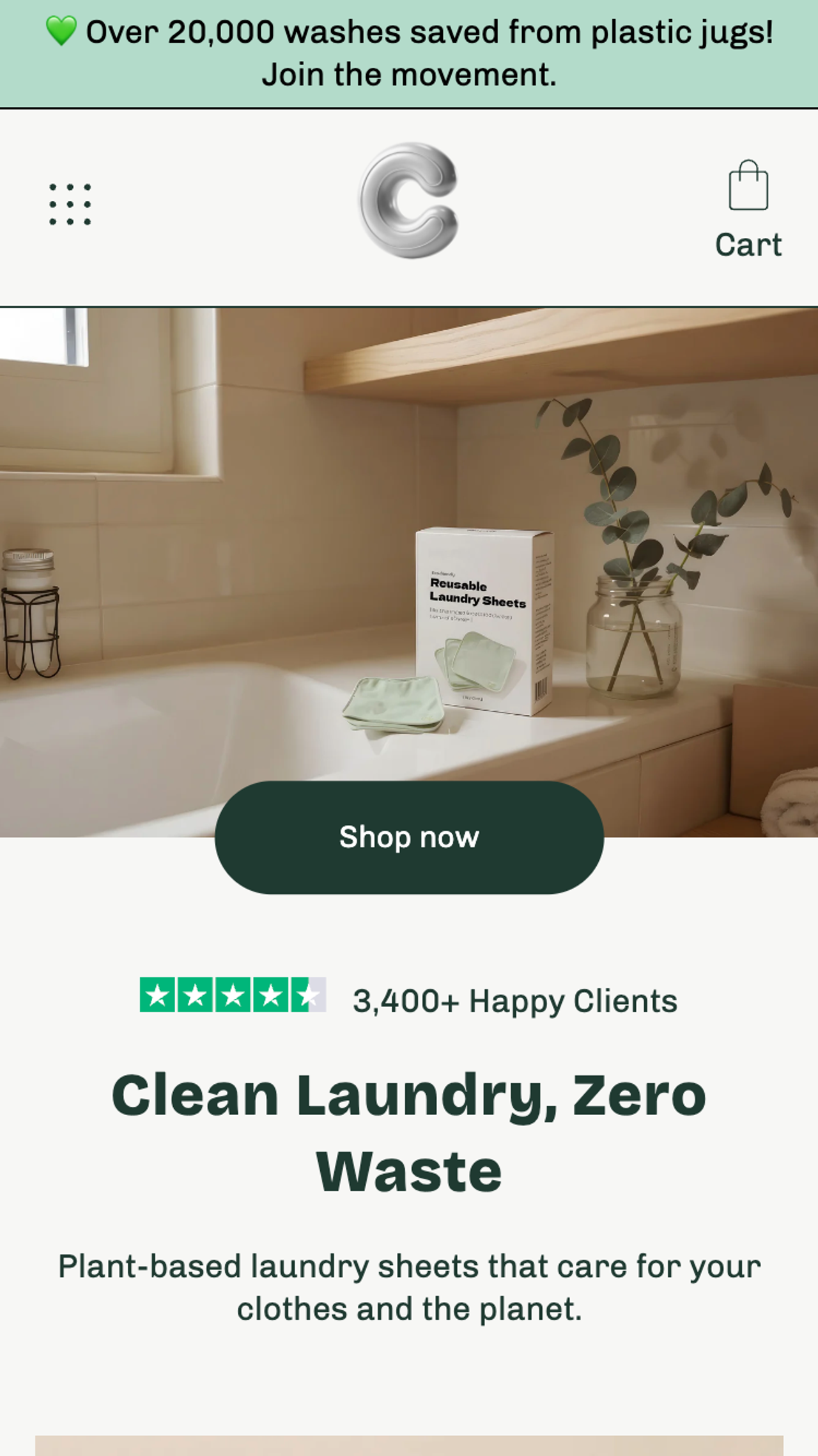
Cama(opens in a new tab) is the theme we build at Trafik Plus ($240, one-time). It has a slide-out cart, sticky cart, predictive search, countdown timer and a free shipping bar, and a Trustpilot block you can place under the first call to action. Honest limits: it has 7 reviews (86% positive), no stock counter or quantity pricing, and its cart drawer has no built-in product upsell. Pick it if you want a lighter theme for a small DTC catalog; see the Cama theme page for the full feature list.
Our second theme, Pops, adds a cart drawer upsell, build-a-box and a shareable cart link. It is still in review for the Theme Store, so we left it out of the comparison.
Horizon: the best free baseline
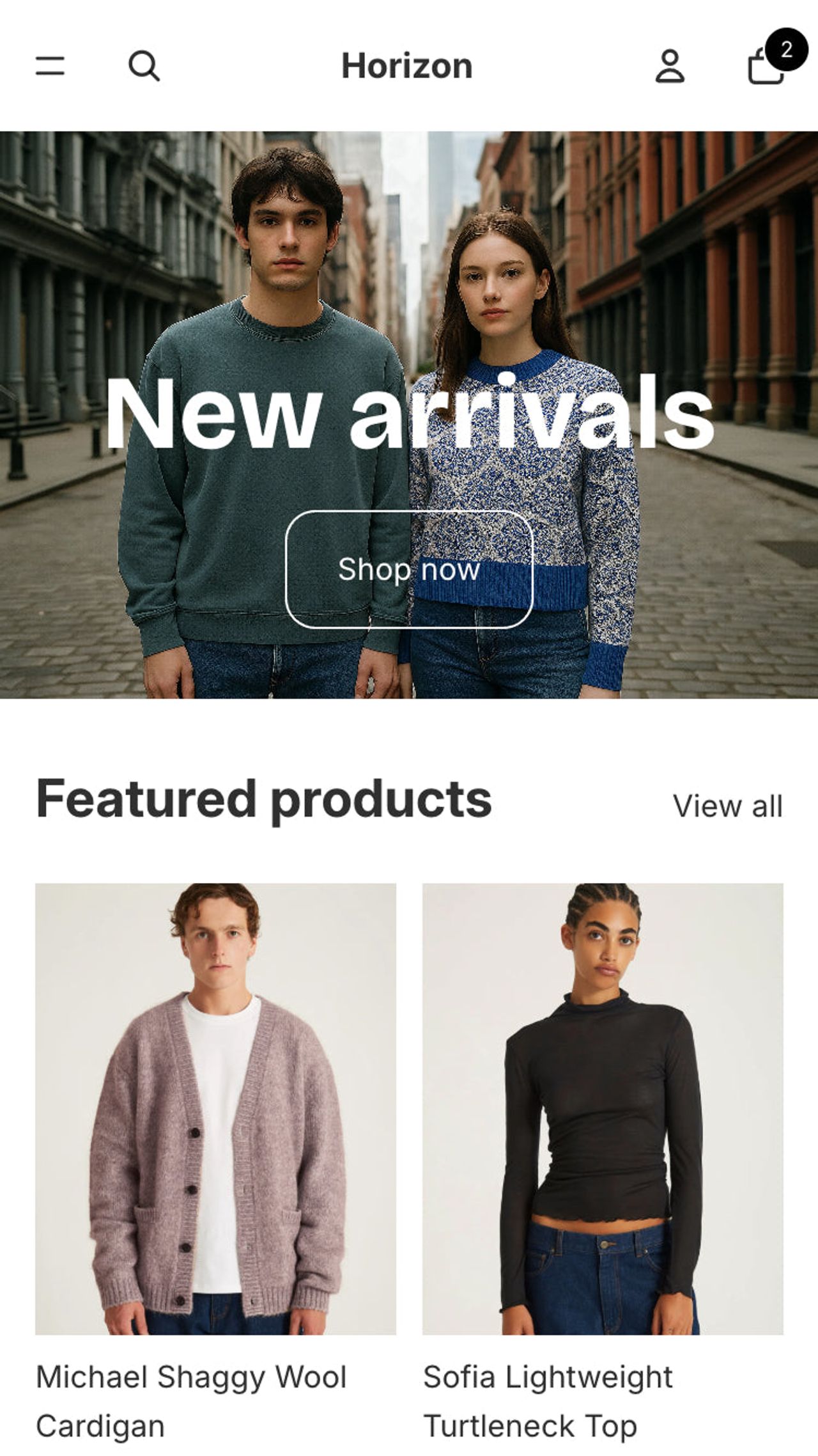
Horizon(opens in a new tab) by Shopify is free and has a slide-out cart, cross-selling, a stock counter, back-in-stock alerts and combined listings. Its feature list has no sticky cart, and its reviews are 36% positive out of 212. A sound base if you add apps for the missing pieces and watch their effect on speed.
What a better-converting theme is worth: a worked example
Take a store with 20,000 sessions a month, a 1.8% conversion rate and a $60 average order value:
- Today: 20,000 x 1.8% = 360 orders, x $60 = $21,600 a month.
- If the new theme lifts conversion to 2.0%: 20,000 x 2.0% = 400 orders, x $60 = $24,000. That is $2,400 more a month, so a $400 theme pays for itself in about 5 days of that uplift.
- If 5% of those 400 orders also take a $20 add-on from the cart drawer: 20 x $20 = $400 more a month.
These are illustrations, not promises. For scale, applying the Deloitte figure (8.4% more conversions for 0.1 s) to the same 360 orders gives about 30 more orders, roughly $1,800 a month. The point: on a store that already has traffic, small gains on conversion and order value cover a theme's price fast, while the same money in ads buys a fixed number of visits.
How to test a theme before you pay
- In the Theme Store, click Try theme. The trial theme is added to your store and the customizations you make are kept if you buy.
- Rebuild your real home, collection and best-selling product pages with your own photos and copy. Demo content flatters every theme.
- Run the trial preview through PageSpeed Insights(opens in a new tab) on mobile and compare with your current theme on the same pages.
- Walk the buying path on your phone: collection, quick buy, product page scroll, sticky add to cart, cart drawer, checkout button.
- Install your review and bundle apps on the trial and check where their blocks land.
- Buy and publish, then compare 30 days of conversion rate, AOV and the Web performance report against the 30 days before. Avoid launching a new ad campaign or a sale in the same window, or you will not know what caused the change.
Once the theme handles speed, the cart and the product page, the next lever is order value. If you add quantity breaks or bundles, Snap Bundle(opens in a new tab) adds volume discounts, mix and match and free gifts to any of these themes. It is free while bundle revenue stays under $500 a month, then $12.99 a month, with no order cap.
FAQ
What is the best converting Shopify theme?
No theme has a published, independent conversion rate, so any single answer is marketing. On verifiable criteria, Release and Be Yours list the most conversion features on the Theme Store (slide-out cart, sticky cart, quantity pricing, stock counter, countdown timer), and Be Yours has 98% positive reviews out of 695. The best converting theme for you is the one that passes the seven checks in this article on your own catalog.
What is the highest converting free Shopify theme?
Horizon, Shopify's current free theme family, is the strongest free option: it has a slide-out cart, cross-selling, combined listings and a stock counter. It has no sticky cart in its Theme Store feature list, and its rating is 36% positive out of 212 reviews, so plan an app or a paid theme if a sticky add to cart matters for your product pages.
Are paid Shopify themes worth it?
A paid theme is a one-time payment with a lifetime license for your store and free updates. At $320 to $500, it pays for itself if it lifts conversion by a fraction of a point on a store that already has traffic: see the worked example above. If your store has under a few thousand sessions a month, spend the money on traffic or offers first.
Does a Shopify theme affect conversion rate?
Yes, through speed, the cart, the product page layout and mobile usability. A Google-commissioned Deloitte study measured an 8.4% higher retail conversion rate for a 0.1 second faster mobile site. The theme does not fix a weak offer, bad photos or wrong pricing, though.
What is the fastest Shopify theme?
There is no official ranking. Every Theme Store theme must average a Lighthouse performance score of at least 60 on its demo, which is a low bar. Your apps, images and fonts weigh more than the theme itself, so test the demo with PageSpeed Insights and then watch your own Web performance report after install.

Keep reading

Shopify Search Optimization: Turn Searchers Into Buyers
How Shopify search works, how to set up the free Search & Discovery app, fix zero-result queries and decide when a paid search app is worth it.

Cart Drawer vs Cart Page on Shopify: Which One Converts Better? (2026)
Cart drawer or cart page? What A/B tests and CRO research say about conversion, plus how native upsells change the answer.

How to Reduce Cart Abandonment on Shopify: 12 On-Site Fixes
Seven in ten carts are abandoned. Here is how to measure your rate in Shopify, why shoppers leave, and 12 cart and checkout fixes that keep more of them.