List of Shopify themes using Theme Blocks (in 2026)

Summarize this article with AI


Which Shopify themes support Theme Blocks in 2026? A list of free and paid themes, from Pops and Horizon to Bricks and Vetro, with prices and designers.
Shopify introduced Theme Blocks on January 31, 2024, as a developer preview. In 2026, not every theme on the Shopify Theme Store has updated its code to support them, and a theme's demo rarely tells you whether it does. This list gathers the ones that do.
What are Theme Blocks?
Theme blocks are reusable, customizable modules that merchants add, reorder and nest inside theme sections from the theme editor. They let you change the layout and content of your online store without hiring a developer.
- Reusable: a developer defines a block once, and it works in every section that accepts theme blocks.
- Nestable: blocks can hold other blocks, up to 8 levels deep, so you can build rows, columns and groups inside a single section.
- AI-ready: since the Summer '25 Edition, Shopify Magic can generate a new theme block from a text description, on any theme that supports theme blocks.
Theme blocks vs. section blocks
Older Online Store 2.0 themes use section blocks: each block is written inside one section's file, only works in that section, and can't contain other blocks. Theme blocks live in their own files, so the same block can be reused across sections and nested inside other blocks.
Shopify themes that support Theme Blocks
The Trafik Plus team went through the Shopify Theme Store and kept the themes whose listing states Theme Blocks support. Apart from Pops, which is still in review, every theme below is on the Shopify Theme Store, and you can try each one in your store for free (no time limit, no credit card needed) before you buy it.
Theme | Designer | Price |
|---|---|---|
Pops | Trafik Plus | Available soon |
Horizon | Shopify | Free |
Atelier | Shopify | Free |
Dwell | Shopify | Free |
Savor | Shopify | Free |
Pitch | Shopify | Free |
Ritual | Shopify | Free |
Heritage | Shopify | Free |
Fabric | Shopify | Free |
Tinker | Shopify | Free |
Vessel | Shopify | Free |
Bricks | Getsitecontrol | $300 USD |
Helix | ModuTheme | $250 USD |
Unicorn | MPIthemes | $100 USD |
Primavera | Ultramarina | $400 USD |
Vetro | The4 | $340 USD |
Seventh | Krown Themes | $420 USD |
Pebble | FoxEcom | $400 USD |
Fit Check | Juliano Group | $400 USD |
Pops
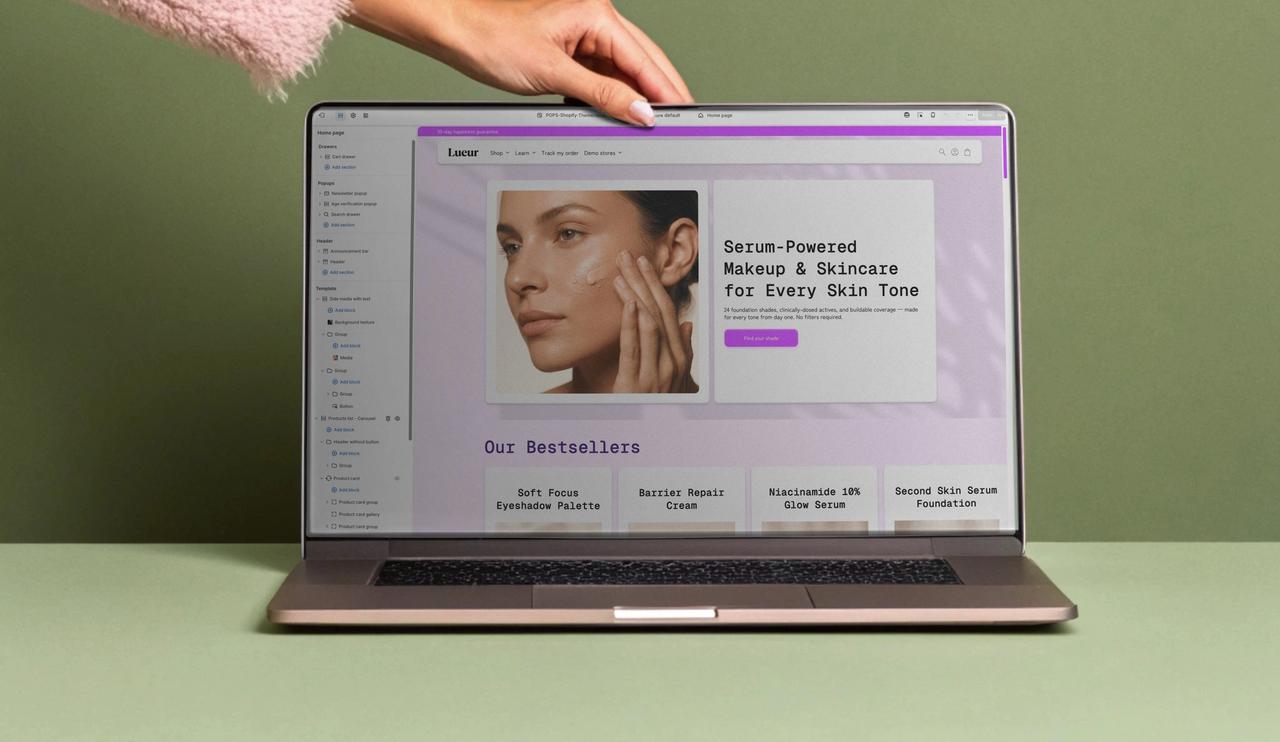
Pops is a Shopify theme designed by Trafik Plus for DTC and CPG (consumer packaged goods) brands, from drinks to beauty. It was built with Theme Blocks in mind, so you can create as many layouts as you need. Pops is currently in review by the Shopify Theme Store team. Discover the Pops theme.
Horizon
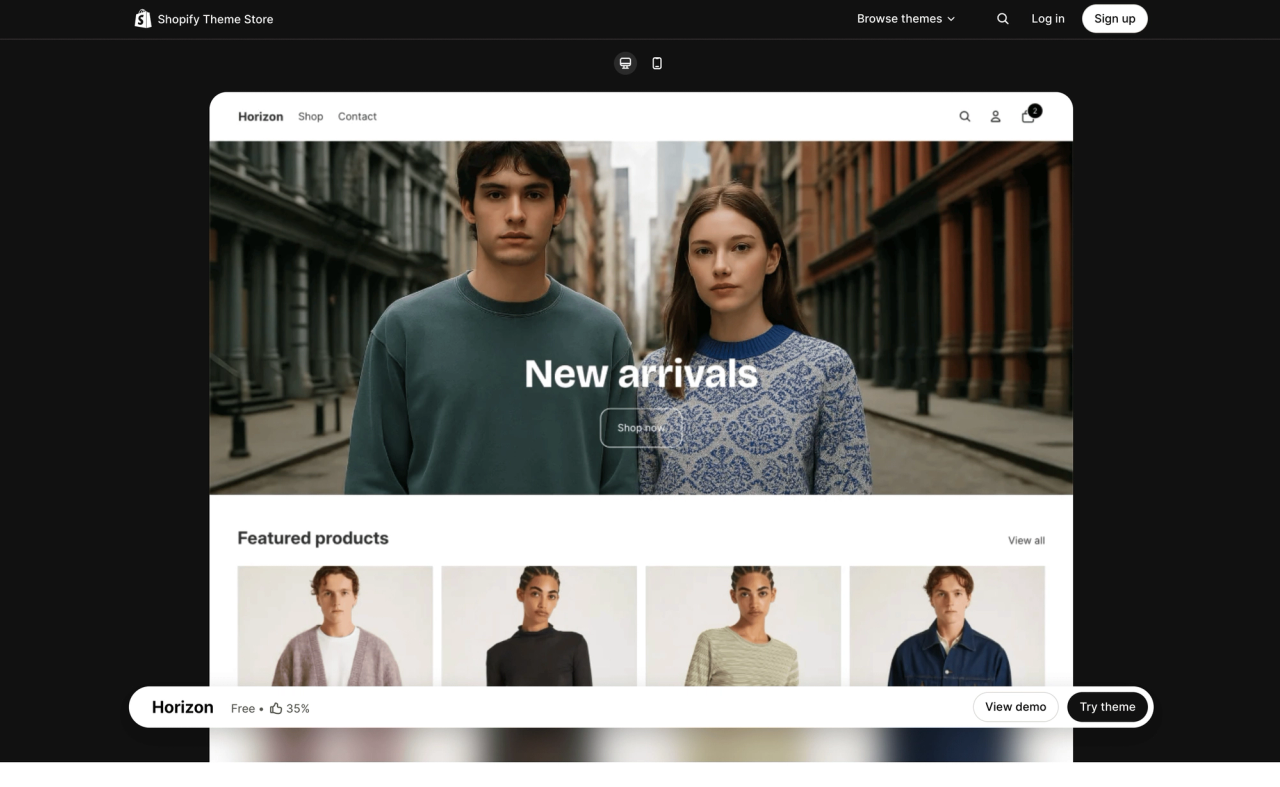
Horizon is a free theme designed by Shopify and launched with the Summer '25 Edition as Shopify's new design foundation. It's built on Theme Blocks and supports AI block generation: describe the block you need, and Shopify Magic creates it. Atelier, Dwell, Savor, Pitch, Ritual, Heritage, Fabric, Tinker and Vessel below belong to the same Horizon collection, so they're free too. See Horizon on the Shopify Theme Store(opens in a new tab).
Atelier (Horizon)
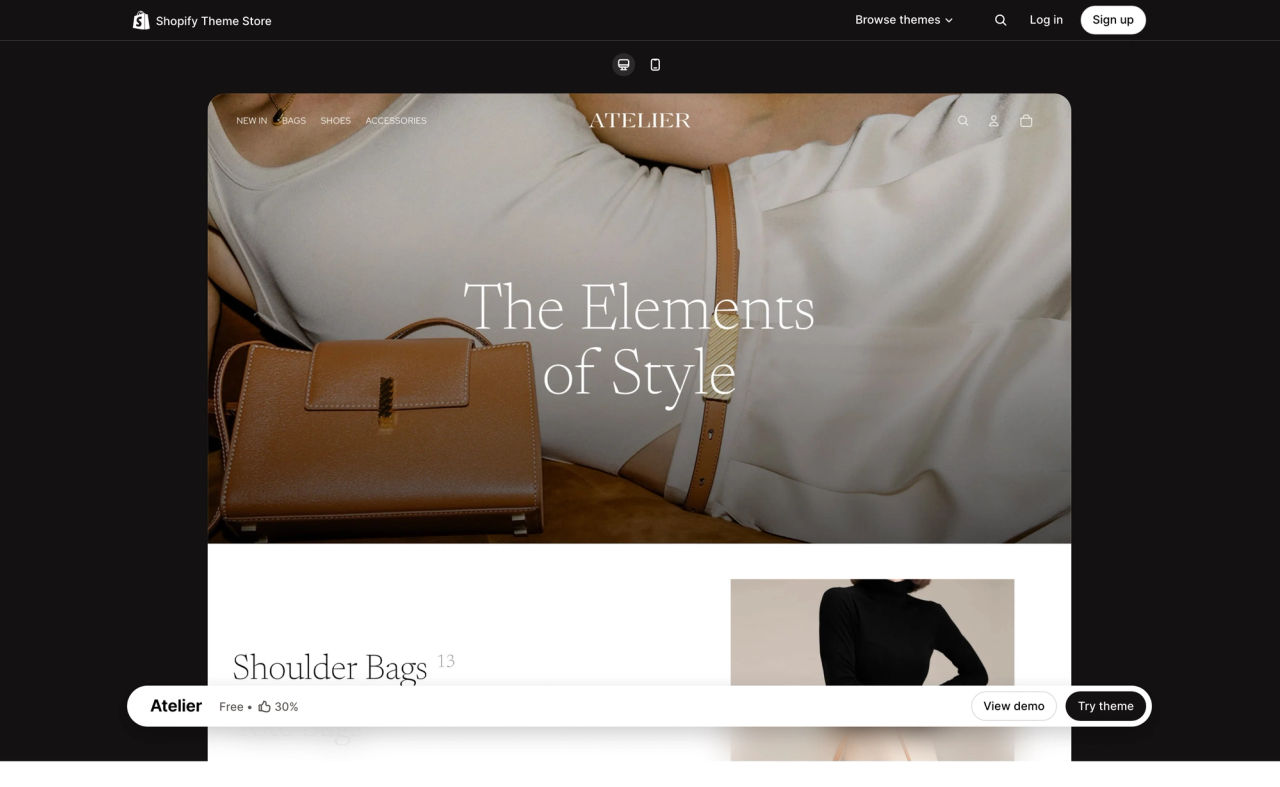
Atelier is a free Horizon theme by Shopify. It gives your store a luxurious, handcrafted feel, with airy galleries and large media for editorial storytelling. See Atelier on the Shopify Theme Store(opens in a new tab).
Dwell (Horizon)
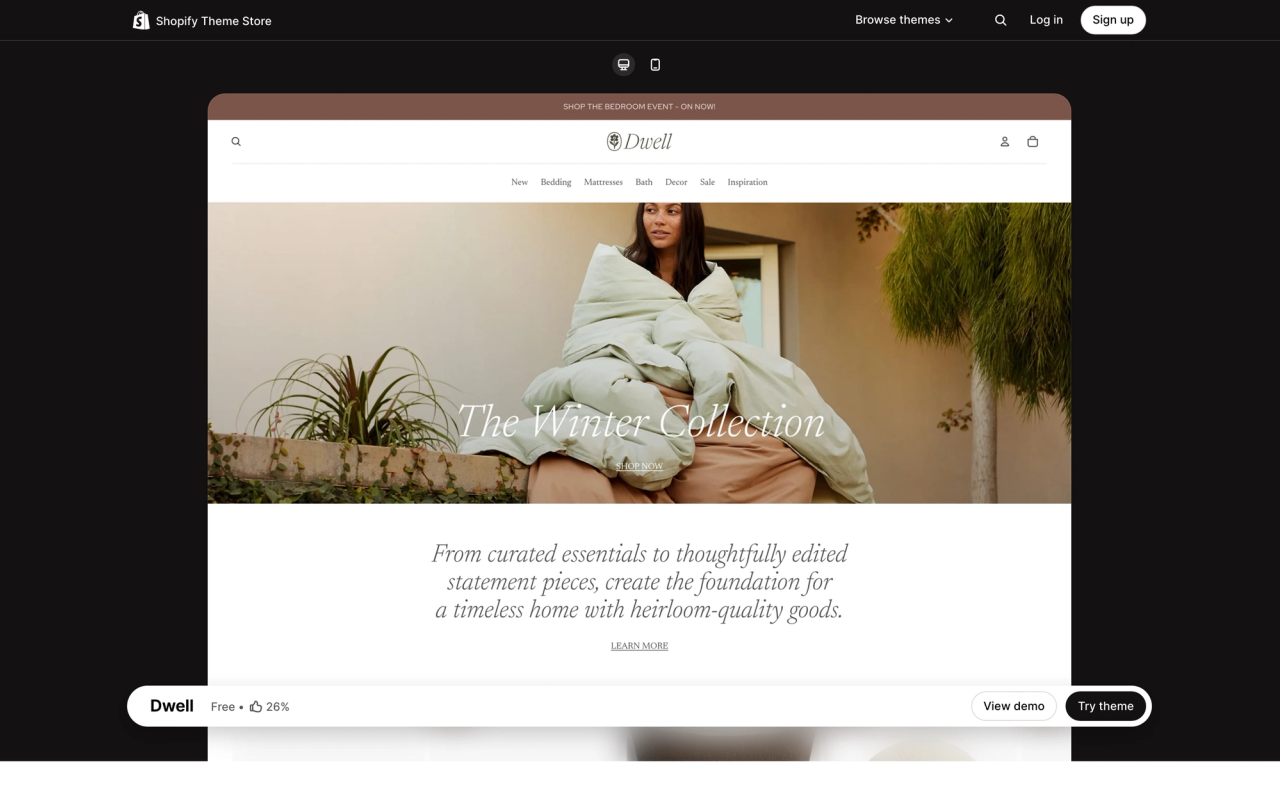
Dwell is a free Horizon theme by Shopify, with a warm, neutral palette. Its mega menu and collection call-outs help shoppers explore large home and lifestyle catalogs. See Dwell on the Shopify Theme Store(opens in a new tab).
Savor (Horizon)
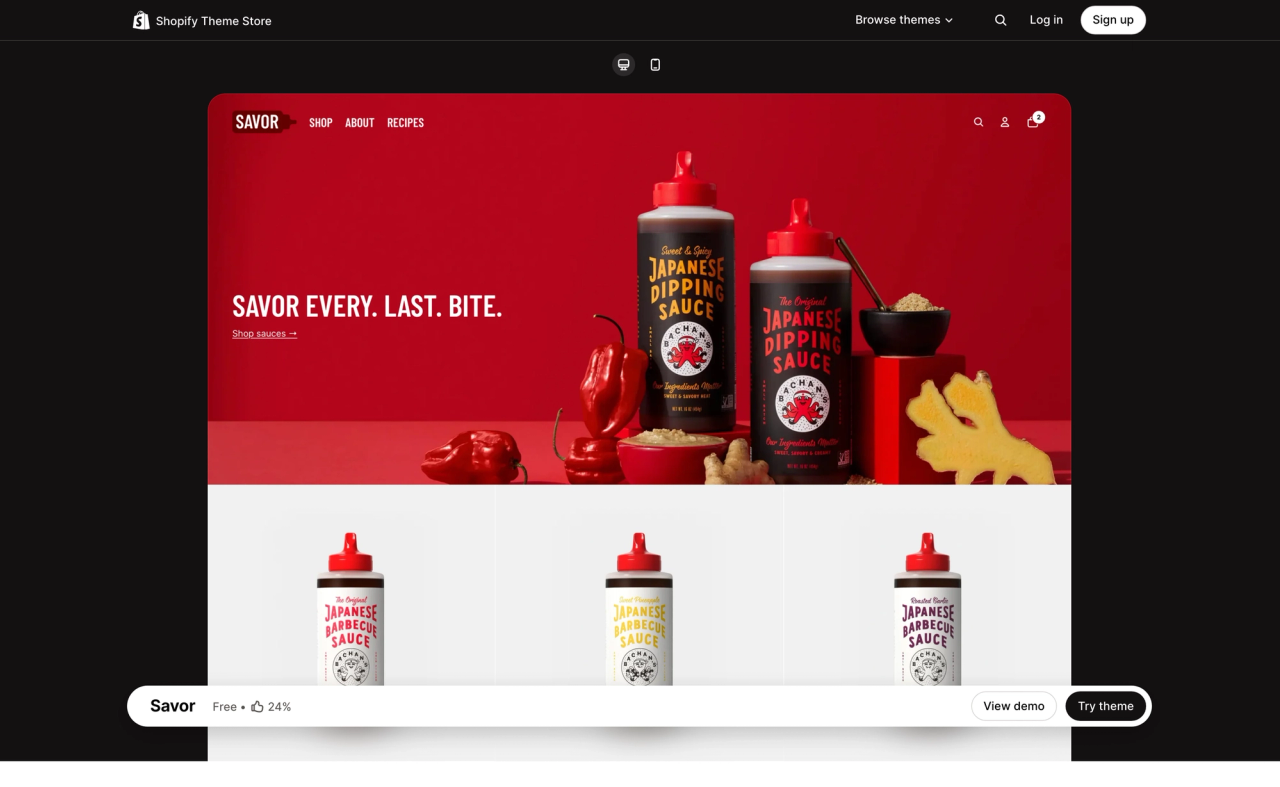
Savor is a free Horizon theme by Shopify for food and drink brands. It uses bright, edge-to-edge imagery and storytelling blocks to make products look appetizing. See Savor on the Shopify Theme Store(opens in a new tab).
Pitch (Horizon)
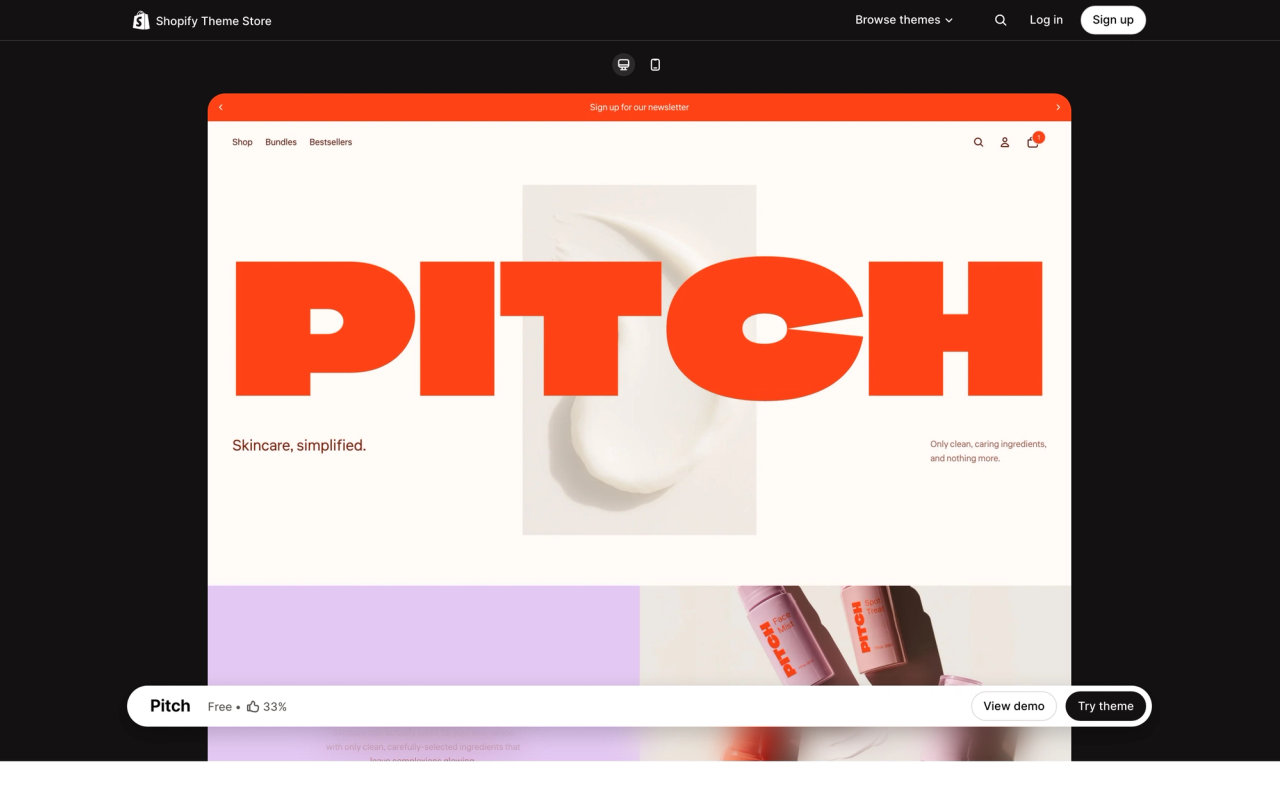
Pitch is a free Horizon theme by Shopify for bold brands. Its striking typography and vibrant visuals put product details and ingredients front and center. See Pitch on the Shopify Theme Store(opens in a new tab).
Ritual (Horizon)
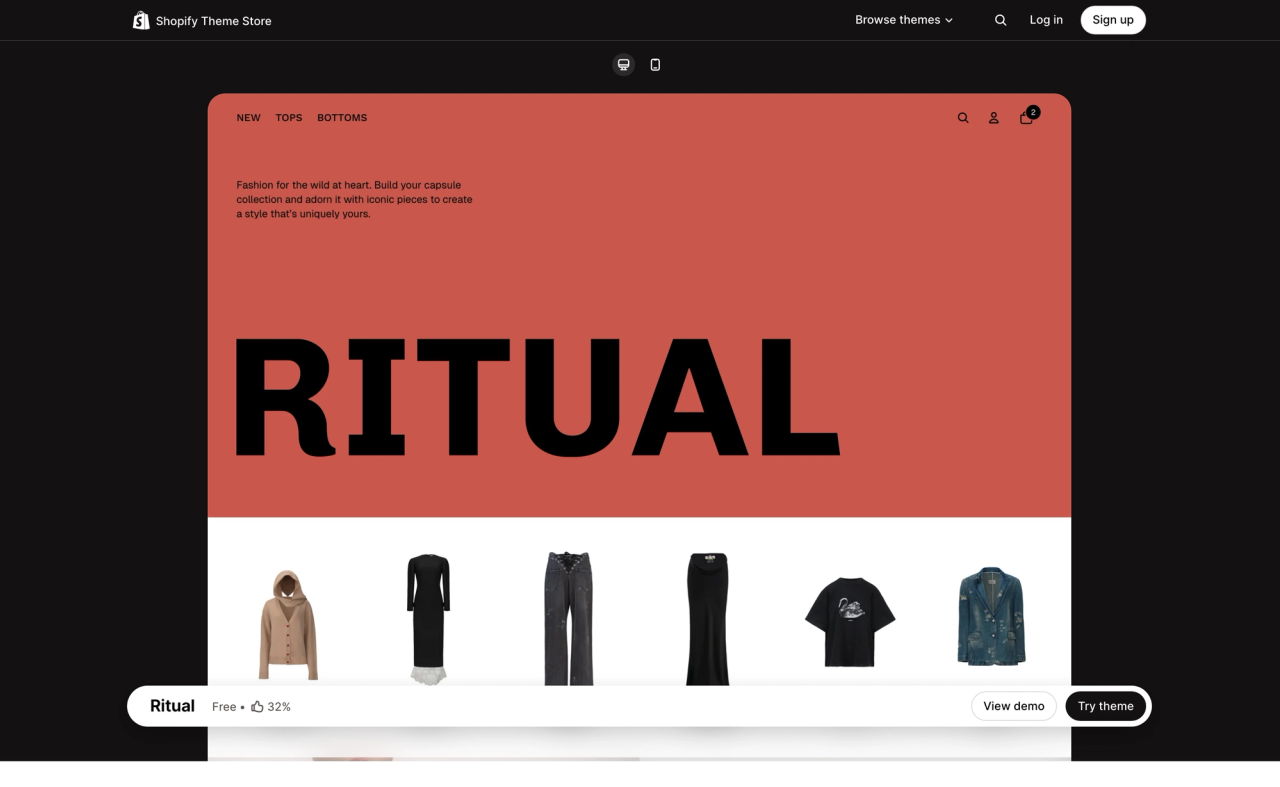
Ritual is a free Horizon theme by Shopify for luxury and fashion brands. Its magazine-style layouts, standout logo placement and striking colors give your shop a polished, curated feel. See Ritual on the Shopify Theme Store(opens in a new tab).
Heritage (Horizon)
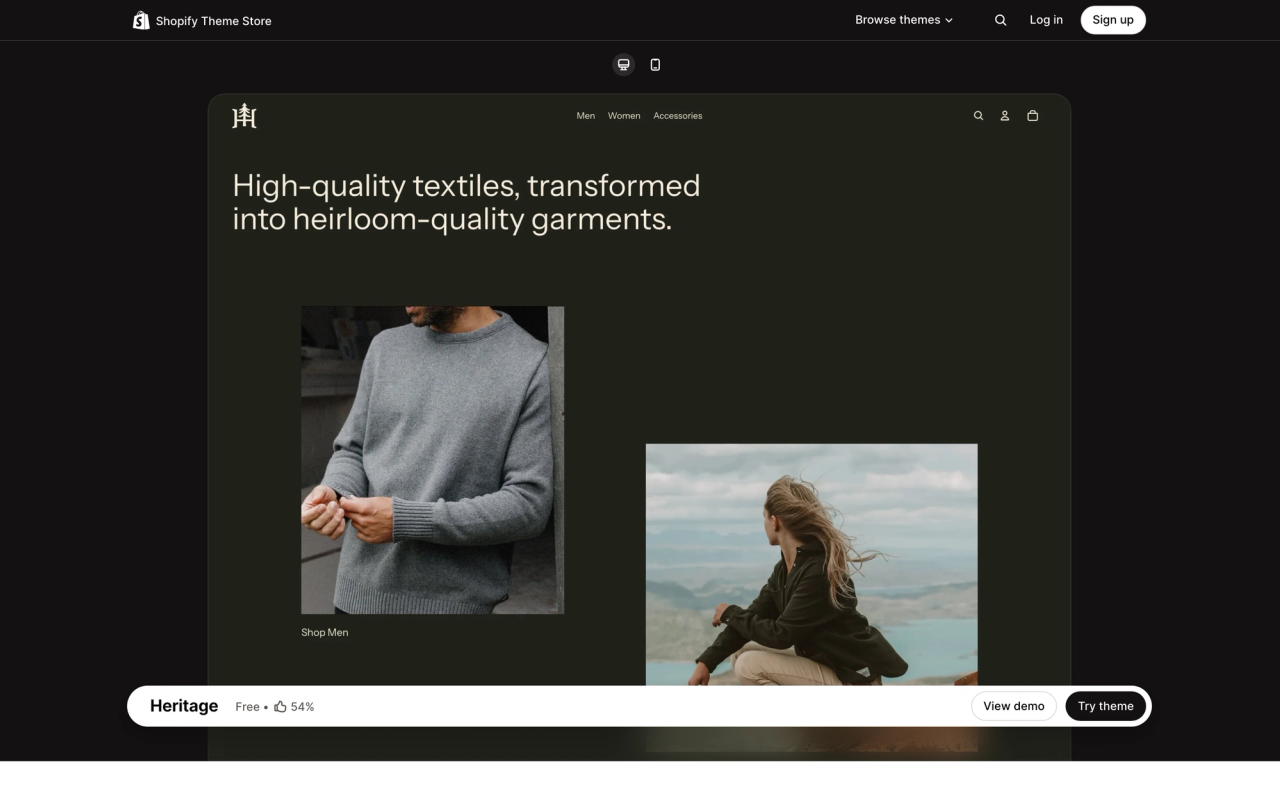
Heritage is a free Horizon theme by Shopify for brands with an editorial voice. Immersive galleries and asymmetrical layouts tell your story, while detailed product pages highlight textures and craftsmanship. See Heritage on the Shopify Theme Store(opens in a new tab).
Fabric (Horizon)
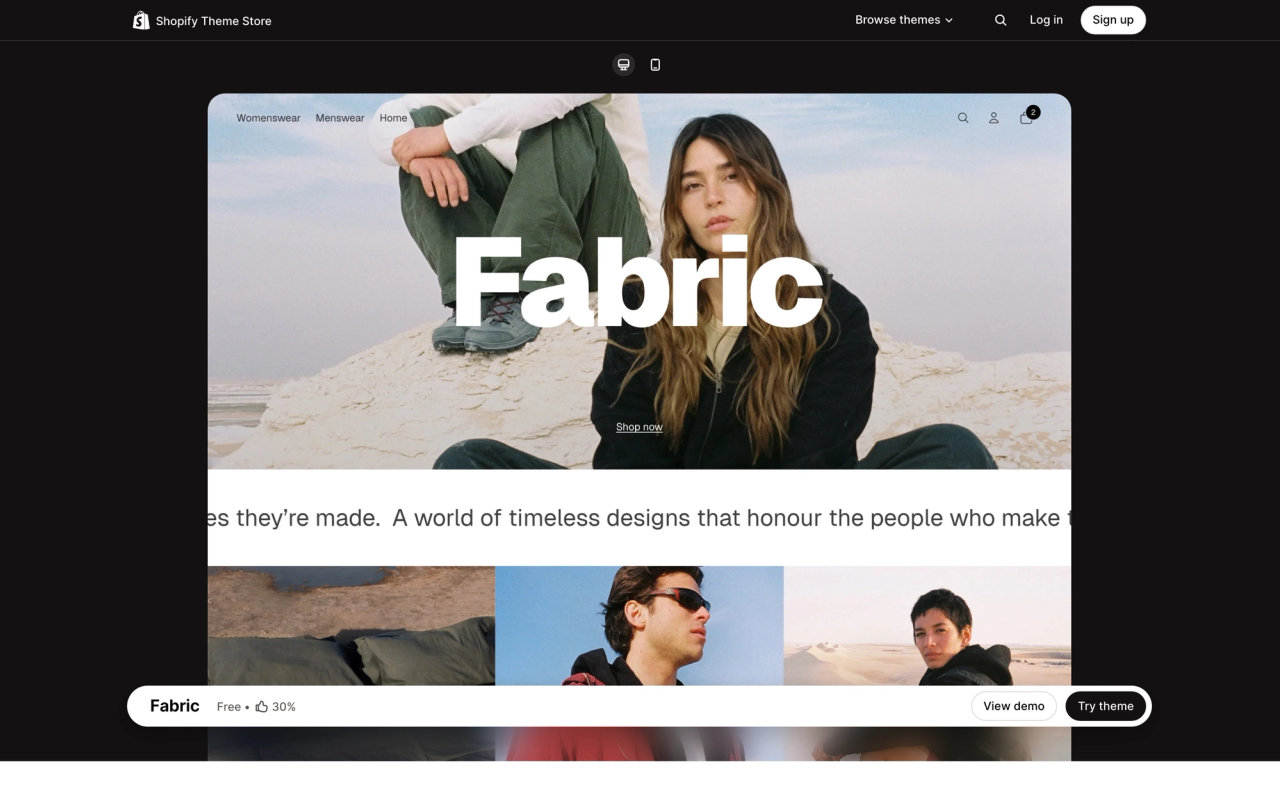
Fabric is a free Horizon theme by Shopify with a bold, casual look. Edge-to-edge product grids, large swatches and lifestyle media blocks work across many product categories. See Fabric on the Shopify Theme Store(opens in a new tab).
Tinker (Horizon)
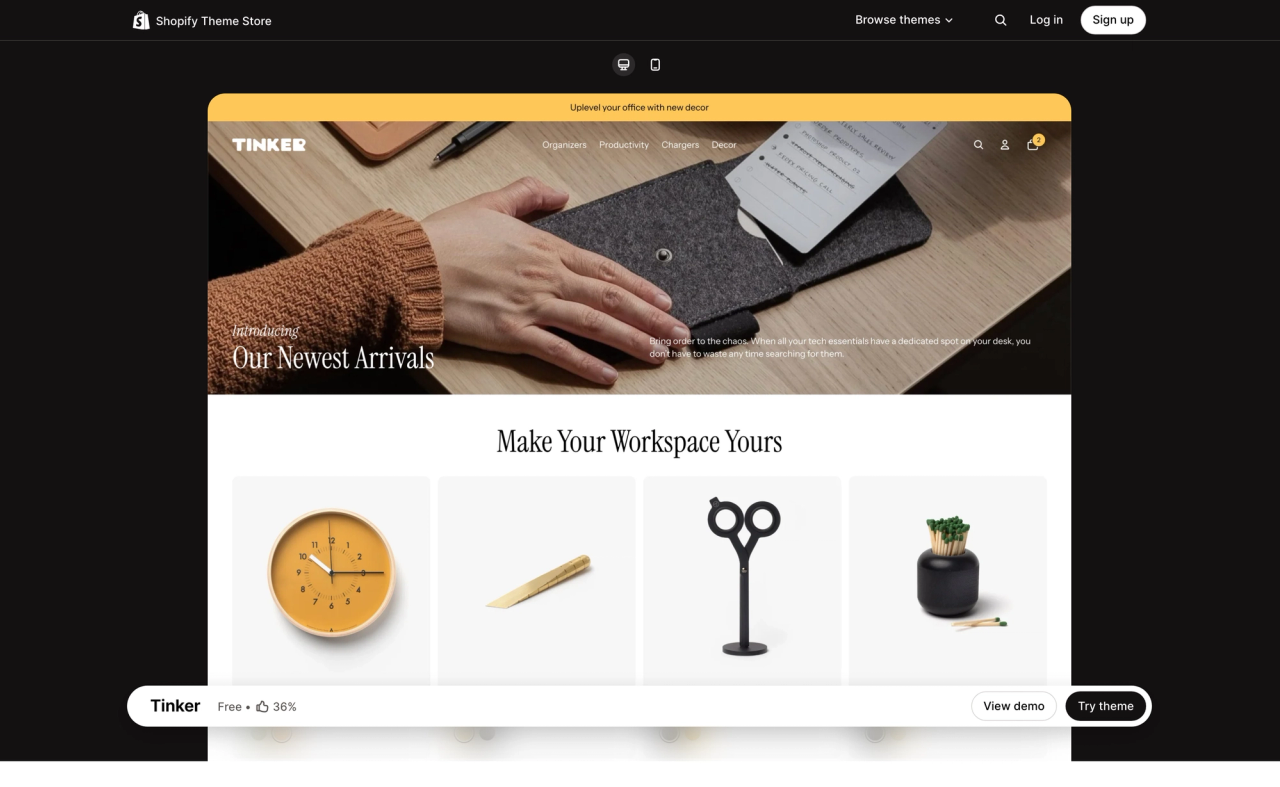
Tinker is a free Horizon theme by Shopify for creative, catalog-driven stores. It pairs clear navigation and category pages with bento-style collection cards and video blocks for storytelling. See Tinker on the Shopify Theme Store(opens in a new tab).
Vessel (Horizon)
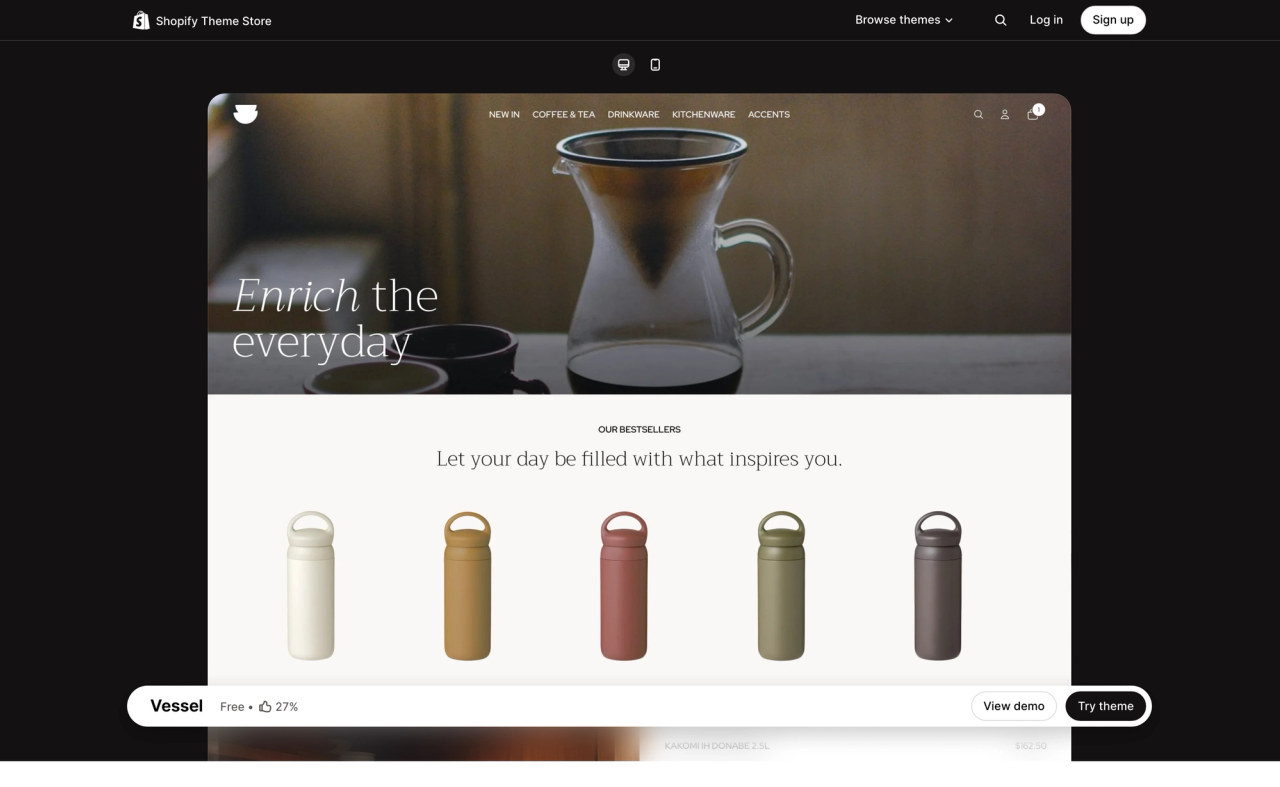
Vessel is a free Horizon theme by Shopify with an open, airy design. Plenty of negative space keeps the focus on your products, and intuitive search and filtering help shoppers find what they need. See Vessel on the Shopify Theme Store(opens in a new tab).
Bricks
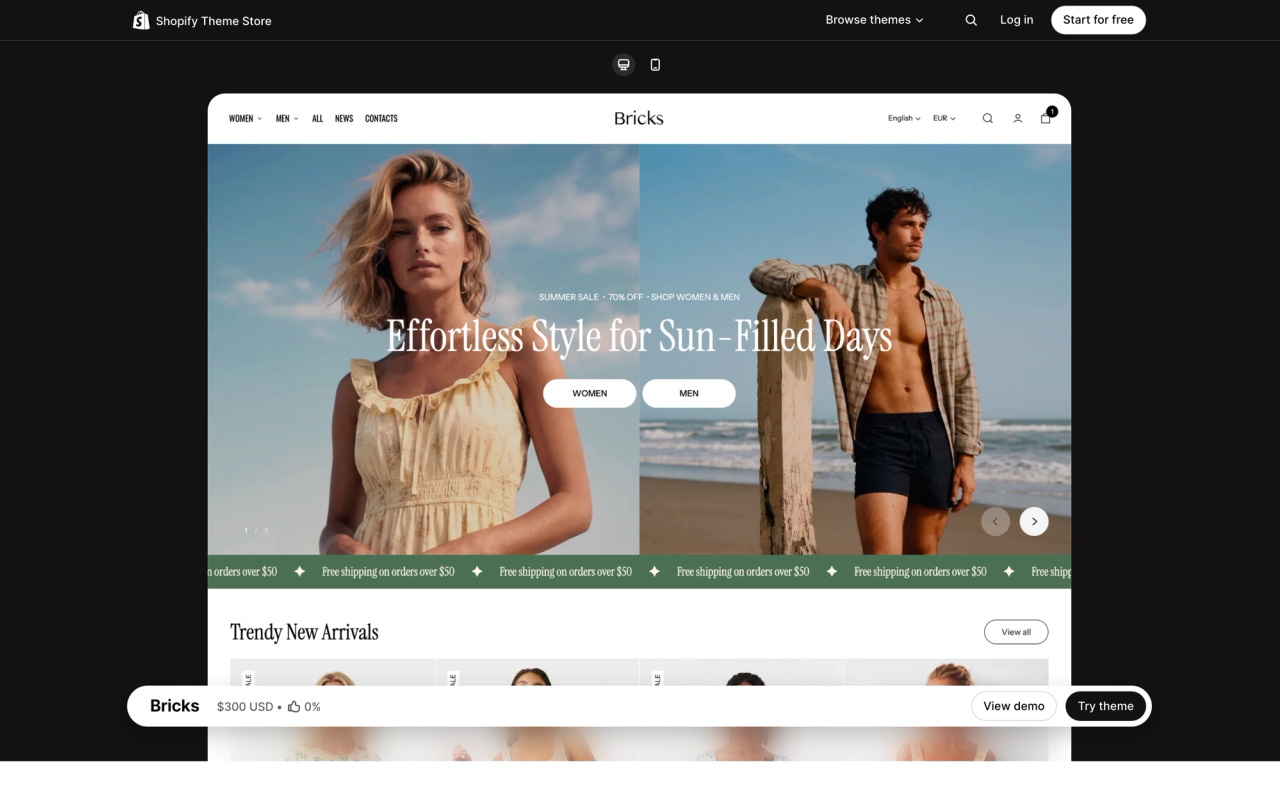
Bricks is a paid theme ($300 USD) by Getsitecontrol for fashion brands. It relies on nested theme blocks for richer layouts, whether you edit them yourself or with AI. See Bricks on the Shopify Theme Store(opens in a new tab).
Helix
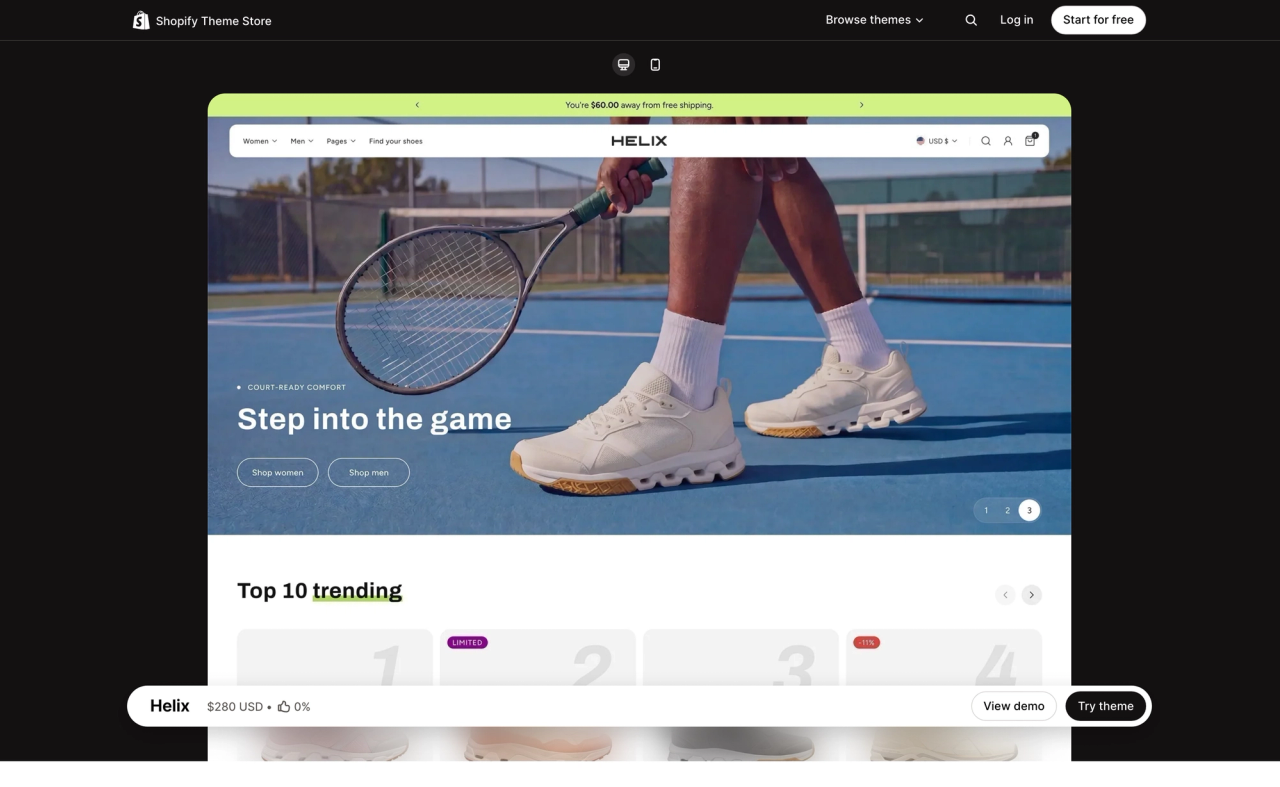
Helix is a paid theme ($250 USD) by ModuTheme. It's fully built with theme blocks and custom sections, and comes with several presets, including Marlow, Elvara and Selene. See Helix on the Shopify Theme Store(opens in a new tab).
Unicorn
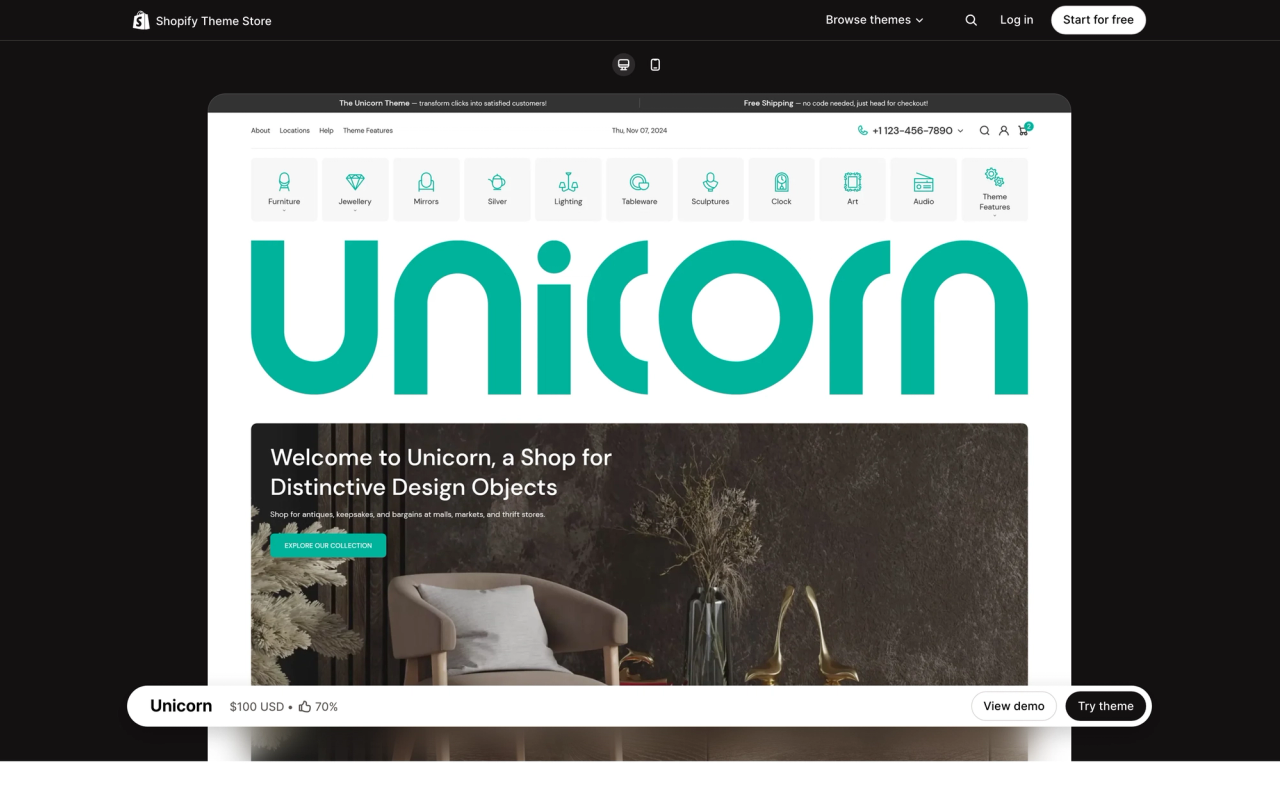
Unicorn is a paid theme ($100 USD) by MPIthemes for home and living stores. It's the most affordable paid theme in this list, and it's packed with nested theme blocks. See Unicorn on the Shopify Theme Store(opens in a new tab).
Primavera
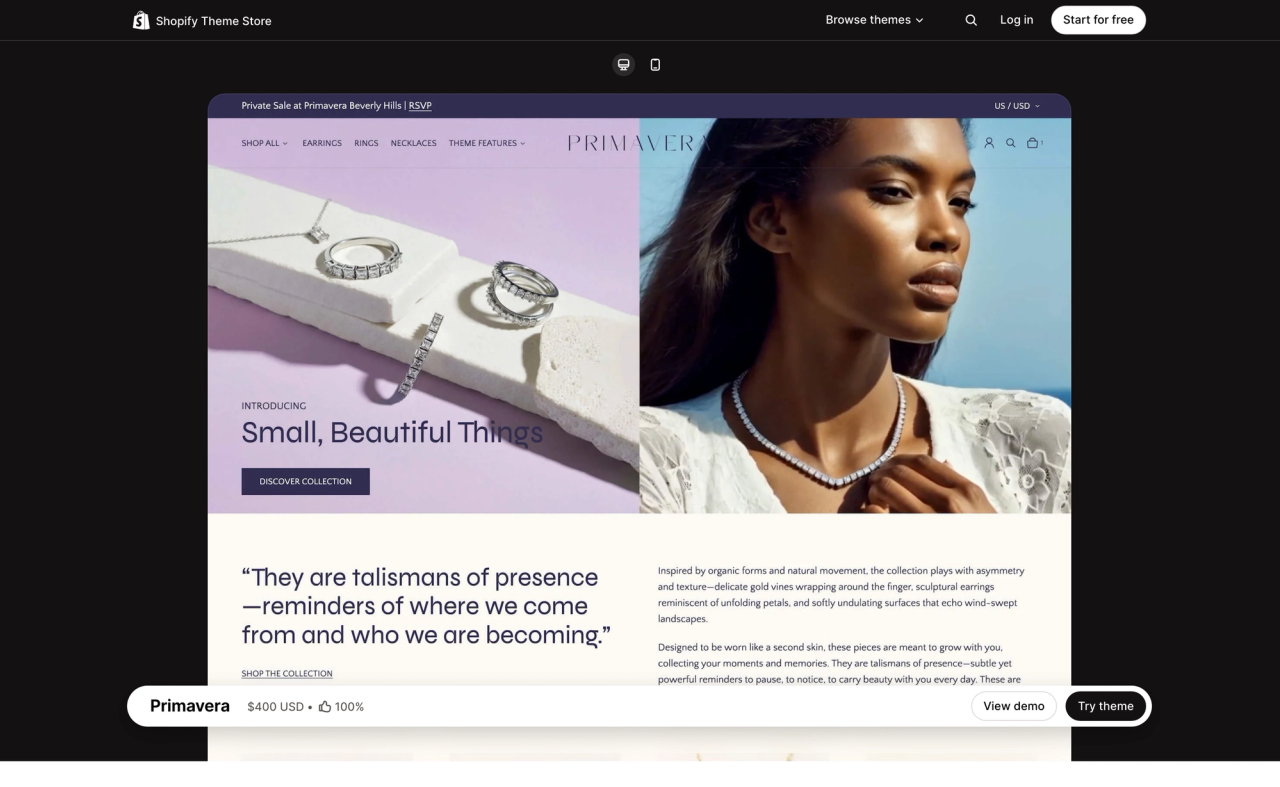
Primavera is a paid theme ($400 USD) by Ultramarina, with a premium, minimal design for luxury jewelry, gold and diamond brands. Its theme blocks work alongside AI-generated blocks. See Primavera on the Shopify Theme Store(opens in a new tab).
Vetro
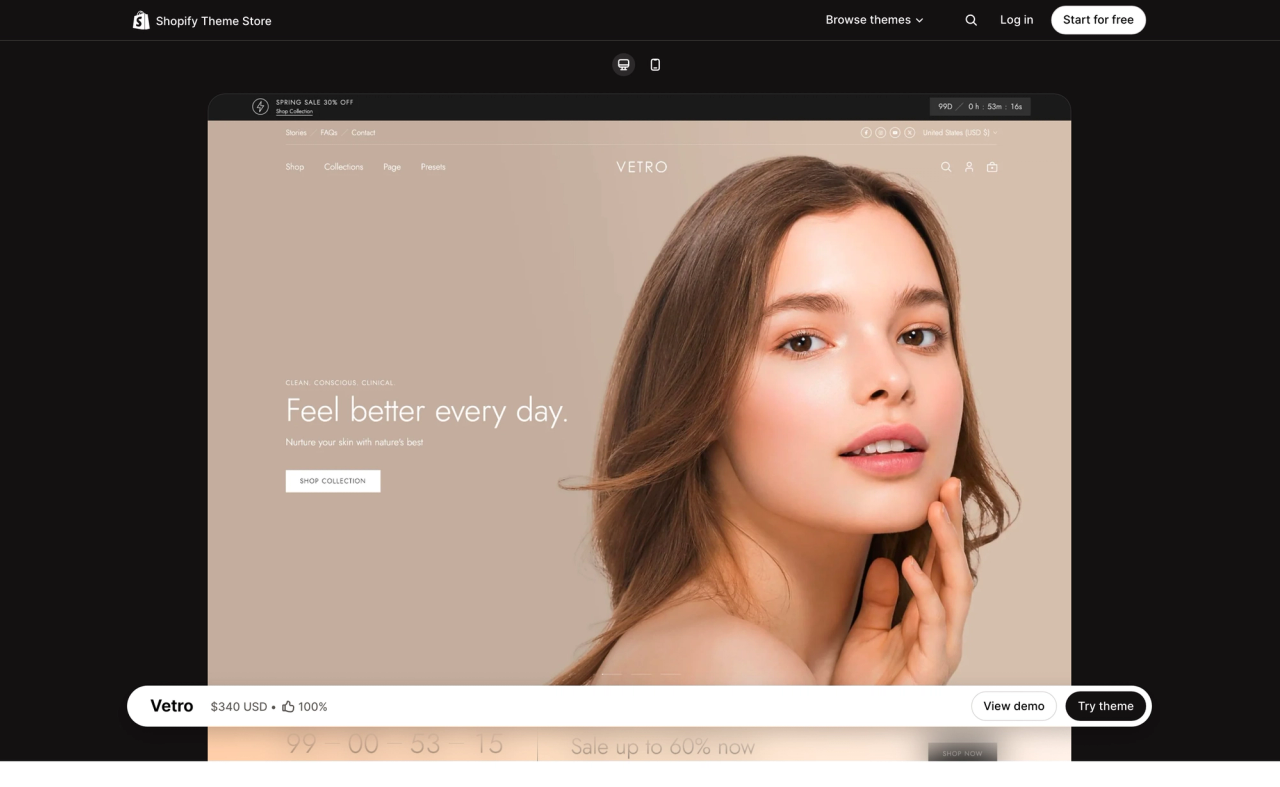
Vetro is a paid theme ($340 USD) by The4 for beauty brands. It combines 36+ sections with native Shopify theme blocks, so your storefront can change without code. See Vetro on the Shopify Theme Store(opens in a new tab).
Seventh
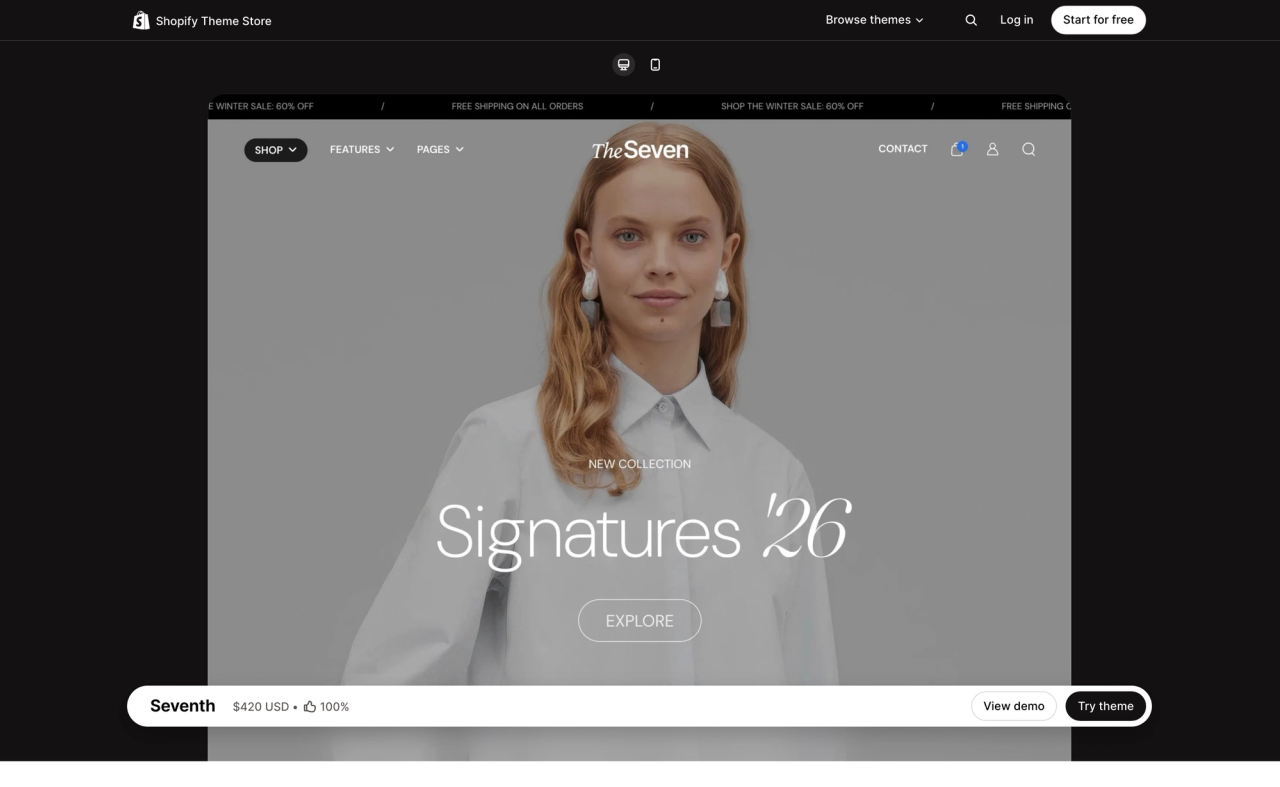
Seventh is a paid theme ($420 USD) by Krown Themes for luxury brands. Its layout system combines cards, theme blocks and sections, from classic grids to asymmetric designs, with full-screen or classic product pages. See Seventh on the Shopify Theme Store(opens in a new tab).
Pebble
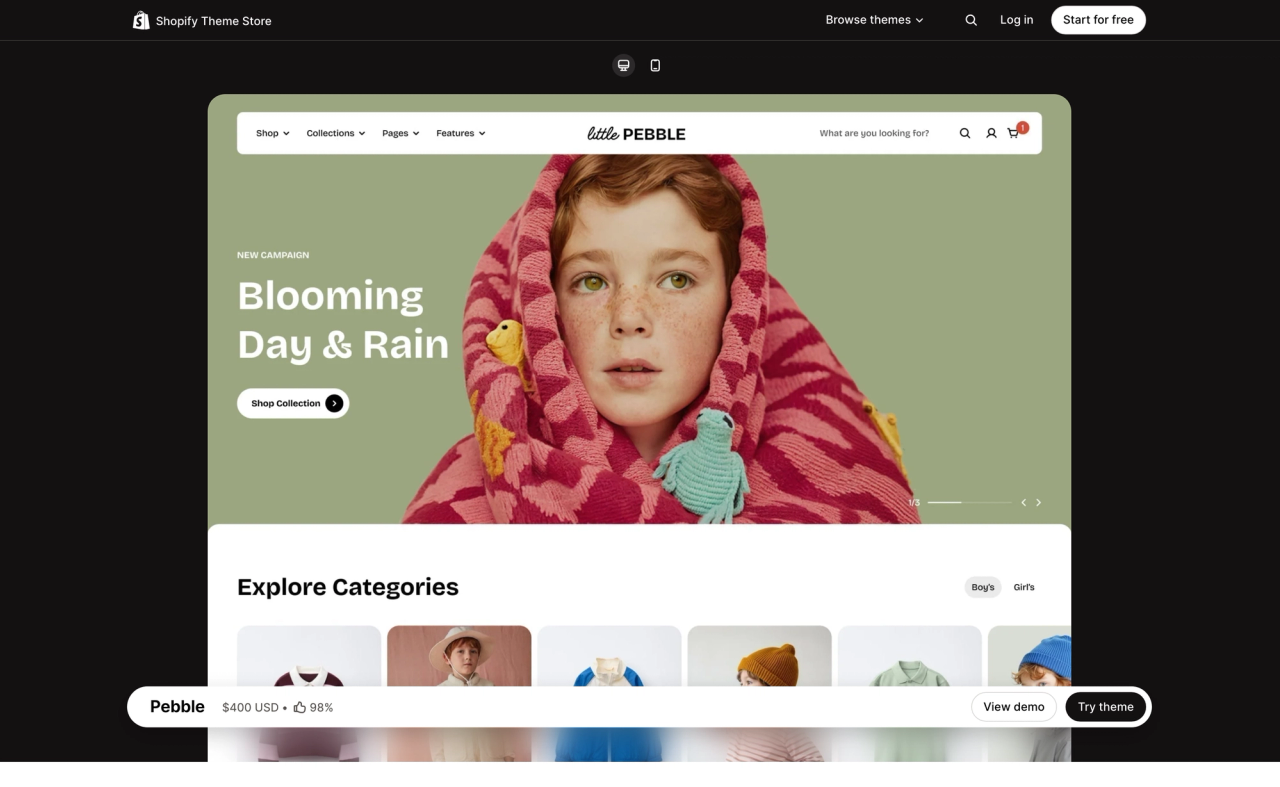
Pebble is a paid theme ($400 USD) by FoxEcom for story-rich fashion brands. It uses theme blocks to reuse and nest content across all pages, with smooth animations that guide shoppers through your brand story. See Pebble on the Shopify Theme Store(opens in a new tab).
Fit Check
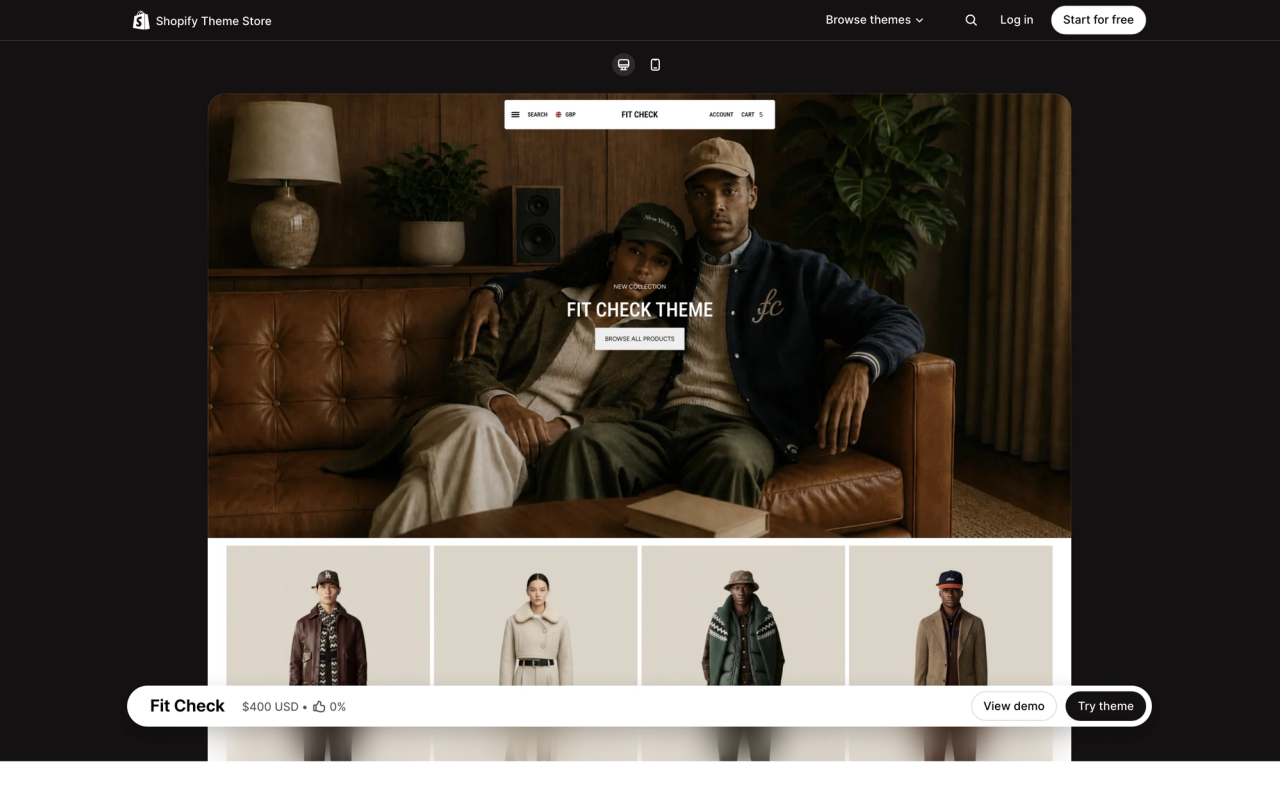
Fit Check is a paid theme ($400 USD) by Juliano Group for apparel, jewelry and food and drink brands, with three presets: Fit Check, Relic and Destill. Its sections accept theme blocks, and containers can hold other blocks: the Countdown section, for example, combines text, images and a countdown timer block for product launches and limited-time offers. See Fit Check on the Shopify Theme Store(opens in a new tab).
How to check if a Shopify theme supports Theme Blocks
If a theme isn't in this list, you can check it yourself in a few minutes:
- Read the listing: on the Shopify Theme Store, look for "theme blocks" or "nested blocks" in the theme's description.
- Try it in the theme editor: add the theme to your store for free, open a section and look for an option to add a block inside another block. If you can nest blocks, the theme uses theme blocks.
- Look at the code: a theme that supports them has a blocks folder at its root, and its sections accept blocks of type @theme.
Why don’t all Shopify themes support Theme Blocks?
Theme Blocks aren't a setting a developer can switch on. To support them, a theme has to rebuild most of its sections, and many theme teams can't justify that work yet. Here's why.
- No upgrade path for existing stores. A section can't use theme blocks and its own section blocks at the same time, so a developer can't simply add theme blocks to an existing section: it has to be rewritten. Shopify tried to build an automatic upgrade for this, but gave up on making it backward-compatible(opens in a new tab). Merchants who have already customized their store would have to reinstall the theme and set everything up again.
- A costly rebuild for small teams. Many Theme Store developers are small studios of a handful of people. A premium theme often has 40 sections or more, and Shopify's advice is to rebuild the ones that need theme blocks while keeping the old versions in a "Legacy" category. That means months of work, and two versions of many sections to maintain for years.
- More complexity, and missing pieces. Theme blocks come with rules that older themes weren't designed around, so some existing layouts can't be rebuilt the same way:
- A section can't read the settings of the blocks inside it, since any block can be placed in any section. A setting like "Stack products" on a product list can no longer change how its parent section looks.
- Dynamic theme blocks can't receive variables or context from their parent, the way snippets can. Michaël from Maestroo (one of the leading Shopify theme sellers) said this blocked them on basically all of their sections(opens in a new tab).
- Theme blocks can't be rendered inside a snippet(opens in a new tab), which makes shared code, like a product list used on several pages, harder to reuse. Dynamic blocks also can't be rendered conditionally or in a loop.
- A theme can hold at most 300 theme blocks, and AI-generated blocks count toward that limit.
- More support tickets. Merchants can nest blocks up to 8 levels deep and generate new ones with AI, so they can build combinations the developer never tested. Each broken layout can turn into a support ticket, and support is already stretched as merchants rely more on AI tools. A theme is a one-time purchase, so every extra ticket is a cost for the developer.
- Harder to fund. Horizon and its collection are free, look premium and support AI block generation. Paid theme developers now compete with that, which makes an expensive rebuild harder to pay for.
“Theme blocks enable such a radically different kind of customizability that we quickly realized we wouldn't be able to upgrade existing sections and blocks in a backwards-compatible way.” — Max Stoiber, Shopify(opens in a new tab)
That's why most themes with Theme Blocks today are new themes built from scratch, like Horizon and Pops, or major new versions of existing ones. If a theme you already use adds them in an update, check whether you'll need to reinstall it and redo your customization before you switch.
Which theme should you choose?
If you're just starting out, Horizon and the other free themes from its collection give you Theme Blocks and AI block generation at no cost. If you need a design made for your niche and a developer to support you, a paid theme like Bricks, Helix, Unicorn, Primavera, Vetro, Seventh, Pebble or Fit Check is worth the investment. And if you run a DTC or CPG brand, keep an eye on Pops.
Frequently asked questions
Do all Shopify themes support Theme Blocks?
No. A theme only supports Theme Blocks once its developer has rebuilt its sections around them, and many themes on the Shopify Theme Store still use section blocks. Every theme in Shopify's Horizon collection supports them.
Are there free Shopify themes with Theme Blocks?
Yes. Horizon, Atelier, Dwell, Savor, Pitch, Ritual, Heritage, Fabric, Tinker and Vessel are free themes from Shopify's Horizon collection, and all of them are built on Theme Blocks.
Can I create theme blocks with AI?
Yes. Since the Summer '25 Edition, Shopify Magic can generate a theme block from a text description in the theme editor, on any theme that supports Theme Blocks.
How many levels can theme blocks be nested?
Up to 8 levels deep. A block can hold other blocks, which can hold blocks of their own, so you can build rows, columns and groups inside one section.
Can I try a paid Shopify theme before buying it?
Yes. You can add any paid theme from the Shopify Theme Store to your store and customize it for free, with no time limit. You only pay when you publish it.