
Shopify Page Builder in 2026: Is It Worth It? 10 Apps Compared With Real Data

Summarize this article with AI


Is a Shopify page builder worth it? We priced 10 apps over three years and read 295 one- and two-star reviews to find out when a builder pays off, and when your theme is enough.
A Shopify page builder is an app that lets you design pages by drag and drop, beyond what your theme's editor allows. PageFly, GemPages, Shogun, EComposer, Instant and Replo are the best known. PagePilot, Dropmagic, Atlas and Copyfy add AI that writes the page, or the whole store, for you. The real question is not which one to pick, but whether you need one at all.
To answer it with numbers rather than opinions, we checked the Shopify App Store listing of each app on 5 November 2026, priced the cheapest plan that publishes real pages over three years, and read all 295 one- and two-star reviews left on the nine builders that have reviews. Disclosure: Trafik Plus makes Shopify themes, including Pops, which we present at the end as an alternative. Where a page builder is the better choice, we say so.
Is a Shopify page builder worth it? The short answer
Often, no, and not because the apps are bad. All but two are rated 4.8 or more. The problem is the bill and the exit. Since Online Store 2.0, Shopify's theme editor puts sections on every page, and a theme built on theme blocks now does most of what a builder did in 2020. A builder adds $24 to $119 a month on top of your theme, and its pages often stay tied to the app.
A page builder is worth it if:
- You launch several campaign landing pages a month and want to A/B test them (EComposer Pro at $49, PageFly Accelerate or Instant Pro at $99).
- Your theme predates Online Store 2.0 and you cannot change it yet.
- You run a dropshipping test store and want an AI product page from a supplier link in minutes (PagePilot, Dropmagic).
It is not worth it if:
- You need a homepage, product pages and a few content pages: a theme built on theme blocks does that for free in the theme editor.
- Page speed matters to you: every builder adds its own code and styles to the pages it builds.
- You do not want a monthly fee that grows with your page count.
Key numbers
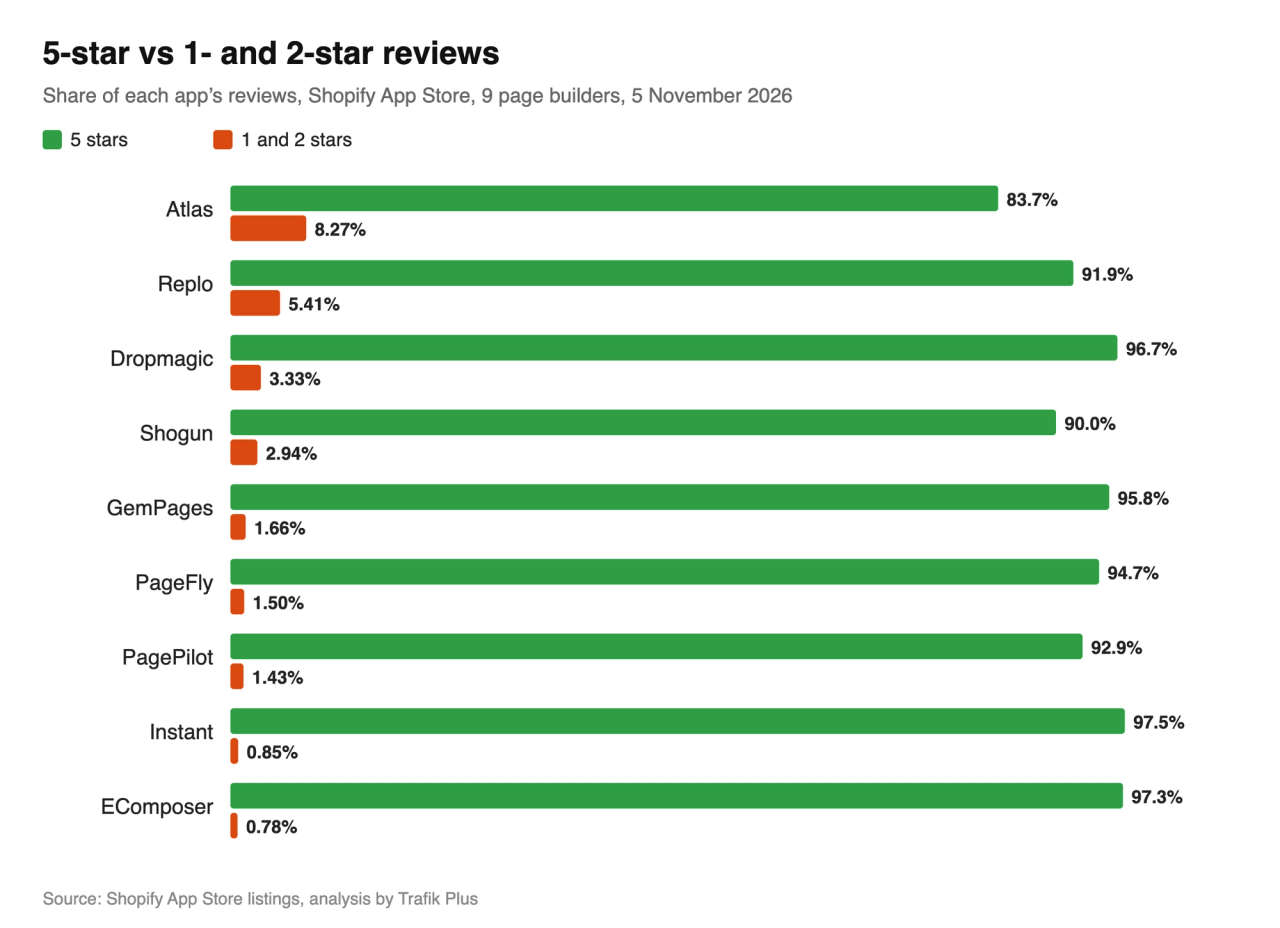
- 16,835 reviews across the nine builders that have reviews; only 295 (1.75%) give one or two stars.
- 36% of those bad reviews are about support, 26% about bugs or broken pages and 15% about billing.
- 39% were written after less than a month of use, but 29% after a year or more: problems also show up late, once your pages depend on the app.
- Bad reviews more than doubled in a year: 34 in 2024, 69 in 2025, and already 77 by early November 2026.
- Over three years, the cheapest plan that publishes beyond the free tier costs $864 (PageFly) to $4,284 (Replo), billed monthly. A $400 theme costs $400.
- 8.3% of Atlas reviews give one or two stars, five times the average of the eight other builders.
What a Shopify page builder does, and what Shopify now does for free
A page builder extends or replaces the theme editor. You drag elements (text, images, product grids, countdowns, forms) onto a canvas, and the app saves the page as its own template or section in your theme. Most builders also sell templates, A/B tests, analytics and, more and more, AI that writes the copy.
In 2017, when PageFly and GemPages launched, that filled a real gap: Shopify themes only allowed sections on the homepage. Online Store 2.0 brought sections to every page in 2021. Then theme blocks(opens in a new tab) let a block be shared across sections and nested inside another, so a theme can offer a Group block, columns and layouts its developer never designed. Since the Summer '25 Edition(opens in a new tab), Horizon-based themes can also generate a block from a prompt in the theme editor.
The gap between a good theme and a builder has shrunk. What builders still do better is volume and testing: dozens of landing pages, a template per campaign, A/B tests, and AI that imports a product and writes its page. Our list of Shopify themes using theme blocks shows which themes close that gap.
Shopify page builder pricing: the 10 apps compared
App | Free plan | Cheapest paid plan | Top plan | Rating (reviews) | Launched |
|---|---|---|---|---|---|
Instant | Development stores only | Starter $39/month: unlimited landing pages, 10 theme sections | Business $249/month | 4.9 (354) | August 2023 |
Replo | Previews only, no publishing | Starter $119/month ($1,188/year): 15 published items, A/B tests | Pro $599/month ($5,988/year) | 4.7 (185) | July 2021 |
PageFly | 1 published page or section, 10 AI credits | Builder $24/month: from 5 pages or sections, $5 per 5 extra | Enterprise $299/month | 4.9 (5,924) | September 2017 |
GemPages | 1 published page | Build $29/month: unlimited pages, 20 theme sections | Enterprise $199/month | 4.9 (4,272) | March 2017 |
PagePilot | Yes, but cannot import products to your store | Lite $39/month: 10 AI product pages a month | Scaler $59/month: unlimited | 4.9 (210) | May 2024 |
Shogun | Draft mode, no publishing | Build $39/month: 25 published pages | Advanced $499/month | 4.8 (1,976) | September 2015 |
EComposer | 1 live page or section | Standard $25/month: 15 live pages or sections | Premium $129/month: unlimited | 4.9 (3,467) | May 2022 |
Dropmagic | Generate a store, cannot publish it on Shopify | Premium $79/month | Same plan | 4.9 (60) | June 2025 |
Atlas | Development stores only | All-in-One $39/month, plus charges that grow with your store revenue | Same plan | 4.5 (387) | April 2024 |
Copyfy | 2 AI store creations a month | Starter $59/month, or $349/year | Pro $99/month | No reviews yet | February 2026 |
Prices are in US dollars, before tax, as listed on 5 November 2026. Every app in this table is on the Shopify App Store and bills through your Shopify invoice. Only PagePilot, EComposer and Atlas carry the Built for Shopify badge.
Notice what the higher tiers sell. PageFly Accelerate adds a cart drawer, Instant Pro lets you publish a cart drawer, and PagePilot Scaler adds cart upsells, bundles and volume discounts. These are theme features, rented by the month.
The real cost of a page builder over 3 years
A page builder is a subscription you add to your theme, not a replacement for it. Here is what the cheapest plan that publishes beyond the free tier costs over 36 months, next to a premium theme paid once.
Option | Per month | Over 3 years | A $400 theme costs less after |
|---|---|---|---|
PageFly Builder | $24 | $864 | 17 months |
EComposer Standard | $25 | $900 ($684 billed annually) | 16 months |
GemPages Build | $29 | $1,044 | 14 months |
Instant Starter | $39 | $1,404 ($1,123 billed annually) | 11 months |
PagePilot Lite | $39 | $1,404 ($1,170 billed annually) | 11 months |
Shogun Build | $39 | $1,404 ($1,116 billed annually) | 11 months |
Atlas All-in-One | $39, plus revenue-based charges | $1,404 minimum | 11 months |
Copyfy Starter | $59 | $2,124 ($1,047 billed annually) | 7 months |
Dropmagic Premium | $79 | $2,844 | 6 months |
Replo Starter | $119 | $4,284 ($3,564 billed annually) | 4 months |
Pops theme | None | $400, paid once | n/a |
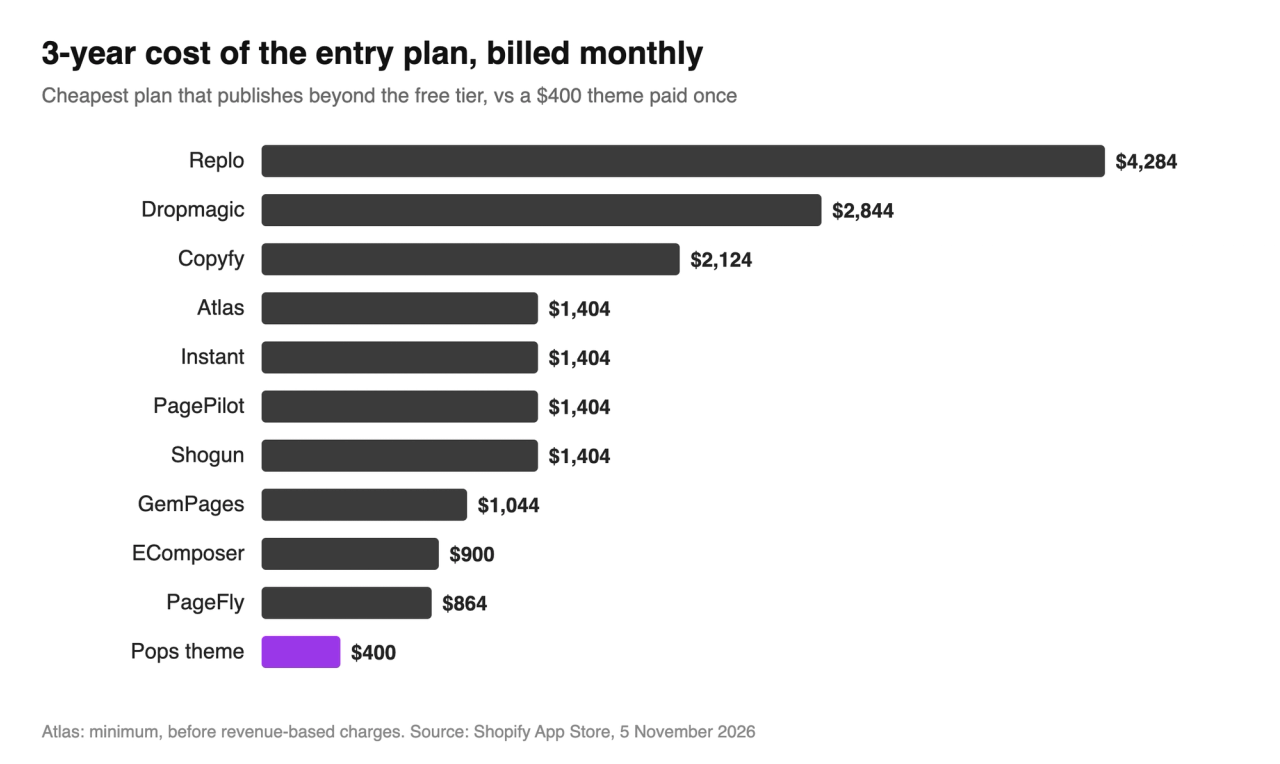
On their entry plans, the ten builders cost $1,768 on average over three years, 4.4 times a $400 theme. And entry plans are capped: PageFly Builder starts at 5 pages, EComposer Standard at 15 and Shogun Build at 25. Unlimited pages cost $99 a month on PageFly, $129 on EComposer and $199 on Shogun. GemPages Build ($29) and Instant Starter ($39) are the cheapest plans with unlimited pages.
What 295 one- and two-star reviews say
Ratings between 4.5 and 4.9 hide the failures, so we read every one- and two-star review on the nine builders that have reviews, 295 in total, and tagged what each one complains about. One review can raise several problems.
App | Reviews | Share of 5 stars | 1- and 2-star reviews | Share of 1 and 2 stars |
|---|---|---|---|---|
PageFly | 5,924 | 94.7% | 89 | 1.50% |
GemPages | 4,272 | 95.8% | 71 | 1.66% |
EComposer | 3,467 | 97.3% | 27 | 0.78% |
Shogun | 1,976 | 90.0% | 58 | 2.94% |
Atlas | 387 | 83.7% | 32 | 8.27% |
Instant | 354 | 97.5% | 3 | 0.85% |
PagePilot | 210 | 92.9% | 3 | 1.43% |
Replo | 185 | 91.9% | 10 | 5.41% |
Dropmagic | 60 | 96.7% | 2 | 3.33% |
Total | 16,835 | 295 | 1.75% |
Atlas stands apart: 32 of its 387 reviews give one or two stars (8.27%), five times the average of the eight others. Replo comes next (5.41%, 10 out of 185), mostly over support. Among the other classic builders, Shogun has the highest share (2.94%) and EComposer the lowest (0.78%). Dropmagic's 3.33% rests on only two reviews out of 60, too few to judge.
What the bad review is about | Reviews | Share of the 295 |
|---|---|---|
Support (slow, no answer, unhelpful) | 105 | 36% |
Bugs, broken or blank pages | 76 | 26% |
Billing and unexpected charges | 43 | 15% |
Page speed | 12 | 4% |
Code left behind after uninstalling | 11 | 4% |
Lost work | 10 | 3% |
Support leads, as on most apps. What sets page builders apart is the rest: bugs that break published pages, charges after a plan change, and code that stays in the theme. "Shady, shady app, i uninstalled but their tracking code was still injected", one PageFly user wrote in July 2026, after 14 minutes of use(opens in a new tab). "There are many left over codes after uninstall of the app", reads a two-star GemPages review(opens in a new tab) from November 2024.
Speed comes up less than you might expect (4%), but bluntly when it does. "This tool makes the page three times slower", says a one-star GemPages review(opens in a new tab) from February 2026. A Shopify merchant on Shogun said they could not add more pages because "each additional page dings our pagespeed" (two-star review(opens in a new tab), August 2022). Our Shopify speed optimization guide explains how to measure that cost on your own store.
Time matters too. 39% of bad reviews come in the first month: setup is harder than the demo. One PageFly user in Slovenia gave up after two days: "I do not recommend this app unless you have an entire week to design one page." But 29% come after a year or more, when the pages you built depend on the app.
Lock-in: what happens to your pages when you uninstall
This is the cost no pricing table shows. A builder's pages live in the app's templates and code, so leaving is not free.
- PageFly: its pricing page FAQ(opens in a new tab) offers two exits. Keep the pages, templates and assets it created, which stay visible but can no longer be edited in the app, or remove all data, which leaves PageFly pages blank.
- GemPages: its help center(opens in a new tab) says live pages stay intact, but warns that uninstalling can remove files and scripts and cause display issues. It advises downgrading to the free plan instead of uninstalling.
- Shogun: "Once you use Shogun you're locked in", a merchant wrote after almost four years (one-star review(opens in a new tab), March 2024). Another, after five years, says the price "increased 300-500% ($69 pm to $250-500)" and that they were "Locked in as have pages built here".
- Atlas: "After uninstalling the app my page was down because all of the atals elements stay there and you cannot delete them", a merchant in the Netherlands wrote in May 2026, after about 24 hours of use (one-star review(opens in a new tab)).
We counted 9 reviews that describe this lock-in in so many words. If you build your whole store in an app, plan the exit before the first page: export what you can, and keep your key pages (home, product, collection) in the theme.
The 10 page builders, one by one
Instant
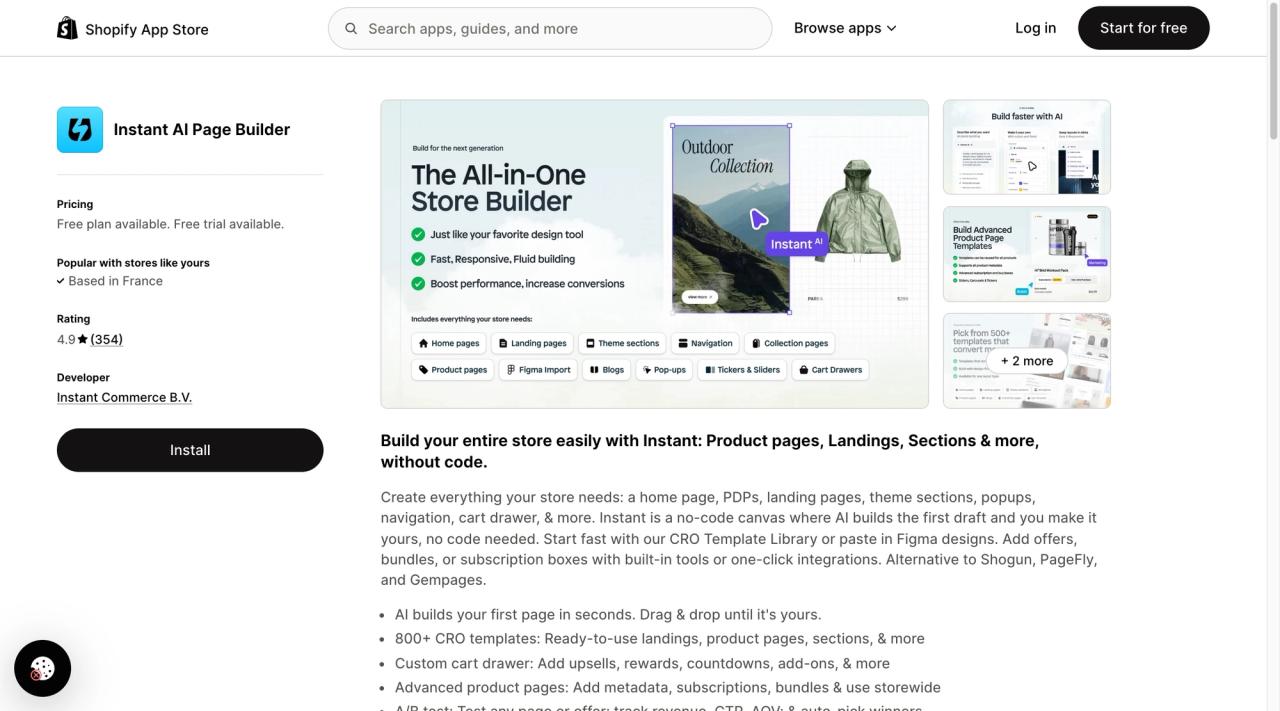
Instant(opens in a new tab) builds pages and Shopify theme sections from a prompt or from Figma. Starter at $39 a month includes unlimited landing pages, 10 theme sections and 3 product or collection templates; A/B tests start on Pro at $99. With 3 bad reviews out of 354 (0.85%), it is one of the best rated here. Its free plan only works on development stores, so you pay as soon as you go live. Instant is my favourite. For more detail, read our full Instant review.
Replo
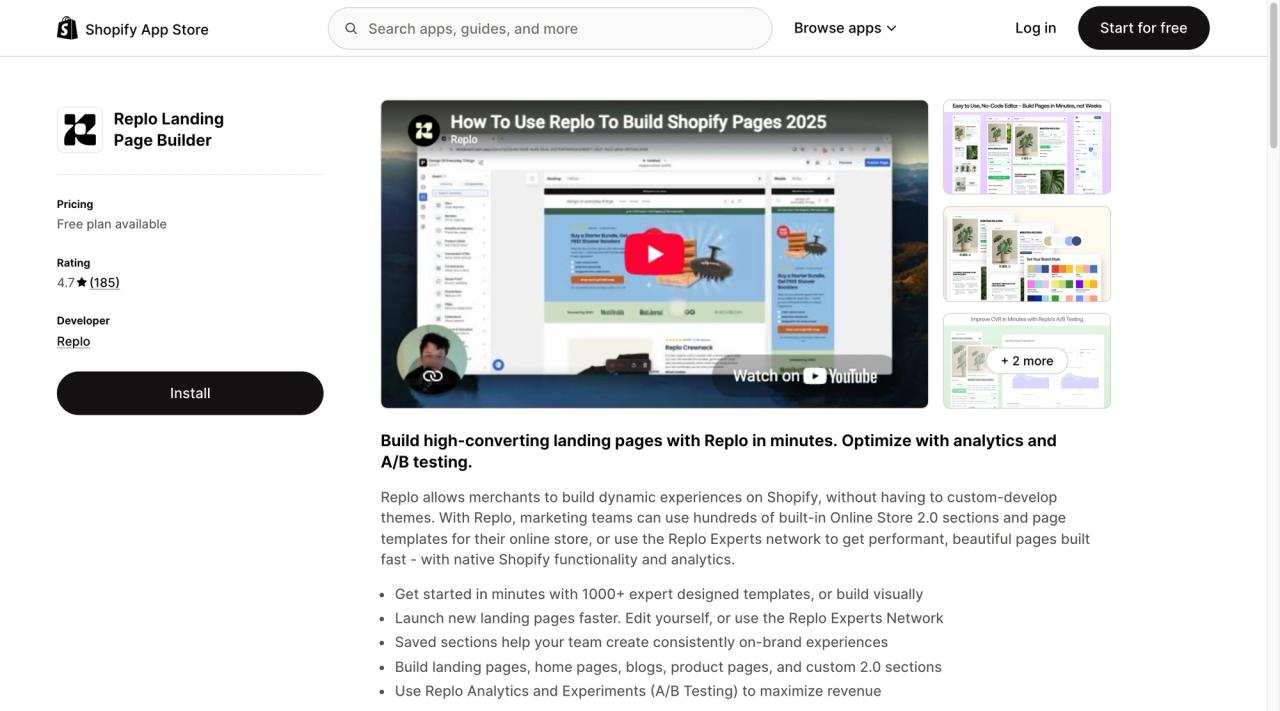
Replo(opens in a new tab) has been on the Shopify App Store since July 2021 and is rated 4.7 from 185 reviews. The free plan lets you build and preview, not publish. Starter costs $119 a month ($1,188 a year) for 15 published items, A/B tests on 10,000 sessions a month and 200+ templates; every 20 extra published items add $100 a month. Pro, at $599 a month ($5,988 a year), unlocks unlimited pages and sections, five stores and private Slack support. It is the most expensive entry plan in this comparison.
Ten of its 185 reviews give one or two stars (5.41%), the second highest share after Atlas, and seven are about support. "One of the worst customer service I have ever experienced", a UK merchant wrote in June 2026 after about 16 hours of use (one-star review(opens in a new tab)). A merchant in Lithuania, who gave up after a day, compared it with the competition: "I've used other page builders like pagefly, gempages, and wordpress elementor, and none of them had such a steep learning curve."
PageFly
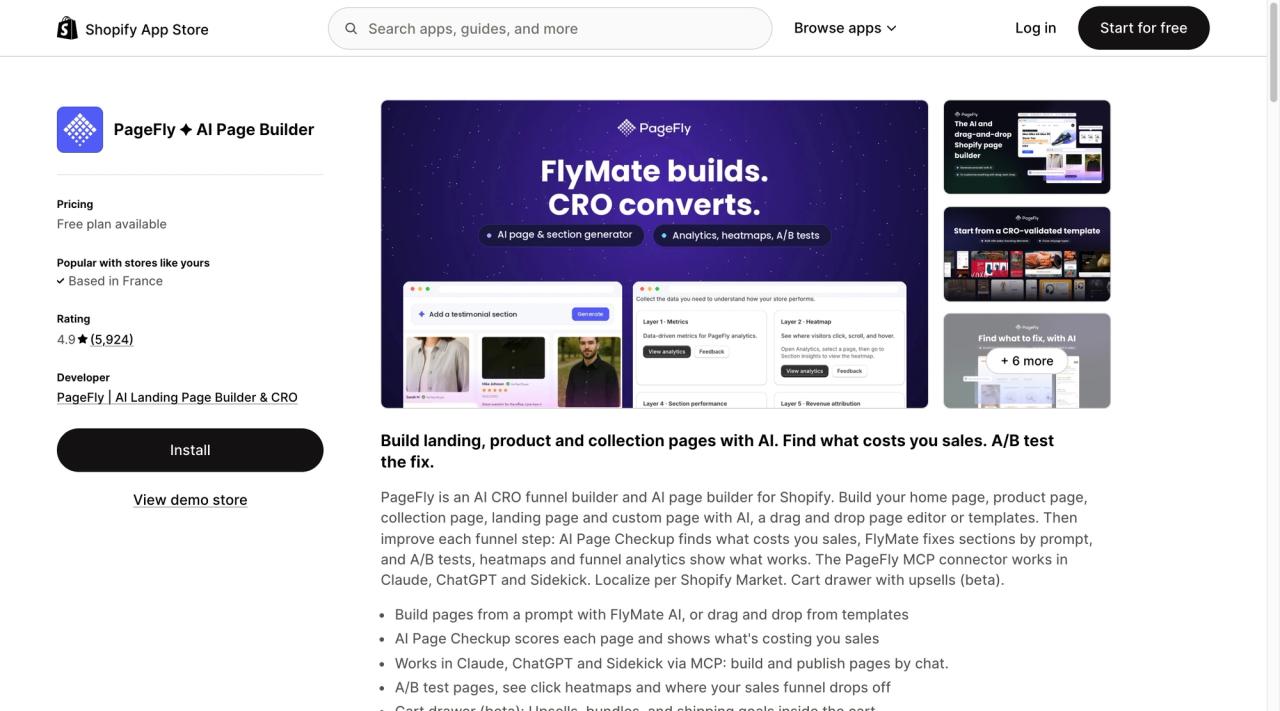
PageFly(opens in a new tab) is the most reviewed builder on the App Store: 5,924 reviews, 4.9 stars, since 2017. Builder at $24 a month is the cheapest entry plan here, but it starts at 5 published pages or sections, with $5 for each 5 more. Unlimited pages, A/B tests, a cart drawer and heatmaps come with Accelerate at $99 a month.
GemPages
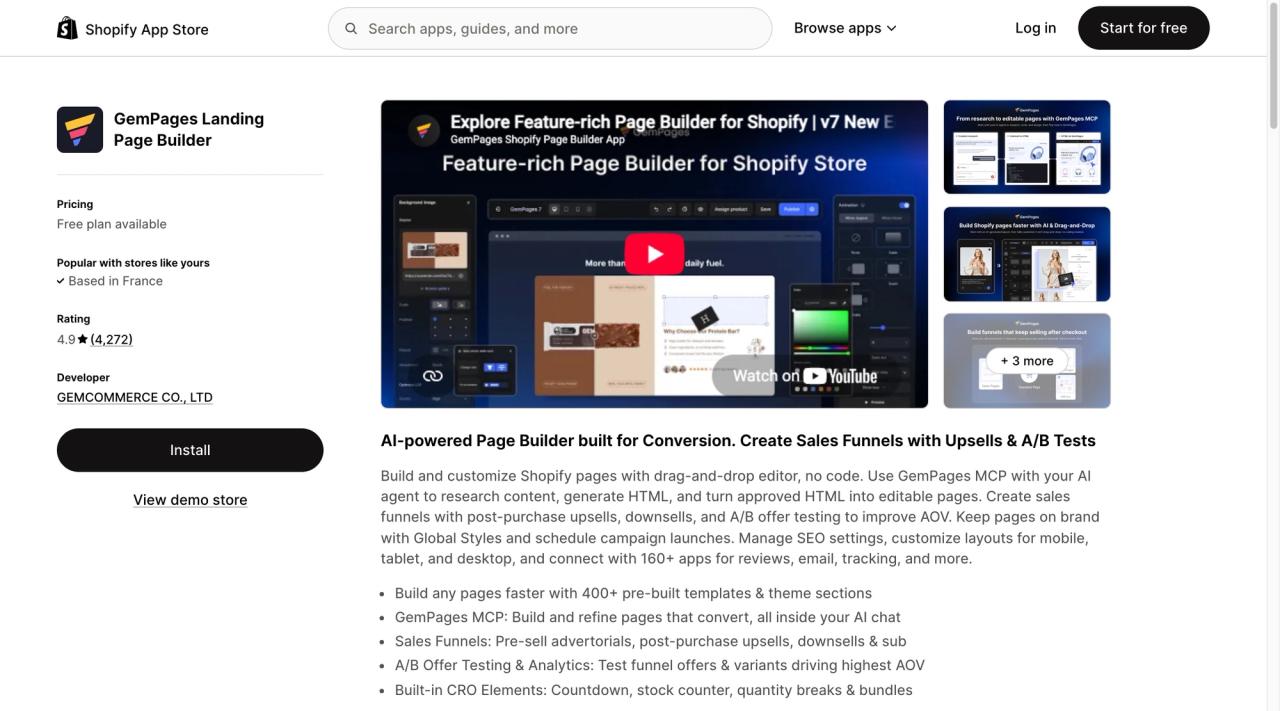
GemPages(opens in a new tab) launched in March 2017 and has 4,272 reviews at 4.9. Build at $29 a month is the cheapest plan with unlimited published pages, plus 20 theme sections and 400+ prebuilt sections. Its listing mentions no A/B testing on any plan.
PagePilot
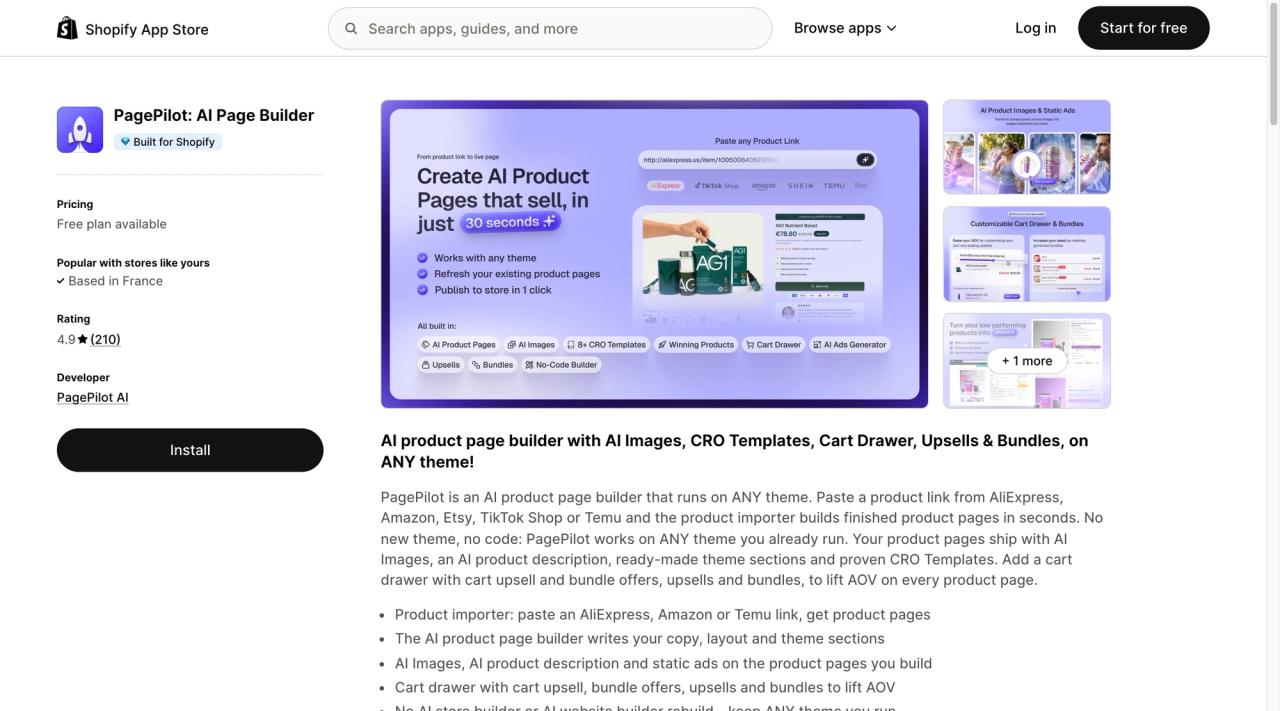
PagePilot(opens in a new tab) writes AI product pages on your current theme from an AliExpress or Amazon link. It is built for dropshipping: Lite at $39 a month makes 10 AI product pages a month, Scaler at $59 makes unlimited pages and adds a cart drawer, upsells and bundles. The free plan cannot import products into your store. If you sell one product, compare it with a single-product theme.
Shogun
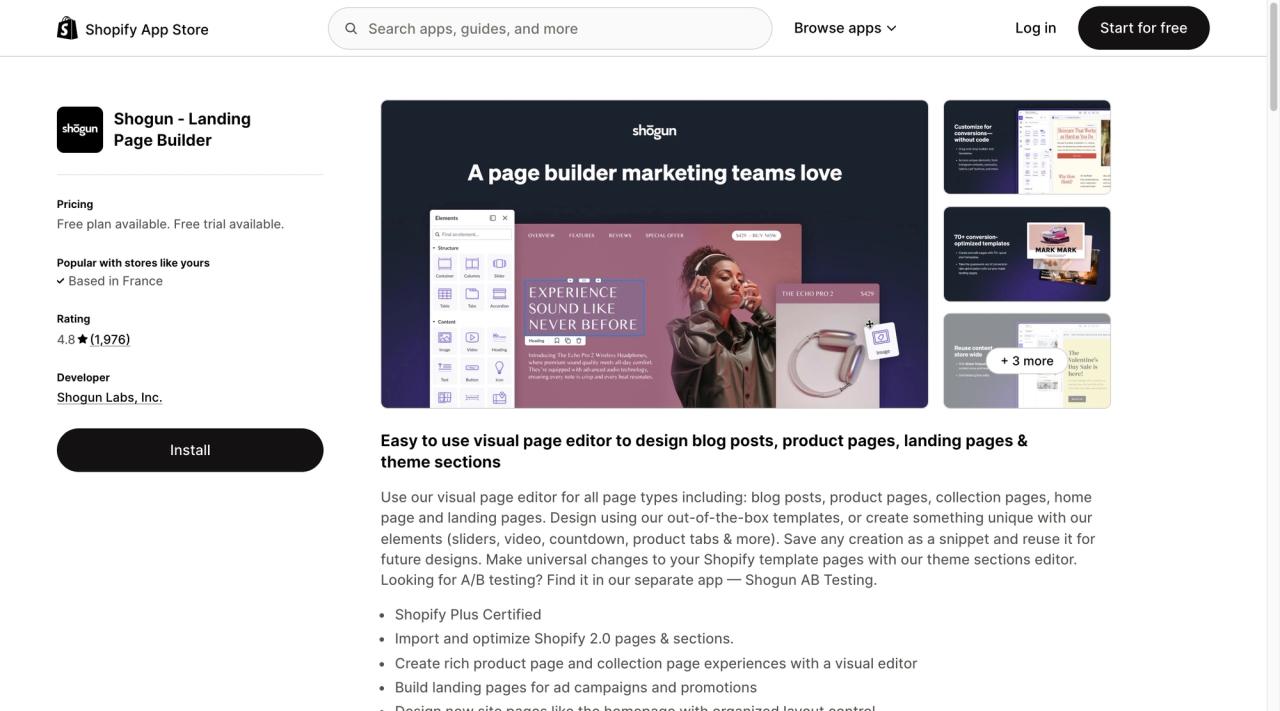
Shogun(opens in a new tab) is the oldest builder here (September 2015). Build at $39 a month publishes 25 pages; unlimited pages need Grow at $199. Its free plan is draft mode, with no publishing. After Replo, it has the highest share of one- and two-star reviews among the classic builders (2.94%), and most of the lock-in complaints.
EComposer
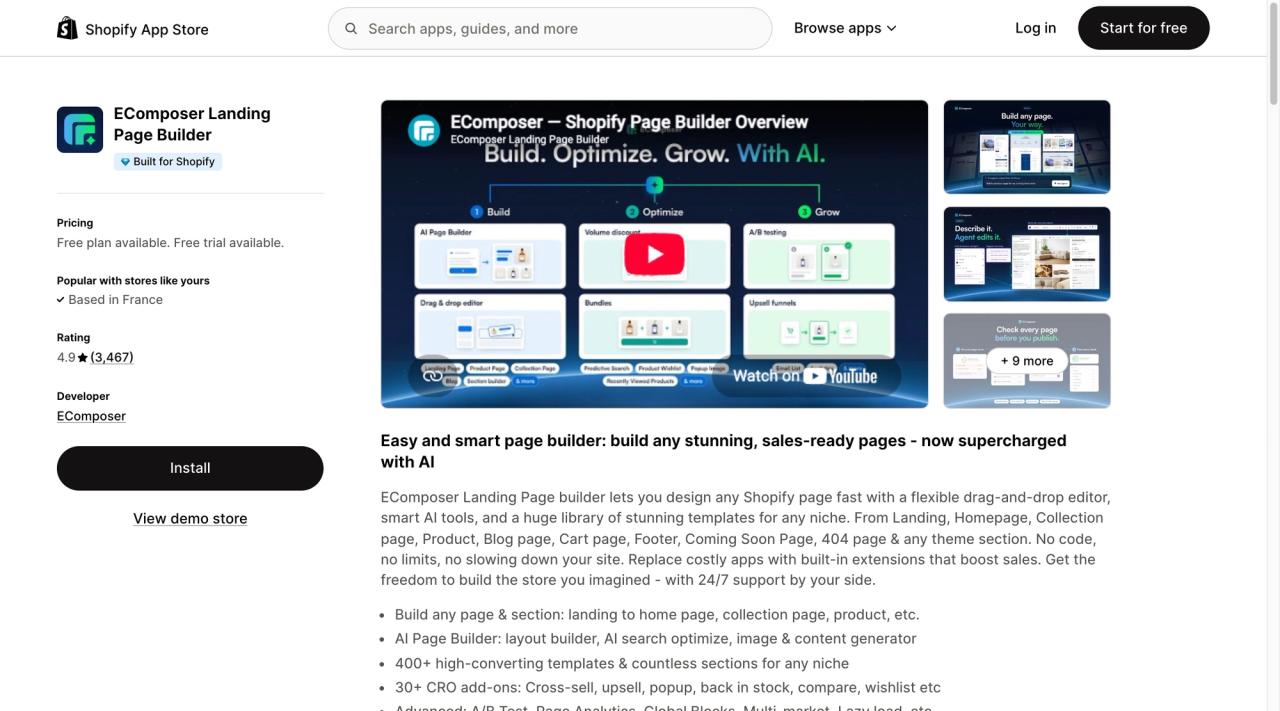
EComposer(opens in a new tab) is the youngest of the classic builders (May 2022) and has the lowest share of bad reviews: 27 out of 3,467 (0.78%). Standard at $25 a month publishes 15 pages or sections, Pro at $49 adds A/B tests and 50 pages, and Premium at $129 removes the cap. It is the cheapest way to get A/B tests here.
Dropmagic
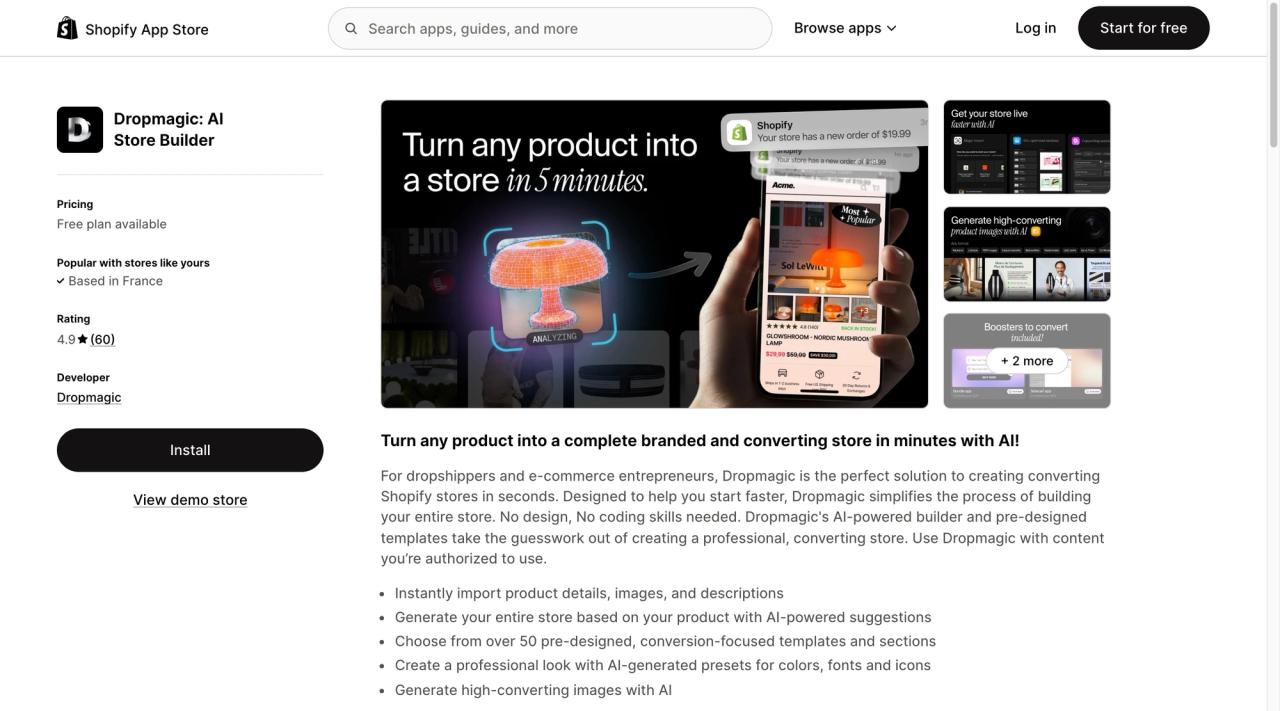
Dropmagic(opens in a new tab) turns a dropshipping product into a full branded store with AI. It launched in June 2025, has 60 reviews at 4.9, and one plan: Premium at $79 a month, with 57+ sections. The free plan generates a store but cannot publish it on Shopify.
Atlas
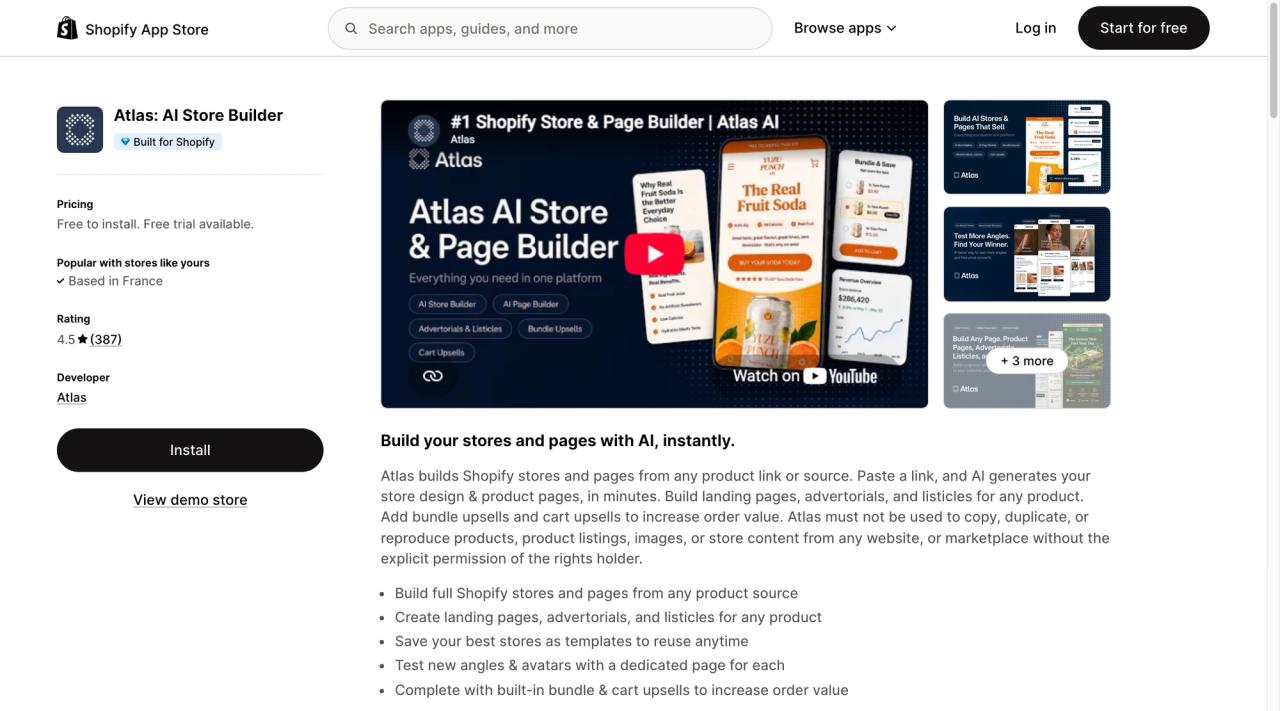
Atlas(opens in a new tab) builds a store or a page from any product link: product pages, landing pages, advertorials and listicles, with bundles and a cart drawer included. It launched in April 2024 and has one plan, All-in-One at $39 a month, plus charges that grow with your store revenue, so the bill is not fixed. The free plan only works on development stores.
It is also the outlier of this comparison: rated 4.5, with 32 one- and two-star reviews out of 387 (8.27%). Fourteen are about billing, and nine merchants say they were charged after cancelling or uninstalling. "Cancelled it, uninstalled it, but still getting charged", one wrote in July 2026 (one-star review(opens in a new tab)). Another got the same result for every product imported: "the same generic, poorly formatted output".
Copyfy
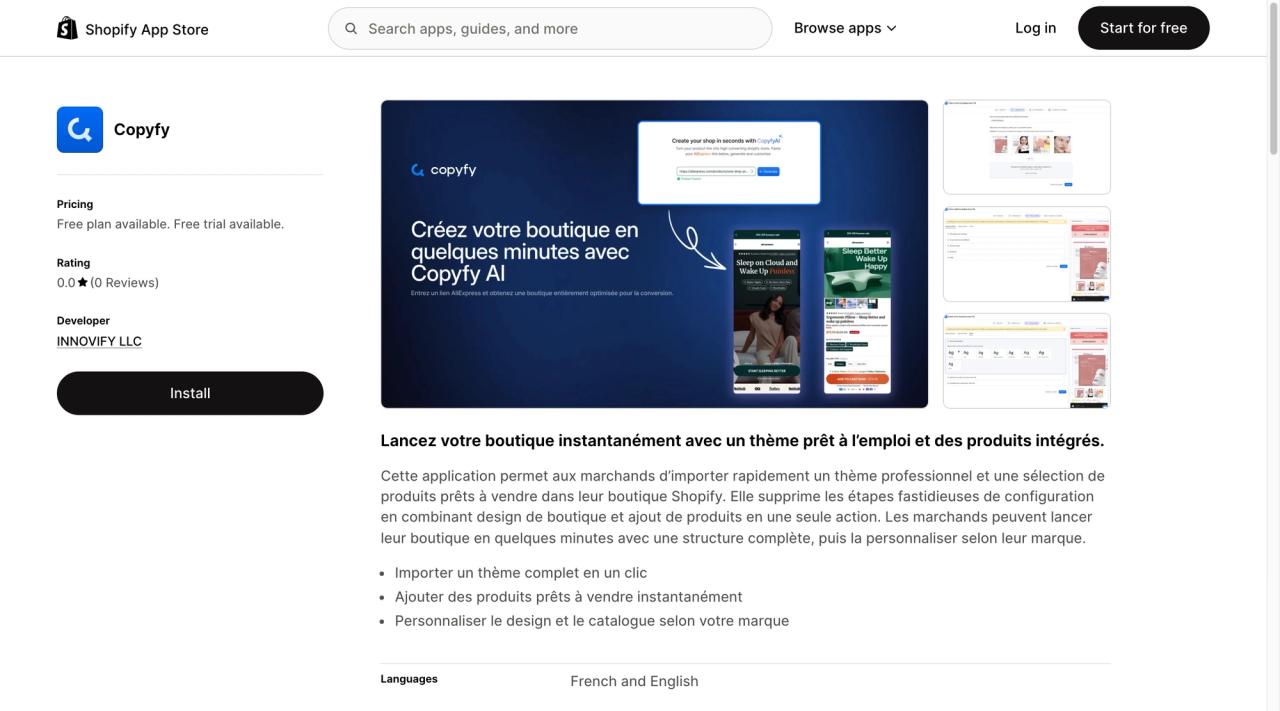
Copyfy(opens in a new tab) launched on the App Store in February 2026 and has no reviews yet. It imports a professional theme and a selection of ready-to-sell products into your store: 2 AI store creations a month for free, then Starter at $59 a month ($349 a year), Growth at $69 and Pro at $99. It is less a page builder than a store starter for dropshipping.
AI page builders: PagePilot, Dropmagic, Atlas and Copyfy
PagePilot, Dropmagic, Atlas and Copyfy do not sell drag and drop. They sell a page, or a whole store, done for you: paste an AliExpress link, get a written product page, and launch the ads that evening.
For testing a dropshipping product, that is hard to beat. For a brand, less so. AI pages end up looking alike, and you keep paying every month for pages your theme could display just fine. Our advice: let the AI write the first draft, then, once a product sells, rebuild its page in your theme. It will look more like you, and it will stop costing you every month.
It is also where bad reviews pile up. Atlas, the most reviewed of the four, has 8.3% one- and two-star reviews, five times the average of the other builders.
The alternative: a theme that does the builder's job
Most of what merchants buy a builder for, page layouts, sections they can move, a bundle builder or cart upsells, now fits in a theme. That is why we built Pops on theme blocks.
- 39 sections and 114 theme blocks, and a generic Section that takes any theme block or app block, so you can build a layout we never designed, without code.
- Spacing, padding and colour scheme on every section and block, set in the theme editor, not in an app.
- Features builders rent by the month, built in: a build-a-box bundle builder (see how to create a build-a-box on Shopify), cart drawer upsells, a free shipping bar, a shareable cart link, a countdown and quick add.
- No page-builder code: everything renders from the theme's own Liquid, with no extra app script per page.
- $400, paid once, with free updates through the Theme Store. As with any Theme Store theme, you can try it in your store for free and pay only when you publish.
Pops is currently in review by the Shopify Theme Store team, so you cannot install it yet. Its documentation(opens in a new tab) is already public, in English and French. Over three years, it costs less than every builder entry plan in our table, and you keep your pages if you change apps. If you are still choosing a theme, our Shopify theme comparison puts nine Theme Store themes side by side.
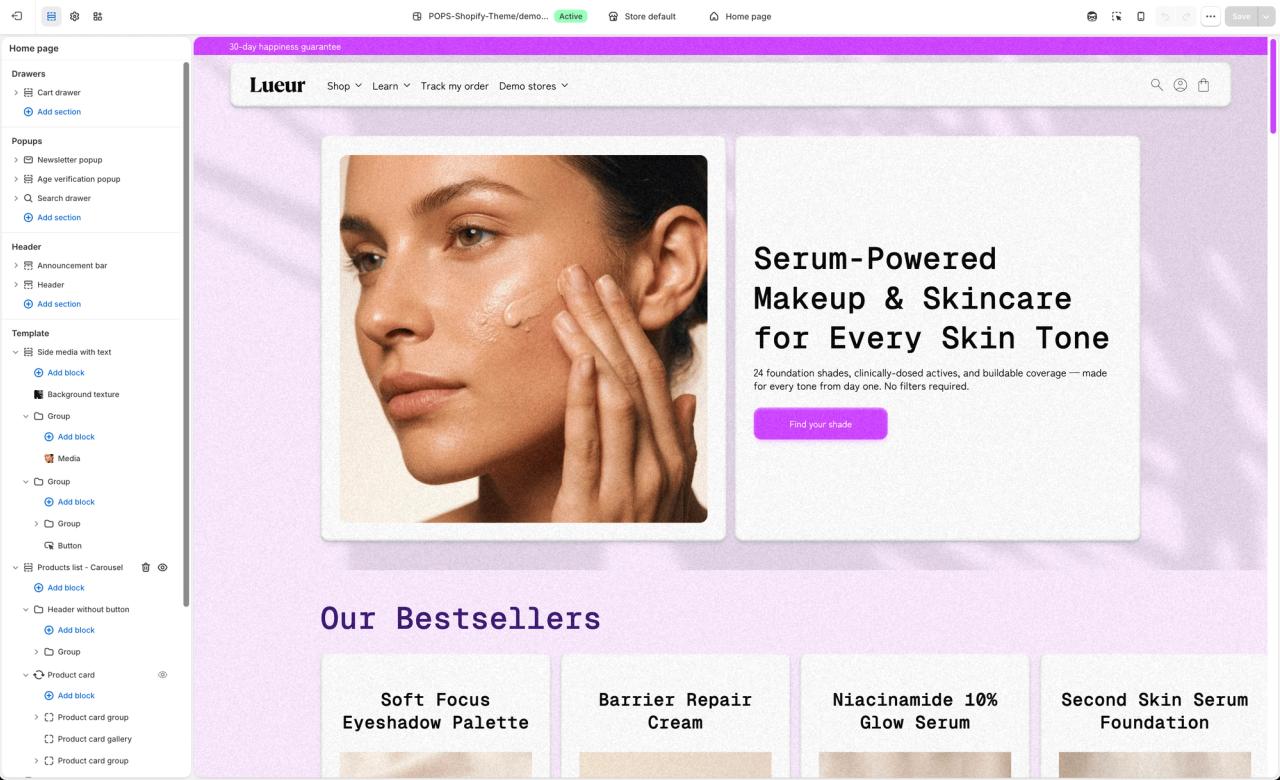
A theme will not replace a builder if you ship ten campaign pages a week with A/B tests. For everyone else, start with the theme, and add a builder only for the pages your theme cannot make.
How to decide in 5 minutes
- List the pages you need in the next six months. If they are home, product, collection and a handful of content pages, you do not need a builder.
- Open your theme editor and try to build your most complex page with theme blocks. If you can, stop there.
- If you need more than 5 campaign pages a month or A/B tests, compare EComposer Pro ($49), PageFly Accelerate ($99) and Instant Pro ($99).
- If you are testing dropshipping products, try PagePilot or Dropmagic on one product, and rebuild the page in your theme once it sells.
- Before you install anything, read how it uninstalls: what stays, what breaks and what you can export.
Where these numbers come from
Nothing fancy, just a lot of reading. On 5 November 2026, we opened each app’s Shopify App Store listing and wrote down its prices, rating and review count.
Then came the long part: reading all 295 one- and two-star reviews, one by one. A 4.9 rating says nothing about the bad experiences; those reviews do. The quotes are exactly as merchants wrote them.
For the three-year costs, we took the cheapest plan that actually lets you publish, paid monthly. Prices change often, so check the app’s listing before you decide.
FAQ
Do I need a page builder for Shopify?
Not for a homepage, product pages and a few content pages: an Online Store 2.0 theme built on theme blocks lets you build those in the free theme editor. A page builder earns its fee when you publish many campaign landing pages and want to A/B test them, or when you are stuck on an old theme.
What is the best Shopify page builder?
By reviews, EComposer has the lowest share of one- and two-star reviews (0.78% of 3,467) and PageFly the most reviews (5,924 at 4.9). GemPages is the cheapest plan with unlimited pages ($29/month). For AI product pages for dropshipping, PagePilot and Dropmagic are rated 4.9, against 4.5 for Atlas.
Is there a free Shopify page builder?
Every App Store builder here has a free plan, but each is capped: PageFly and GemPages publish one page, EComposer one page or section, Shogun none (draft mode), Replo only previews, and Instant and Atlas only work free on development stores. The free option with no cap is your theme editor.
What happens to my pages if I uninstall a page builder?
It depends on the app. PageFly lets you keep the pages and templates it created, but they can no longer be edited in the app, and removing all data leaves its pages blank. GemPages says live pages stay but uninstalling can remove files and scripts and break the display. Back up before you uninstall.
Do page builders slow down a Shopify store?
They add their own CSS and JavaScript to each page they build. Speed is the theme of 4% of the 295 bad reviews we read, and one GemPages review says the tool makes the page three times slower. Test a builder page with PageSpeed Insights before you rebuild your store with it.

Keep reading

Best Shopify Bundle Apps for Supplement Brands in 2026
The best Shopify bundle apps for supplement brands compared: supplement stacks, 30/60/90-day supply breaks, Subscribe & Save bundles and what each costs.

Best Shopify Bundle Apps for Skincare Brands in 2026
We compared 7 Shopify bundle apps for skincare brands: routine sets, build-your-own boxes, discovery kits and refill discounts, with prices checked in October 2026.

Best Shopify Bundle Apps for Pet Food Brands in 2026
We compared 7 Shopify bundle apps for pet food brands: multi-bag quantity breaks, wet food variety packs, puppy starter kits and subscribe-and-save bundles.