
Custom popup for Shopify, opened from any button
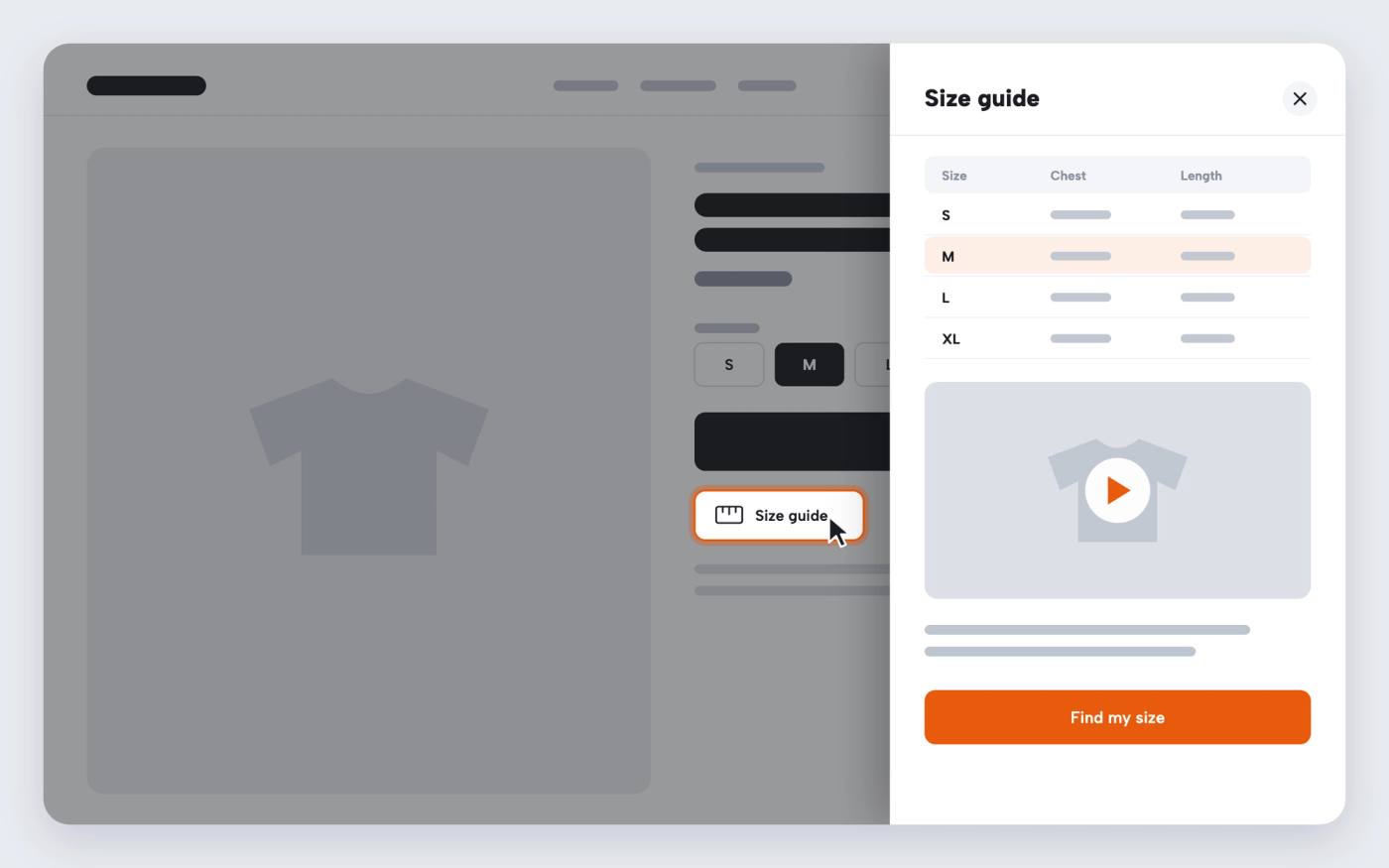
Open a popup, a side drawer or a video when shoppers click a button, and fill it with your own blocks.
Available in
The problem
Delivery terms, care instructions, a demo video or a short form deserve a closer look without leaving the page. A popup app adds a script to every page, and most only offer a fixed newsletter layout.
The solution
Pops has an Opener block: a button that opens a popup, a side drawer or a video. Fill the popup or drawer with the theme’s own blocks, such as text, images, an accordion, a table, a contact form or a newsletter form. The video opener plays a video uploaded to Shopify or a YouTube or Vimeo link, with an optional loop. Add the block to any section that accepts theme blocks.
How it works
-
Add an Opener
In the theme editor, add the Opener block to a section and pick Popup, Drawer or Video.
-
Fill the content
Set the button label and the title, then add blocks inside the popup or drawer, or choose the video.
-
Test it
Preview the page on desktop and mobile, and click the button to check the content.
Questions merchants ask
Does the popup open on its own?
No. The Opener opens when a shopper clicks its button. For a popup that appears after a delay, Pops has a separate newsletter popup.
What can go inside the popup?
Text, images, an accordion, a table, a slider, a contact form, a newsletter form and most other theme blocks.
Can it play a YouTube video?
Yes. Choose Video, then upload a video to Shopify or paste a YouTube or Vimeo link.
Related features
 Saves €6/month
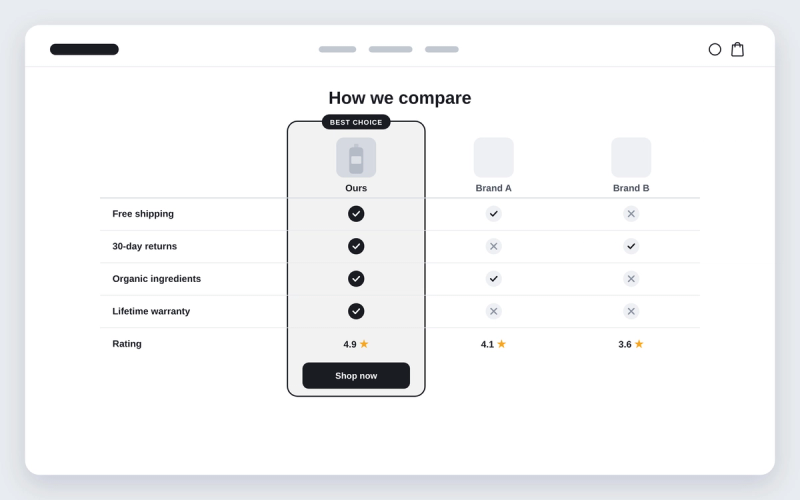
Shopify theme with a comparison table section
Compare your product with the alternatives, row by row, with ticks and crosses.
 Saves €3/month
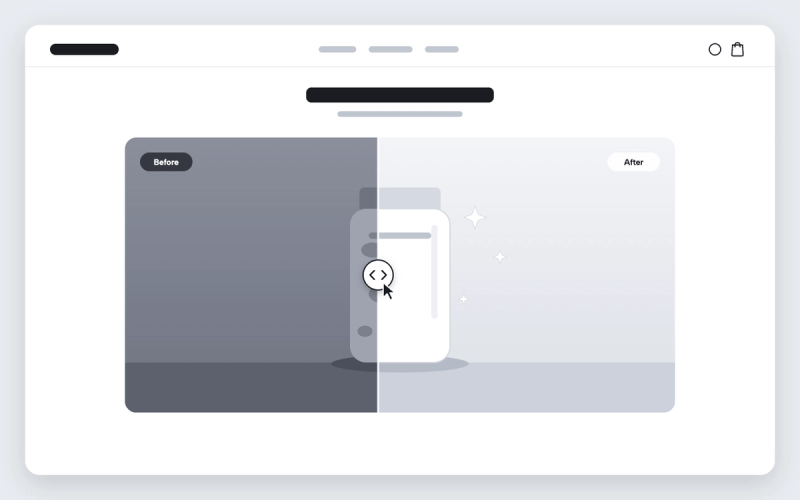
Before and after image slider for Shopify
Shoppers drag a divider across two images to see the difference your product makes.
 Saves €17/month
Instagram-style stories for Shopify
Round story bubbles that open a viewer of image and video slides, like on Instagram.
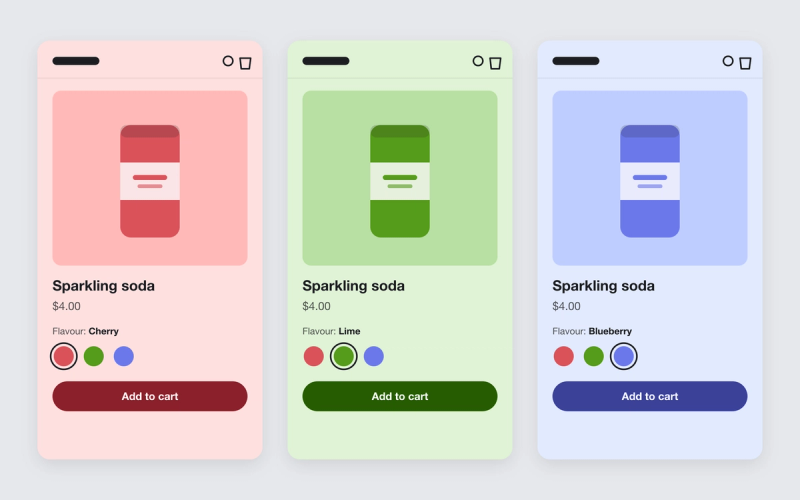
Shopify theme that changes the product page background color per variant
Give each variant a color. When a shopper picks another flavour or shade, the whole product page takes on that color.

Shopify theme that uses OKLCH colors
Pops turns every color in your color schemes into OKLCH, so one hue change recolors the store and contrast stays where you set it.

Shopify blog post template built from blocks
Lay out your blog posts with blocks: tables, sliders, accordions, newsletter forms and more, around the article text.