
Best Shopify Apps to Increase Sales, by Revenue Lever

Summarize this article with AI


The Shopify apps that increase sales without more ad spend, sorted by lever: AOV, conversion and retention, with verified App Store pricing.
The best Shopify apps to increase sales are the ones that pull a specific revenue lever: average order value (bundles, upsells), conversion rate (reviews, search, speed) or retention (email, loyalty, subscriptions). Pick one or two apps per lever, not twenty apps at once, and most of them start free on the Shopify App Store.
This guide is organized by lever rather than as a flat list. For each one you get what it is worth in dollars, one or two apps that do the job, their real pricing as listed on the Shopify App Store in October 2026 (USD), and what to set up first. If you have traffic and an ad budget already, every app here works on visitors and customers you are paying for today.
Why organize Shopify apps by revenue lever
Shopify revenue is three numbers multiplied together: sessions × conversion rate × average order value. Retention adds a fourth: how many of those buyers order again. Apps cannot create sessions without spend, but they can move the other three.
Take a store with 20,000 sessions a month, a 2.0% conversion rate and a $60 average order value:
- Today:
20,000 × 2.0% = 400 orders × $60 = $24,000a month. - Raise AOV 10% (to $66):
400 × $66 = $26,400(+$2,400). - Raise conversion from 2.0% to 2.2%:
440 orders × $60 = $26,400(+$2,400). - Do both:
440 × $66 = $29,040(+$5,040, or +21%).
The levers multiply, so a modest gain on each beats a big gain on one. Same ad budget, same traffic. If you want the AOV math in more depth, our average order value guide covers the formula and twelve ways to raise it.
Lever | App | Starting price (Shopify App Store) | What it moves |
|---|---|---|---|
AOV: bundles | Snap Bundle | Free up to $500/mo bundle revenue, then $12.99/mo | Items per order |
AOV: bundles | Shopify Bundles | Free | Items per order (fixed kits) |
AOV: upsells | Frequently Bought Together | Free (3 bundles), then $9.99/mo | Cross-sell attach rate |
AOV: upsells | ReConvert | Free up to 50 orders, then $9.99/mo | Post-purchase and cart upsells |
Conversion: reviews | Judge.me | Free, Awesome $15/mo | Trust on product pages |
Conversion: search | Shopify Search & Discovery | Free | Search results and filters |
Conversion: speed | Crush.pics (only if needed) | Free 25 MB, then $4.99/mo | Image weight |
Retention: email | Shopify Messaging | 10,000 emails/mo free, then $1 per 1,000 | Repeat orders, recovered carts |
Retention: email + SMS | Klaviyo | Free to 250 profiles, Email $20/mo | Segmented flows |
Retention: loyalty | Smile | Free to 200 orders/mo, then $15/mo | Repeat purchase rate |
Retention: subscriptions | Shopify Subscriptions | Free | Recurring revenue |
Retention: subscriptions | Recharge | $25/mo (first 50 subscribers), Starter $99/mo | Recurring revenue, churn |
Lever 1: average order value (bundles and upsells)
AOV apps change what a shopper puts in the cart once they have already decided to buy. That makes them the fastest lever to test: no new traffic, no new trust signals, just a better offer at the right moment.
Bundles and volume discounts: Snap Bundle or Shopify Bundles
Bundles raise AOV by giving shoppers a reason to buy two or three items instead of one: "buy 2, save 10%", a fixed kit at a lower price, or a build-your-own box.
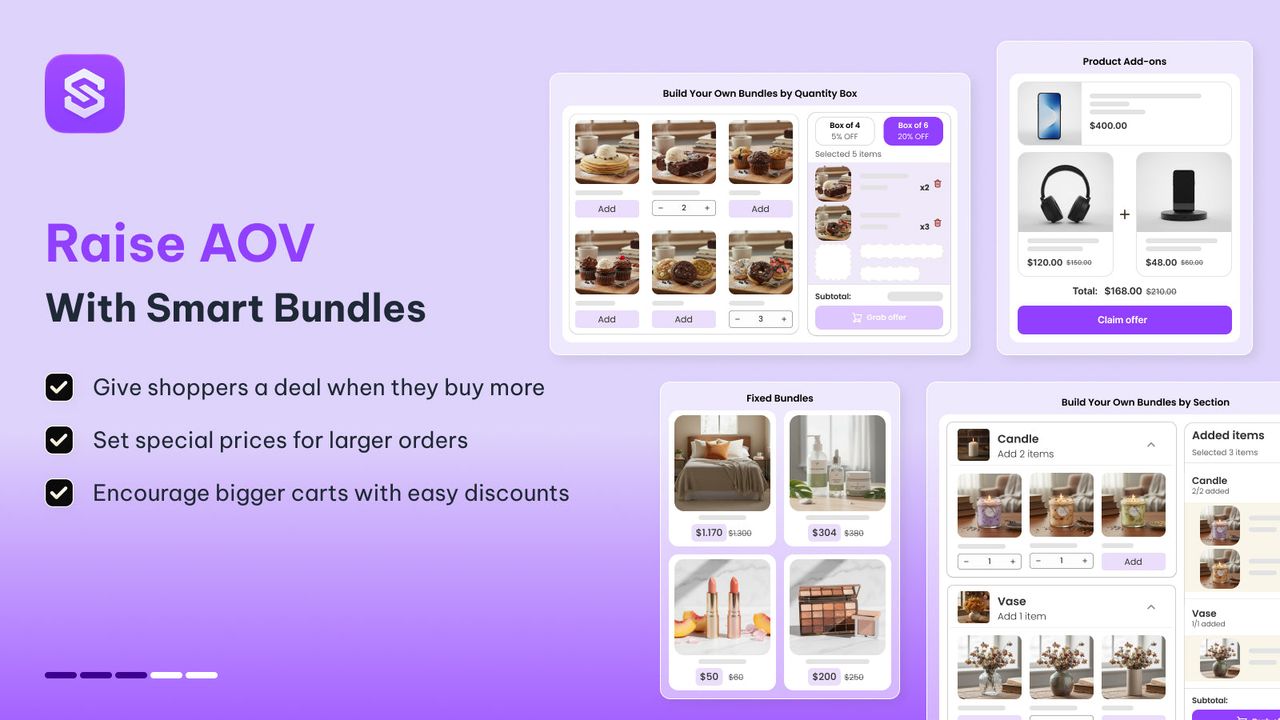
Snap Bundle(opens in a new tab) is our app, so weigh this paragraph accordingly. It covers quantity breaks, fixed bundles, mix-and-match, build-a-box and product add-ons from one app. Pricing on its listing: free while the app generates up to $500 a month in bundle revenue, then $12.99/month (first month $8.99) with unlimited revenue and no order cap. It has a 4.9 rating from 48 reviews, which is a small sample next to the incumbents. It suits stores that want several bundle formats without paying per order.
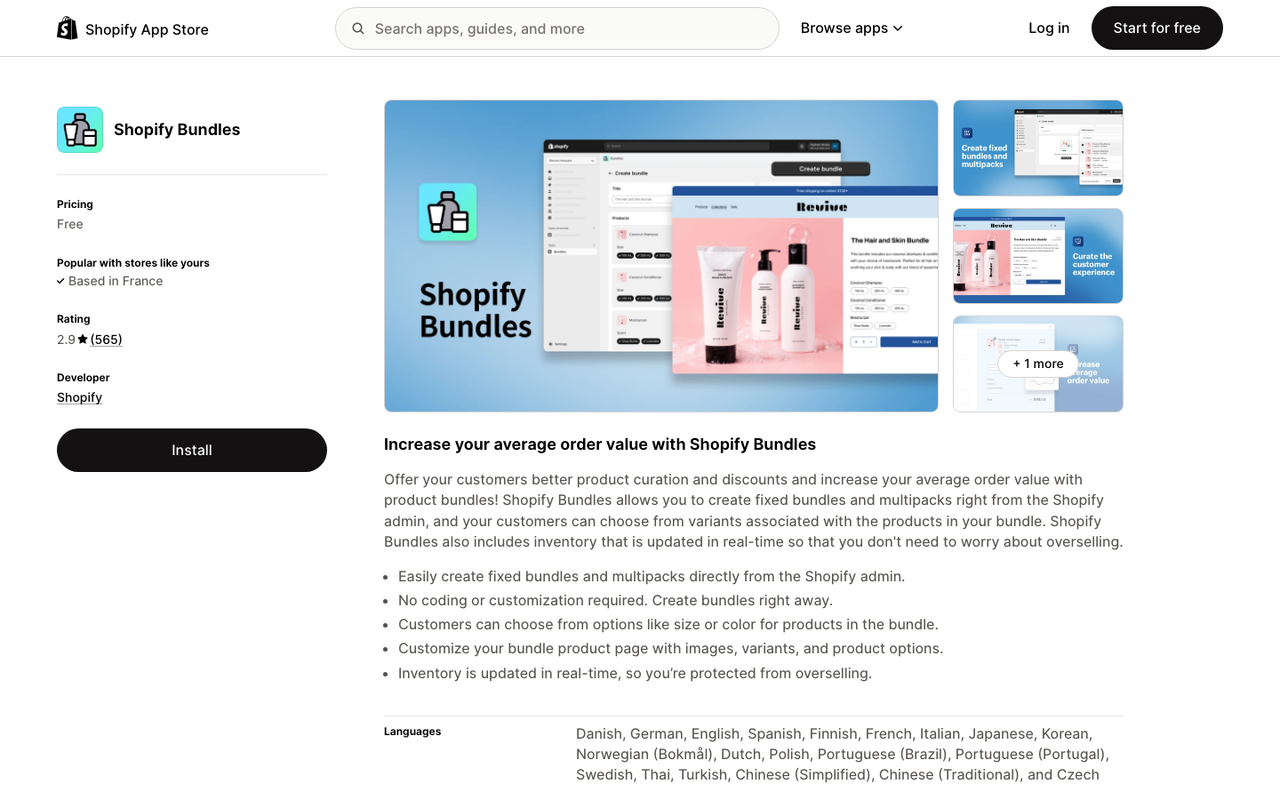
Shopify Bundles(opens in a new tab) is Shopify's own free app. It creates fixed bundles and multipacks from the admin with inventory synced to the component products. It is basic (no tiered discounts, no build-a-box) and rated 2.8 from 570 reviews, mostly for missing features rather than bugs. If a fixed kit is all you need, start here.
We compare seven bundle apps feature by feature, tiered discounts included, in best Shopify bundle apps, so this section stays short.
Upsells and cross-sells: Frequently Bought Together or ReConvert
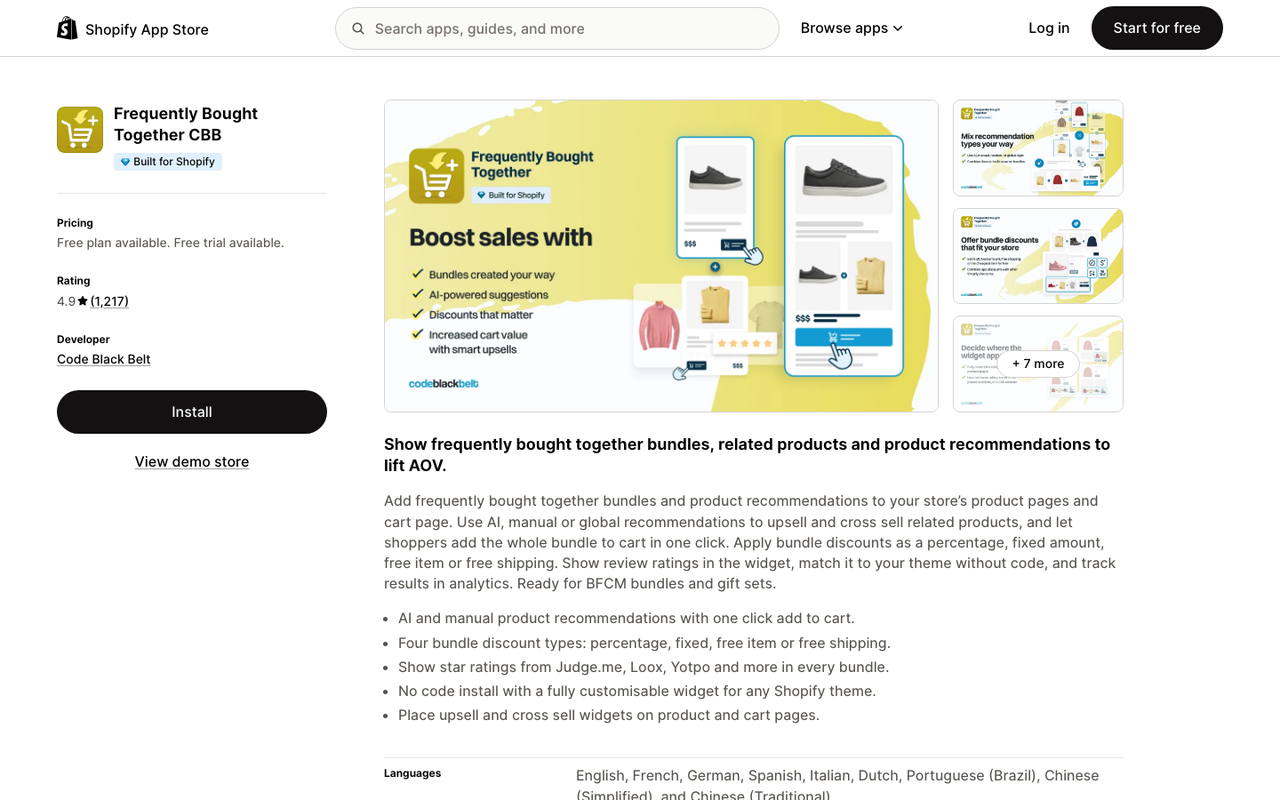
Frequently Bought Together(opens in a new tab) (Code Black Belt) adds an Amazon-style "bought together" widget on product and cart pages, with bundle discounts. Free for up to 3 manual bundles; paid plans are $9.99/month (up to 50 orders), $24.99 (up to 500) and $39.99 (500+). Rated 4.9 from 1,210 reviews.
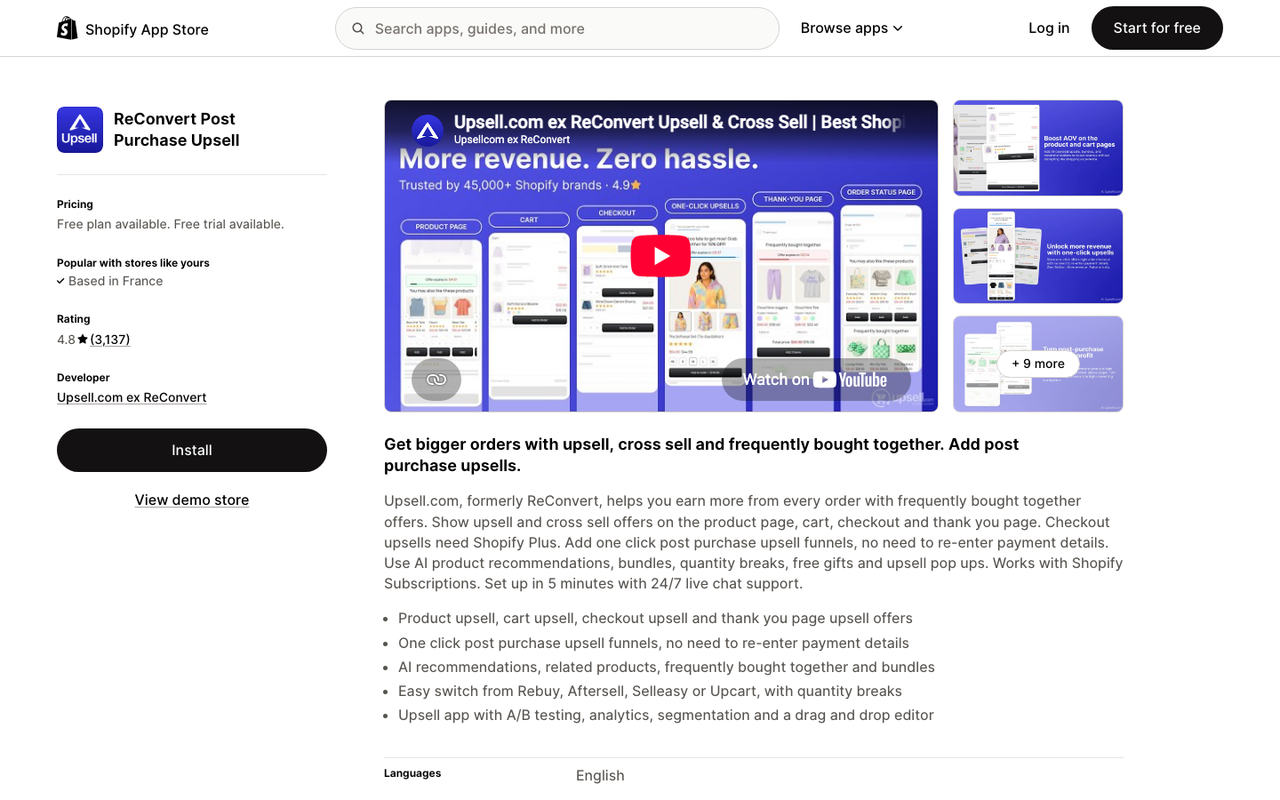
ReConvert(opens in a new tab) covers the whole funnel: product page, cart, checkout and post-purchase offers. Free up to 50 orders or $50 of upsell revenue, then $9.99/month (51–100), $19.99 (101–200) and $39.99 (201–500). Rated 4.8 from 3,117 reviews. The post-purchase page is where it earns its keep, because the order is already paid and the offer cannot cost you the sale.
Before installing an upsell app, check your theme. Many themes already show product recommendations in the cart drawer, which covers the simple case for free. For a full ranking of upsell tools, see best Shopify upsell apps.
Lever 2: conversion rate (reviews, search, speed)
Conversion apps work on visitors who leave without buying. The question each one answers is: what is stopping a ready shopper from trusting, finding or waiting for the product?
Product reviews: Judge.me
Reviews are the conversion lever with the strongest evidence. The Spiegel Research Center at Northwestern University found(opens in a new tab) that "the purchase likelihood for a product with five reviews is 270% greater than the purchase likelihood of a product with no reviews." The same study measured a 190% conversion increase for lower-priced products and 380% for higher-priced ones when reviews were displayed. The first few reviews matter most.
Judge.me(opens in a new tab) is the default pick for most stores. The Forever Free plan includes unlimited product and store reviews, photo and video reviews, the star rating badge and Google rich snippets. The Awesome plan is $15/month and adds AI replies, Q&A, 130+ integrations (including Klaviyo), coupons for reviews and Google Shopping sync. It is rated 5.0 from more than 49,000 reviews.
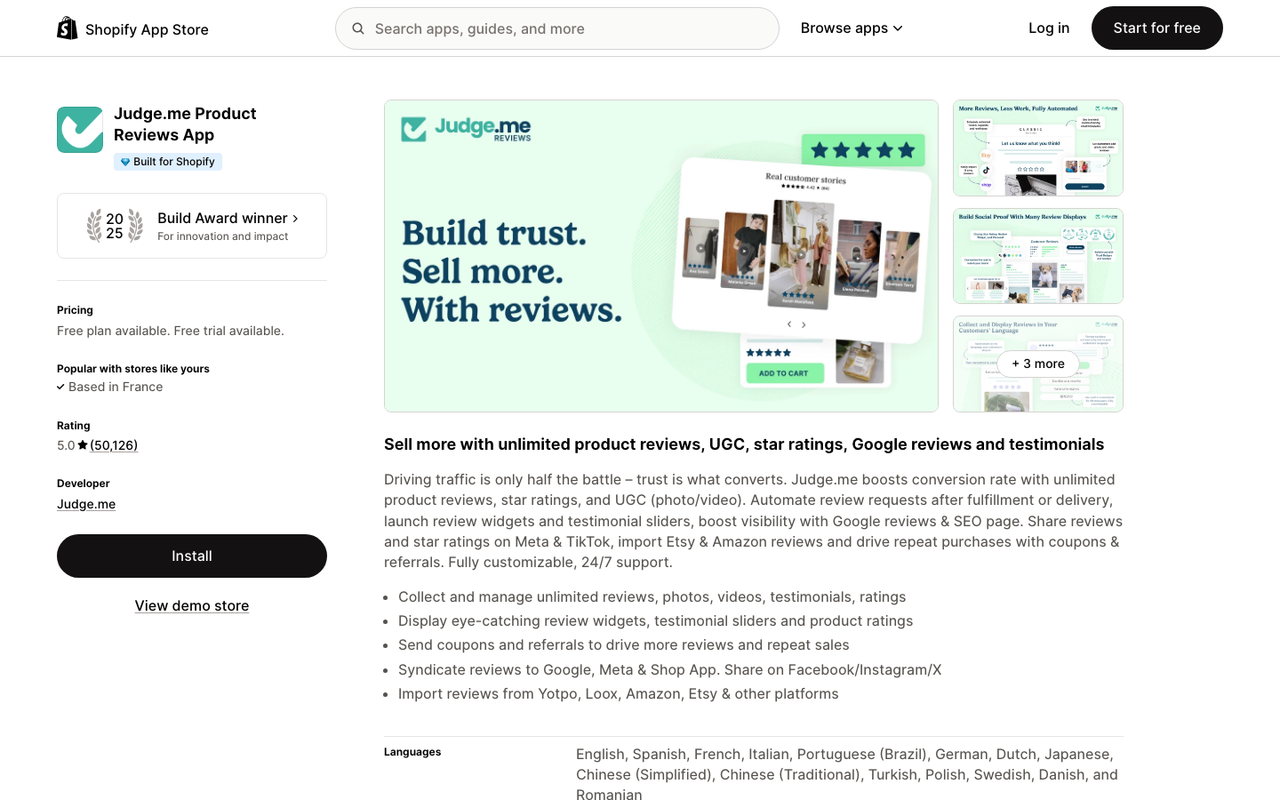
Set up first: the automatic review request email after delivery. Without requests, the widget stays empty and empty widgets do not convert.
Site search and filters: Shopify Search & Discovery
Shoppers who search usually know what they want. When search returns nothing or the wrong product, you lose your highest-intent visitors.
Shopify Search & Discovery(opens in a new tab) is free and made by Shopify. It lets you add filters, synonyms (so "tee" finds "t-shirt"), product boosts for specific search terms and custom product recommendations, with analytics on what people search. Shopify's help center documents how to modify search results(opens in a new tab). It is rated 2.6 from 510 reviews; recent complaints are about search relevance changes, so test your top queries after installing.
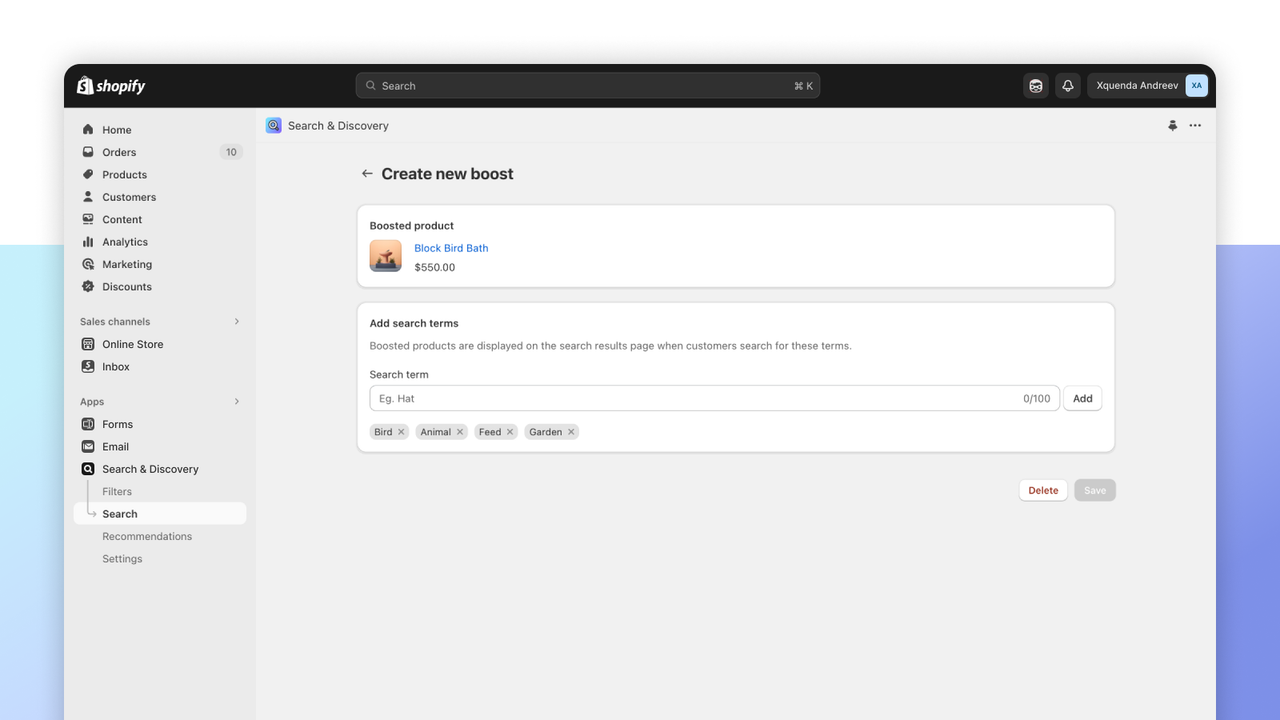
Pair it with a theme that has predictive search, which shows products as the shopper types. Search & Discovery shapes the results; predictive search puts them in front of the shopper sooner.
Speed: mostly an uninstall, not an install
Speed pays: Google's Milliseconds Make Millions study(opens in a new tab) found that "a 0.1 second improvement of mobile site speed increases conversion rates by 8.4% for retail sites."
The honest answer is that the best speed app is usually fewer apps. Shopify's web performance documentation(opens in a new tab) warns that "each feature that you add to your online store can impact your store's web performance." Every app on this page loads something on your storefront, so the rule is one app per lever and uninstall what you stopped using (leftover code from uninstalled apps can stay in older themes).
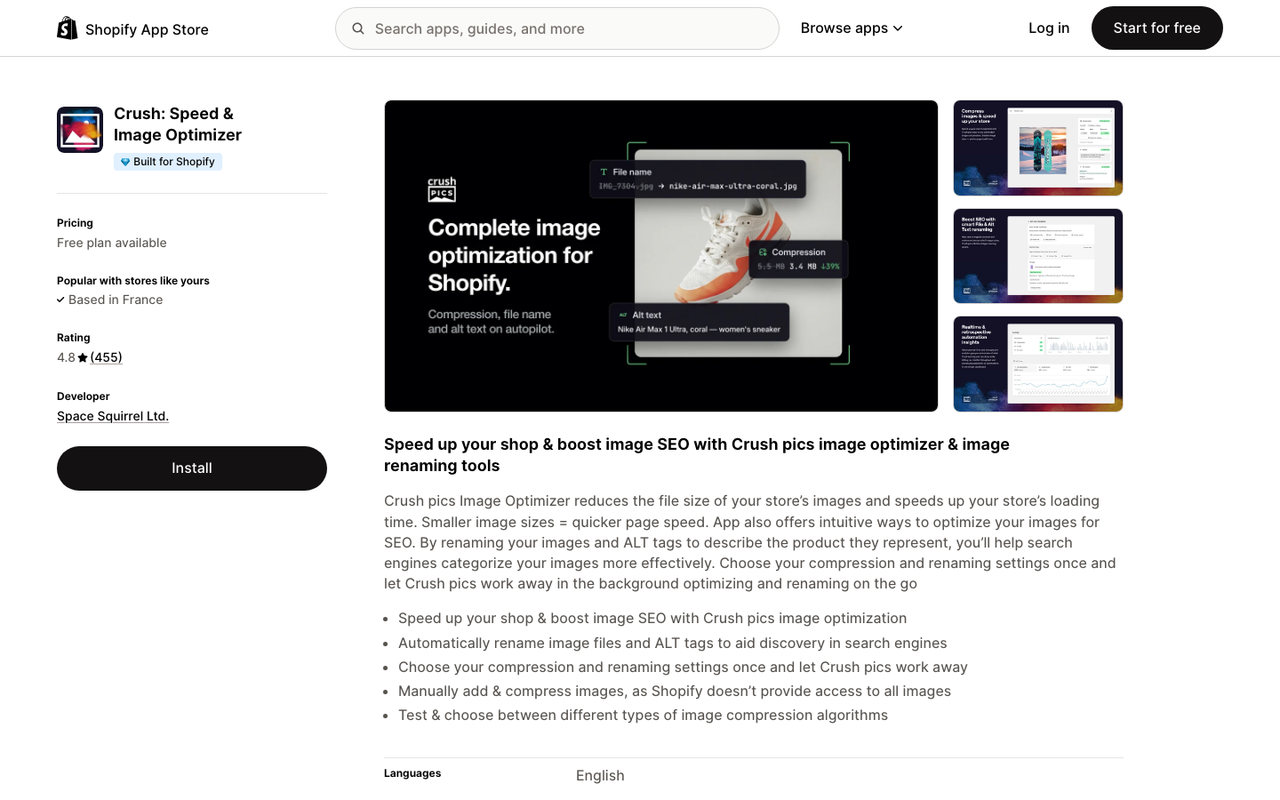
If you upload multi-megabyte original photos, an image compressor such as Crush.pics(opens in a new tab) helps: free for 25 MB one time, then $4.99/month (500 MB of images a month) or $9.99/month (2 GB). Our Shopify speed optimization guide covers what to fix before reaching for any app.
Lever 3: retention (email, loyalty, subscriptions)
Retention apps earn more from customers who already bought. It is the cheapest revenue there is: no acquisition cost on the second order. Bain & Company's Frederick Reichheld put it this way(opens in a new tab): "by increasing retention by as little as 5 per cent, profits can be boosted by as much as 95 per cent."
Back to the example store: 400 customers a month. If 5% more of them (20 people) come back for one more $60 order, that is $1,200 a month, or $14,400 a year, from people you already acquired.
Email and SMS: Shopify Messaging or Klaviyo
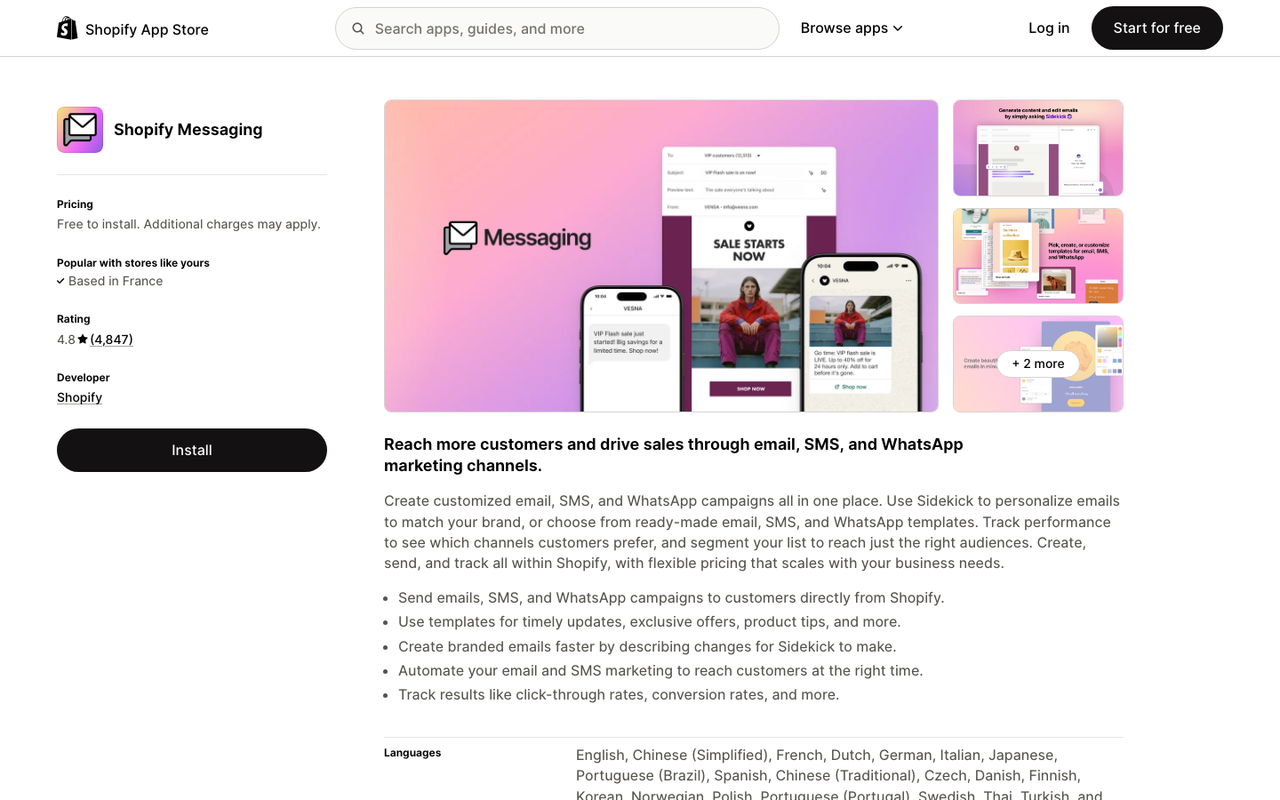
Shopify Messaging(opens in a new tab) (the app formerly listed as Shopify Email) is free to install. Your first 10,000 emails each month are free, then pricing starts at $1 per 1,000 emails. It runs inside the Shopify admin, so abandoned cart, welcome and win-back automations take minutes to turn on. Rated 4.8 from 4,736 reviews.
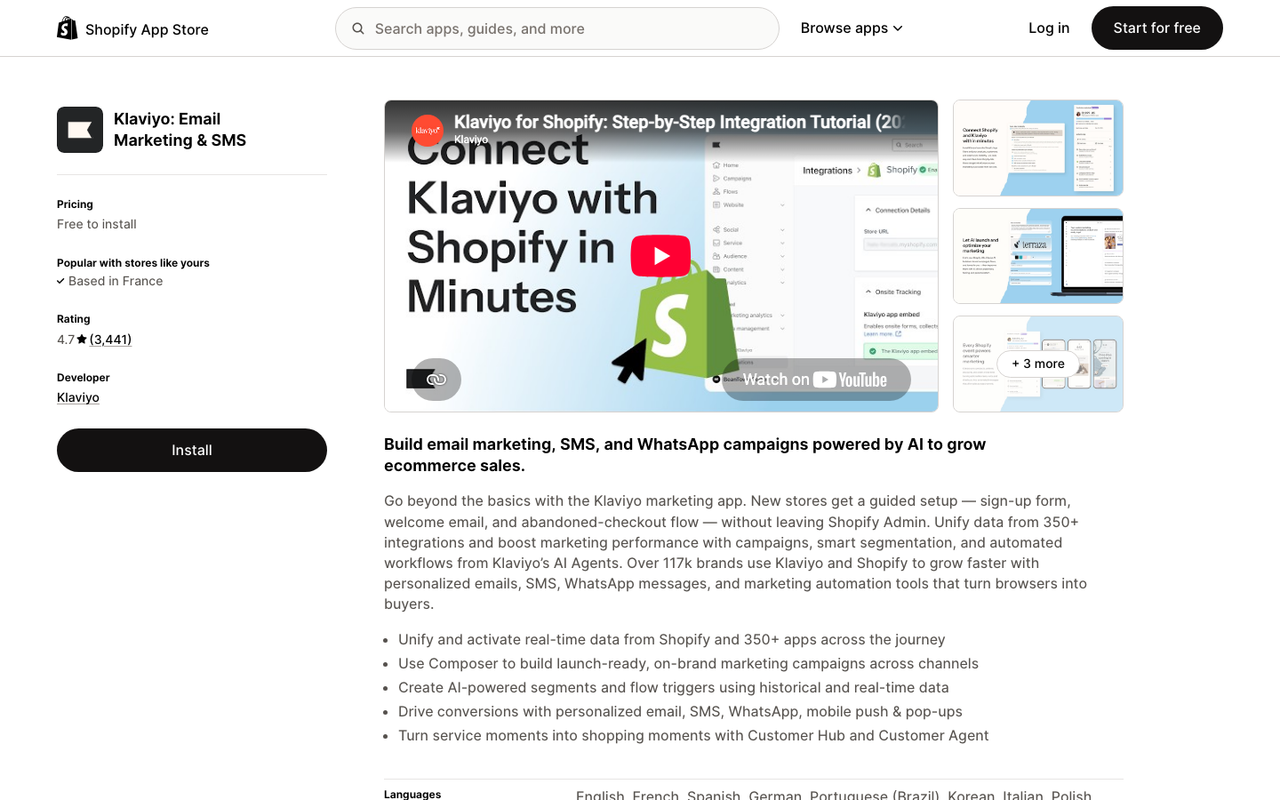
Klaviyo(opens in a new tab) is the step up when you need segmentation, predictive analytics and SMS. Its free plan covers up to 250 active profiles and 500 emails a month; the Email plan starts at $20/month for 251–500 contacts and SMS at $15/month. Rated 4.7 from 3,414 reviews. Most stores under a few thousand subscribers do not need it yet.
Whichever you pick, the first automation is the abandoned cart email. Our Shopify abandoned cart email guide covers timing and subject lines.
Loyalty and referrals: Smile
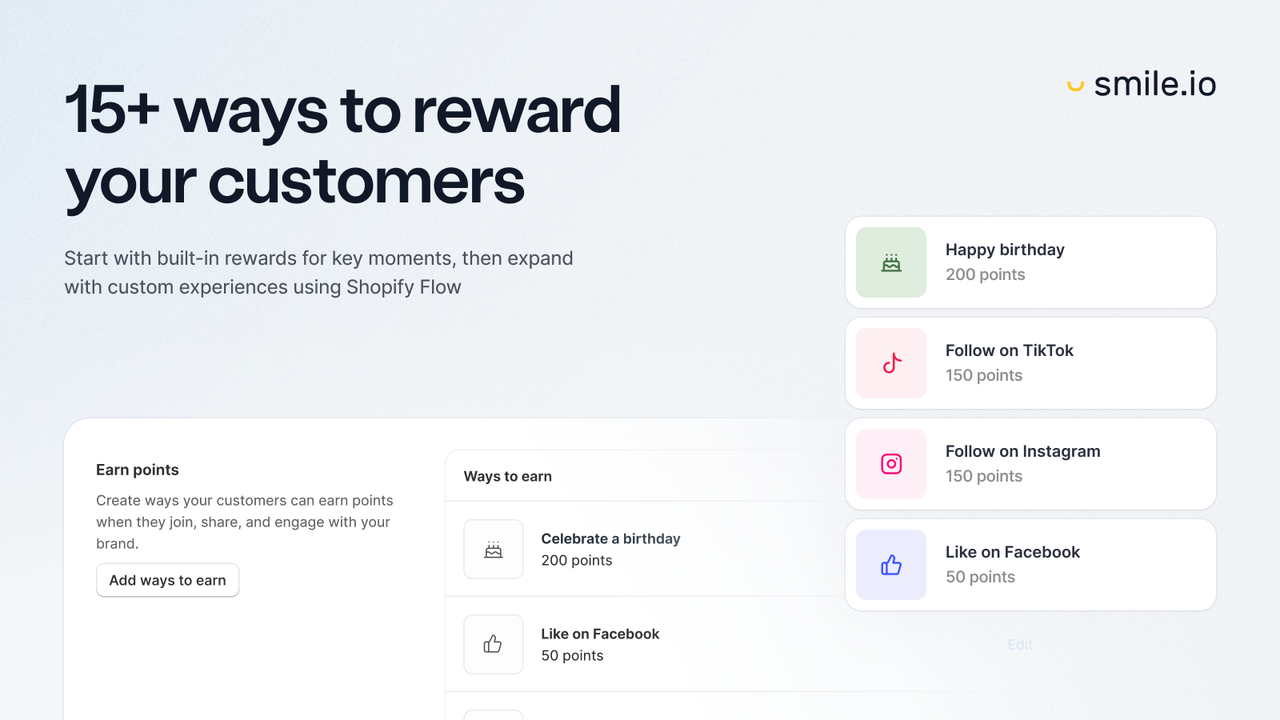
Smile: Loyalty Program Rewards(opens in a new tab) handles points, rewards and referrals. The free plan covers up to 200 monthly orders with 15+ ways to earn and redeem; Essential is $15/month (up to 500 orders), Standard $79/month (up to 1,000) and Growth $199/month (2,500 orders included). Rated 4.9 from 4,647 reviews.
Loyalty works for products people rebuy or brands with a wide catalog. For a one-off purchase (a mattress, a bike), skip it and put the effort into email.
Subscriptions: Shopify Subscriptions or Recharge
For consumables (coffee, supplements, pet food, skincare), subscriptions turn one order into recurring revenue.
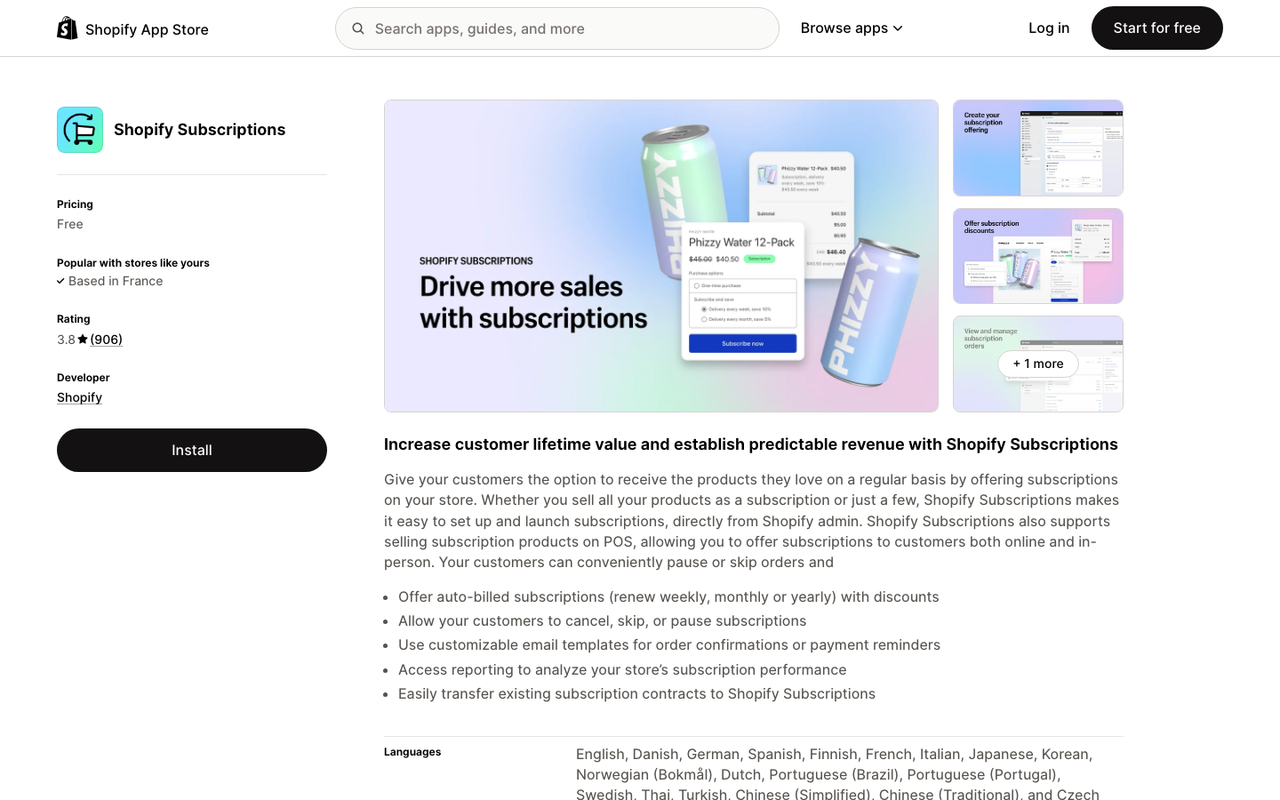
Shopify Subscriptions(opens in a new tab) is free and made by Shopify, with subscribe-and-save offers on product pages and a customer portal. Rated 3.7 from 875 reviews, with complaints about missing controls such as moving a renewal date. Shopify's help center covers setup and limits(opens in a new tab).
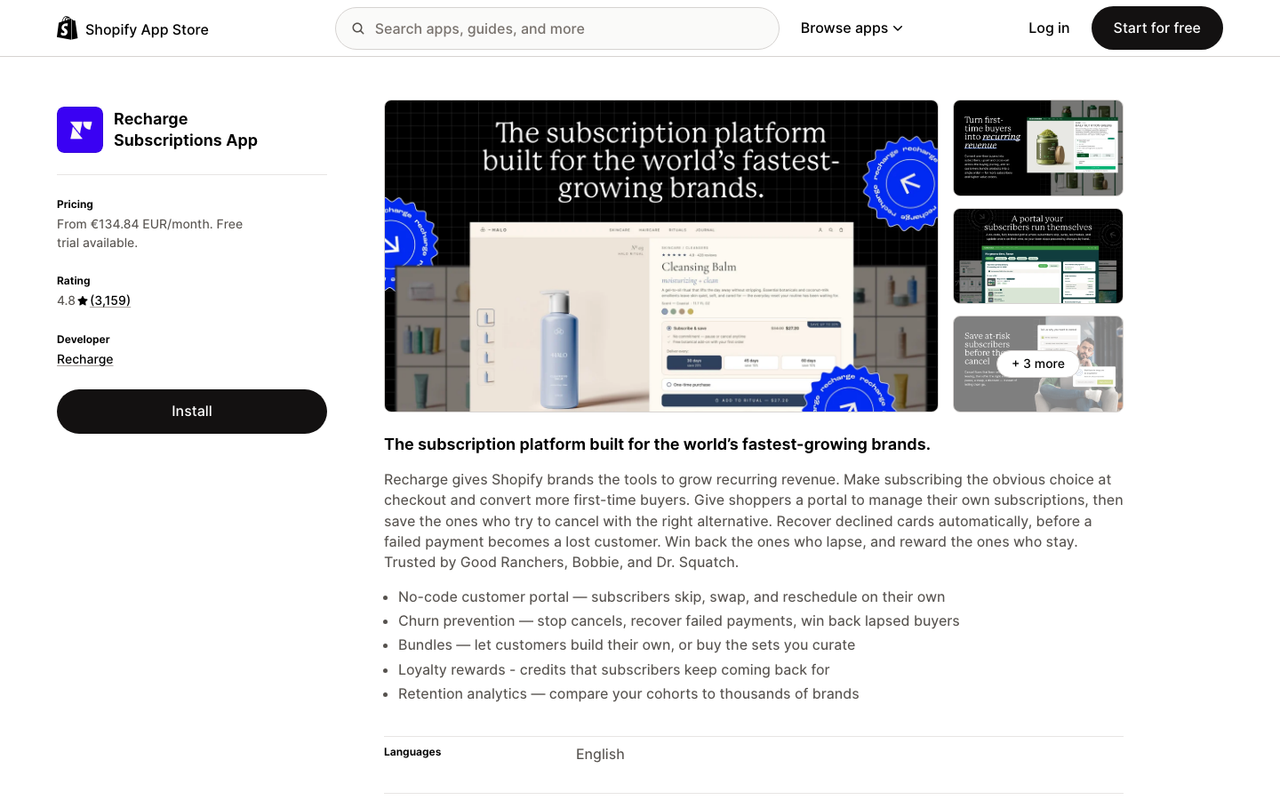
Recharge(opens in a new tab) is the specialist: a $25/month plan with no transaction fees for the first 50 subscribers, then Starter at $99/month plus 1.49% + 19¢ per transaction, with a 60-day free trial. Rated 4.8 from 3,146 reviews. It earns its fee with cancellation prevention and failed payment recovery once subscriptions are a real share of revenue. More on the model in how to increase sales with subscriptions.
Which lever to start with
Look at your own numbers in Shopify Analytics before installing anything:
- Conversion rate under about 1%? Start with reviews and search. Shoppers are not trusting or finding the product, and an upsell will not fix that.
- Healthy conversion, but most orders are a single item? Start with AOV: one bundle or volume discount offer on your best seller.
- Most customers order once and never return? Start with retention: abandoned cart and post-purchase emails, then loyalty or subscriptions if the product is rebought.
- Install one app, measure for two to four weeks, then add the next. Two apps on the same lever (two upsell apps, two review apps) compete for the same space on the page and slow it down.
The free plans listed above make this cheap to test. A full stack of one free app per lever (Shopify Bundles, Judge.me, Search & Discovery, Shopify Messaging, Smile's free plan, Shopify Subscriptions) costs $0 a month until you outgrow the limits.
If AOV is your weakest number, a bundle offer is the quickest test: Snap Bundle(opens in a new tab) is free until it brings in $500 a month in bundle revenue, so you only pay once it has proven itself.
FAQ
What are the best Shopify apps to increase sales?
Pick one app per revenue lever: a bundle or upsell app for average order value (Snap Bundle, Shopify Bundles, ReConvert), a review app and site search for conversion (Judge.me, Shopify Search & Discovery), and an email, loyalty or subscription app for retention (Shopify Messaging, Smile, Shopify Subscriptions). Start with the lever where your numbers are weakest.
Are there free Shopify apps to increase sales?
Yes. Shopify Bundles, Shopify Search & Discovery and Shopify Subscriptions are free. Judge.me has a Forever Free plan, Shopify Messaging includes 10,000 emails a month, Smile is free up to 200 monthly orders and Snap Bundle is free until it generates $500 a month in bundle revenue.
Do Shopify apps cost money?
Many are free to install and charge once you pass a usage limit (orders, contacts, emails or revenue generated). Charges appear on your Shopify invoice, except apps such as Klaviyo and Recharge that may bill separately. Check the Pricing section of each App Store listing before installing.
Do Shopify apps slow down my store?
Apps that add widgets or scripts to your storefront can. Shopify notes that each feature you add can affect web performance. Keep one app per lever, uninstall apps you no longer use, and check your speed report after each install. Our speed optimization guide explains what to check.
How do I get more sales on Shopify without spending more on ads?
Work on the visitors you already have: raise average order value with bundles and upsells, raise conversion with reviews, search and a fast store, and bring customers back with email, loyalty and subscriptions. A 10% gain on both AOV and conversion adds about 21% to revenue on the same traffic.

Keep reading

Best Shopify Bundle Apps for Supplement Brands in 2026
The best Shopify bundle apps for supplement brands compared: supplement stacks, 30/60/90-day supply breaks, Subscribe & Save bundles and what each costs.

Best Shopify Bundle Apps for Skincare Brands in 2026
We compared 7 Shopify bundle apps for skincare brands: routine sets, build-your-own boxes, discovery kits and refill discounts, with prices checked in October 2026.

Best Shopify Bundle Apps for Pet Food Brands in 2026
We compared 7 Shopify bundle apps for pet food brands: multi-bag quantity breaks, wet food variety packs, puppy starter kits and subscribe-and-save bundles.