
Scrolling text section for Shopify
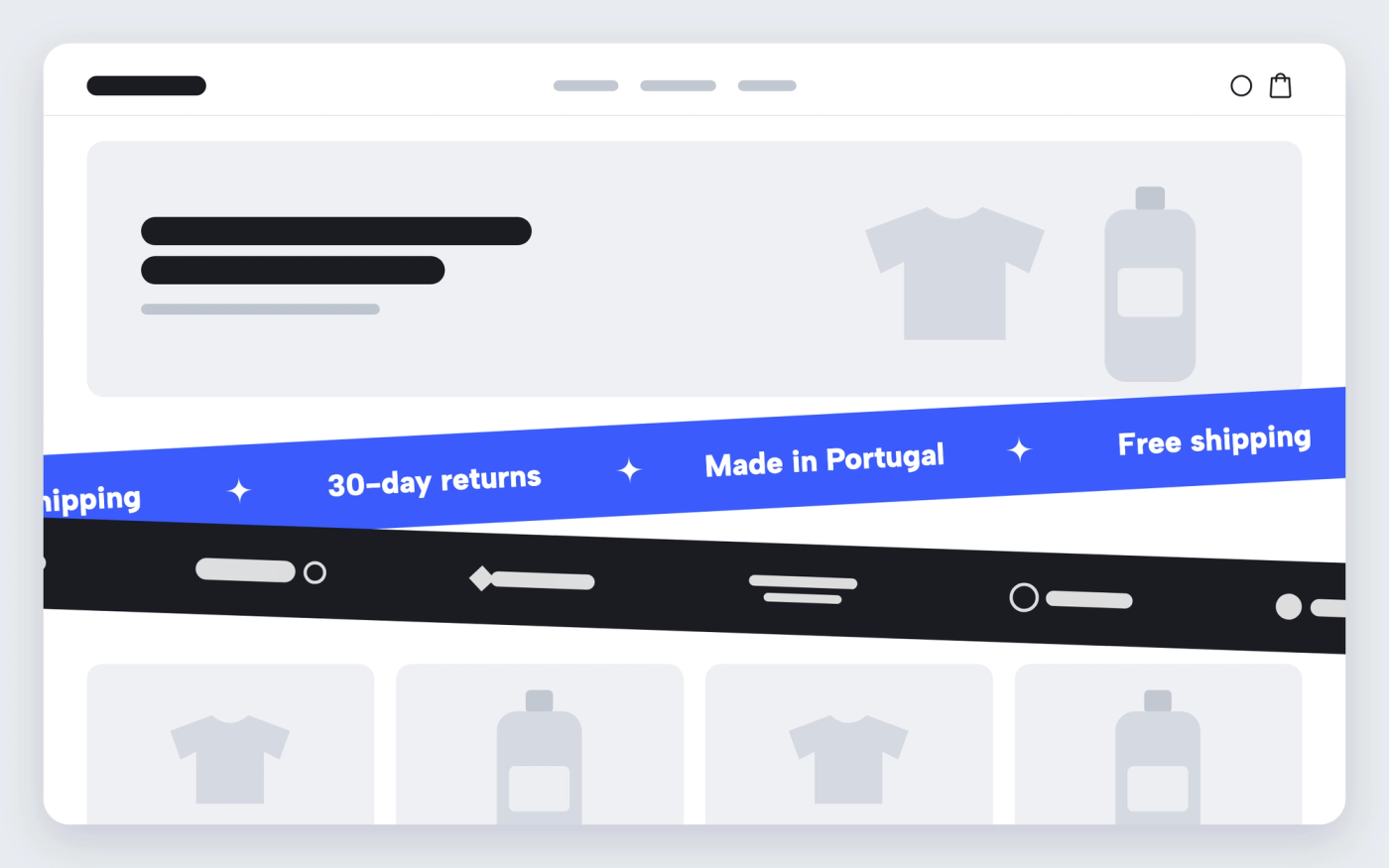
Run your brand message, store promises or press logos in a band that scrolls across the page.
Available in
The problem
Key messages such as free returns, a new collection or a press mention get lost in static blocks. Adding scrolling text usually means custom CSS or another app.
The solution
Cama and Pops include a Scrolling text section that runs your words across the page in a continuous loop. In Pops, each item is text or an image, such as a press logo, and you set the speed, the direction, the separator and a pause on hover. Pops also has a Wavy scrolling text block that runs text along a curve or a wave.
How it works
-
Add the section
In the theme editor, add the Scrolling text section to a page.
-
Add your items
Add one item per message or logo, in the order you want them to pass.
-
Set the motion
Adjust the speed and the other section settings, then preview the page on desktop and mobile.
Questions merchants ask
Can I add logos or images?
In Pops, yes: each item can be text or an image.
Can the text follow a curve?
Yes, in Pops. The Wavy scrolling text block runs text along a curve or a wave, with its own speed and wave height.
Can the scrolling stop on hover?
In Pops, yes. Turn on Pause scroll on hover so shoppers can read a message or click it.
Related features
 Saves €3/month
Falling content section with physics for Shopify
Words and images tumble into the section and pile up, and visitors can grab and throw them.
 Saves €2/month
Cursor image trail effect for Shopify
Images follow the cursor across a section, or burst out on click.
 Saves €2/month
Custom cursor for a Shopify store
Swap the default pointer for your own image, or add a trailing line or sparkles.

Text animation for Shopify headings
Animate your headings letter by letter, word by word or line by line as they scroll into view.

Rotating circle text for Shopify
Wrap a short brand line around a slowly turning ring of text, on any page.

Grainy background texture for Shopify
Lay a fine film grain over the whole store, still or animated, from the theme settings.