
Star ratings on Shopify product pages and product cards
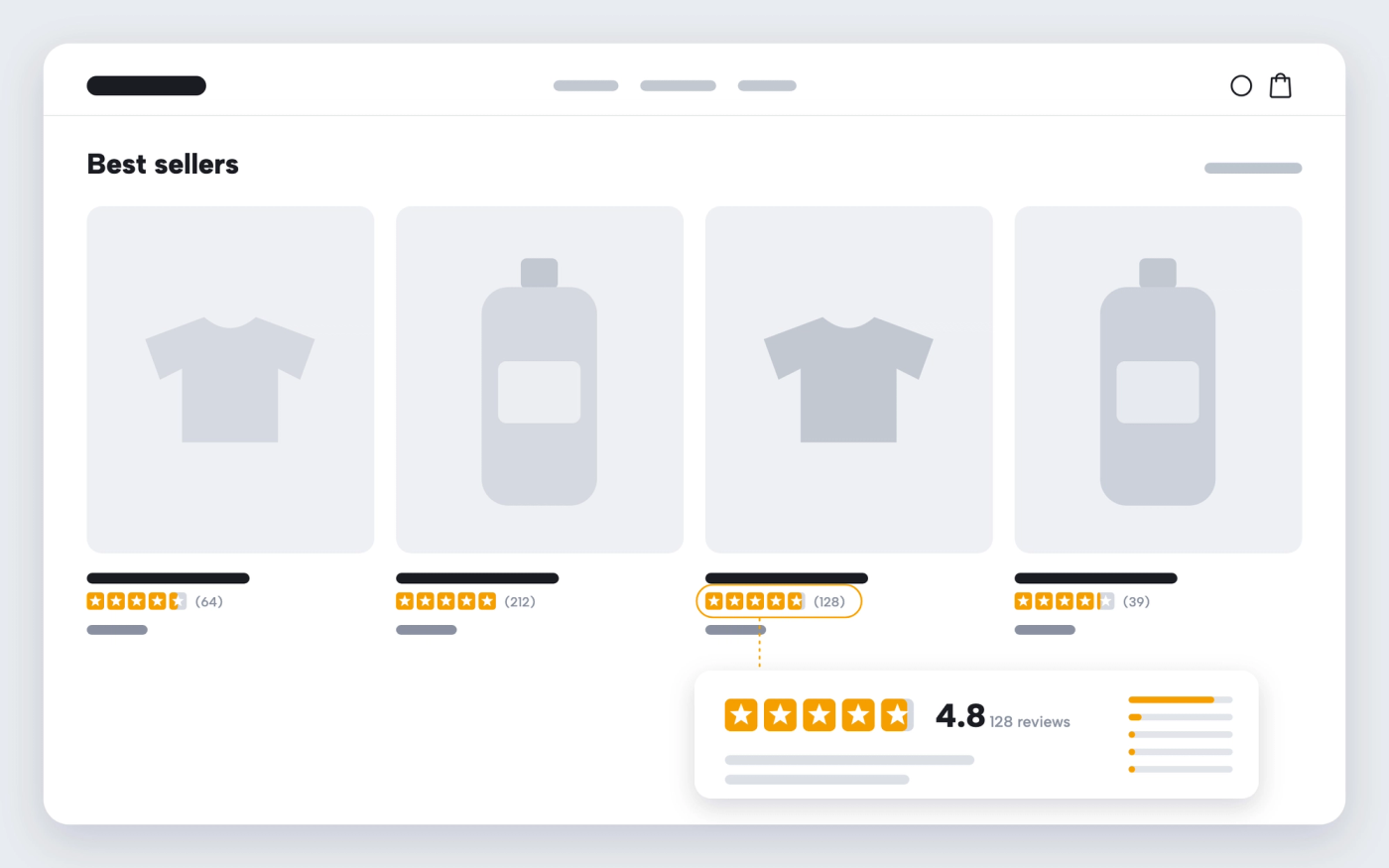
Show your review app’s star rating under the product title and on product cards, styled by the theme.
Available in
The problem
Review apps collect the reviews, but their stars often land in the wrong place, or need code edits to show on collection pages. Shoppers then miss the social proof right where they compare products.
The solution
How it works
-
Install your review app
Install a review app and collect your first reviews.
-
Pick the app in the theme
In the theme settings, choose your app in the Review app setting. Pick Other if your app writes Shopify’s standard rating metafields.
-
Add the rating block
Add the rating block under the product title, and to the product card to show stars on collection pages.
Questions merchants ask
Which review apps work?
Judge.me, Loox and Okendo have their own option, as do other popular apps. Apps that write Shopify’s standard rating metafields work through the Other option.
Do the stars show on collection pages?
Yes. Add the rating block to the product card.
Do I need to edit the theme code?
No. You pick the app in a setting and place the stars with a block.
Related features

Show your Trustpilot rating on a Shopify theme
Display your Trustpilot stars and score where shoppers decide, with no review widget to load.
 Saves €4/month
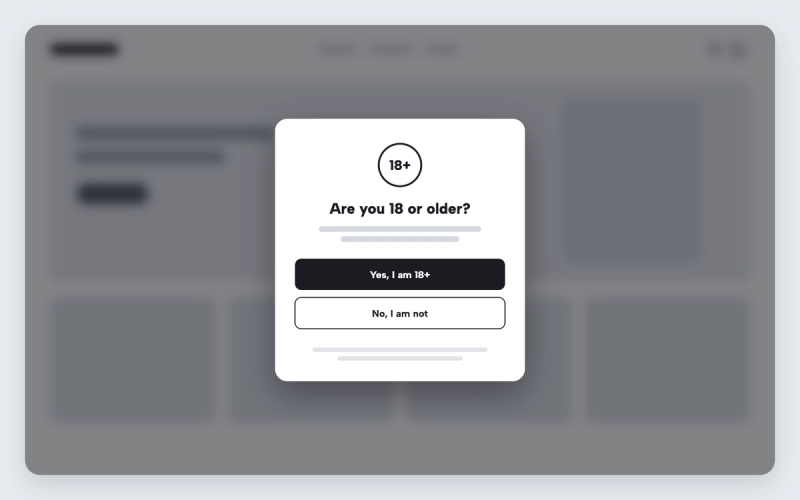
Shopify theme with an age verification popup
Ask visitors to confirm their age before entering the store, and redirect those under age.
 Saves €6/month
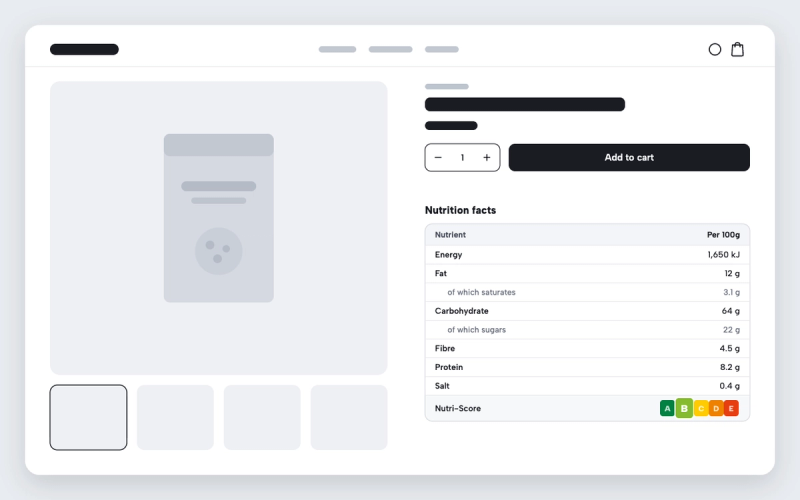
Shopify theme with a nutrition facts table for food products
Publish nutrition values as a clean table on the product page, with sub-lines and a Nutri-Score.

Shopify testimonials section with star ratings
Show customer reviews in a slider, with stars, a verified label and your average rating.