
Shopify testimonials section with star ratings
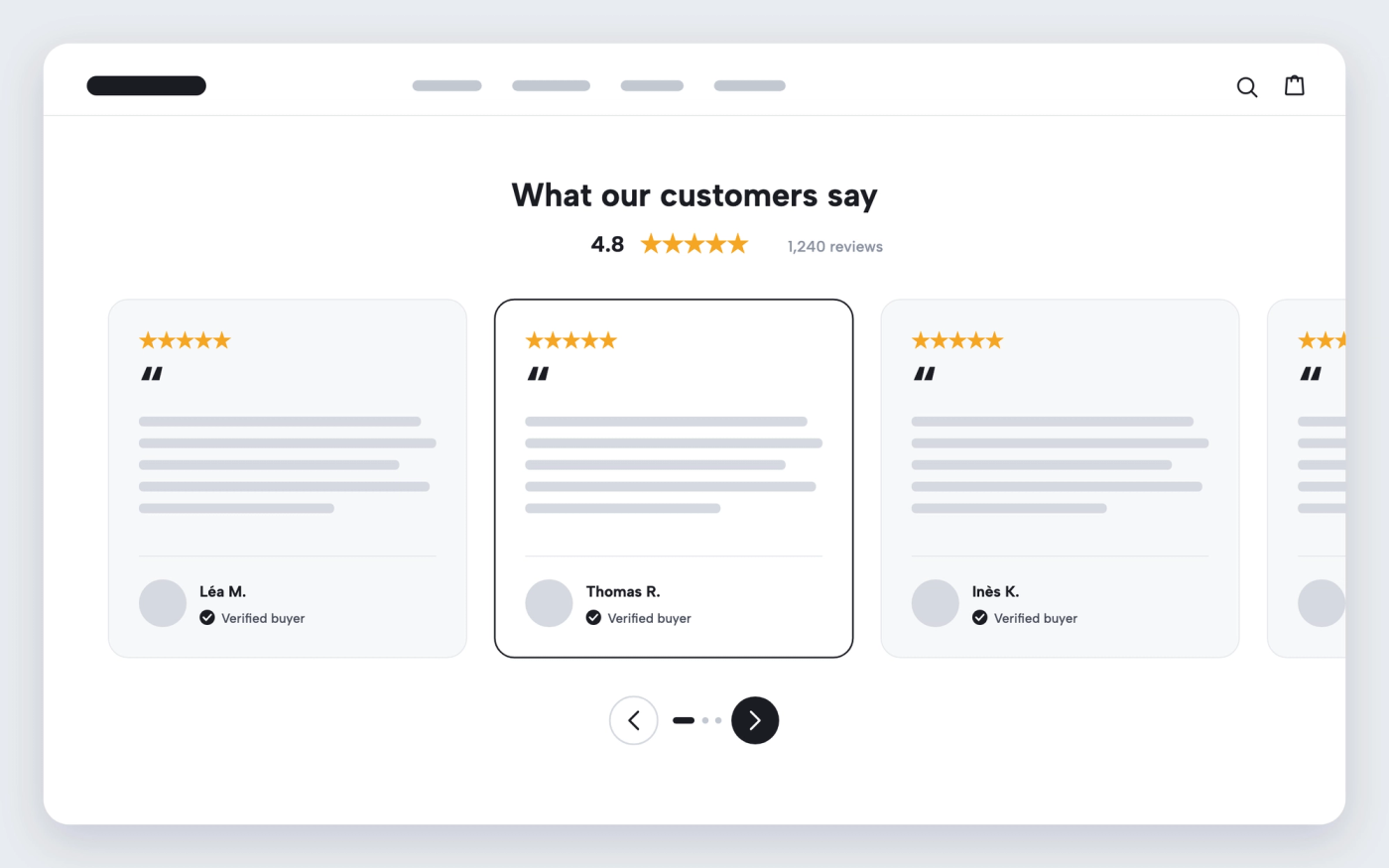
Show customer reviews in a slider, with stars, a verified label and your average rating.
Available in
The problem
Reviews buried on product pages don’t help a visitor who lands on the homepage and doesn’t know the brand yet. A reviews app widget can show them, but often in its own style, with its own scripts.
The solution
Cama has a Testimonials section: a slider of review cards with the number of stars, the quote, the customer’s name and location, and a “verified” label. Add your average rating above the slider. The section uses the theme’s fonts and colours, and you can place it on any page.
How it works
-
Add the Testimonials section
In the theme editor, add the Testimonials section to the homepage or any other page.
-
Add one block per review
For each review, set the stars, the quote, the name and the location, and tick Verified if it is.
-
Show your average rating
Turn on the average rating and enter your score.
Questions merchants ask
Are the reviews pulled from a reviews app?
No. You enter each review in the theme editor, so pick the ones you want to show. Use only real reviews from real customers.
Can I show press logos as well?
Yes. Cama also has a Press section for the logos and quotes of the media that featured you.
Related features

Show your Trustpilot rating on a Shopify theme
Display your Trustpilot stars and score where shoppers decide, with no review widget to load.
 Saves €4/month
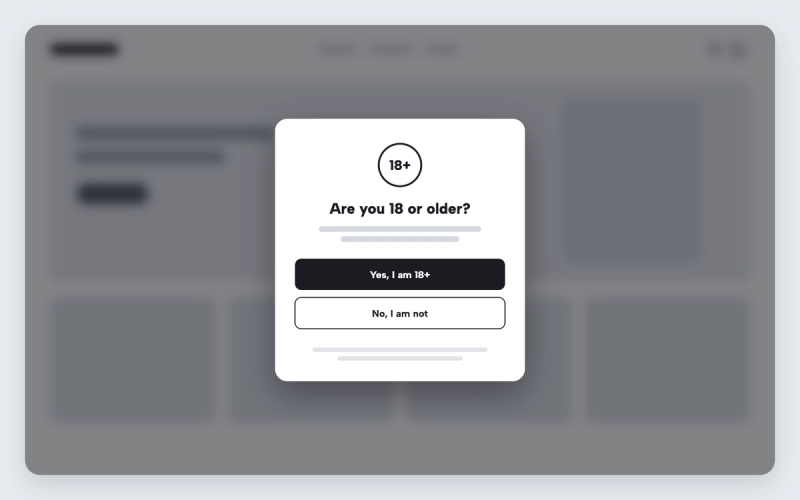
Shopify theme with an age verification popup
Ask visitors to confirm their age before entering the store, and redirect those under age.
 Saves €6/month
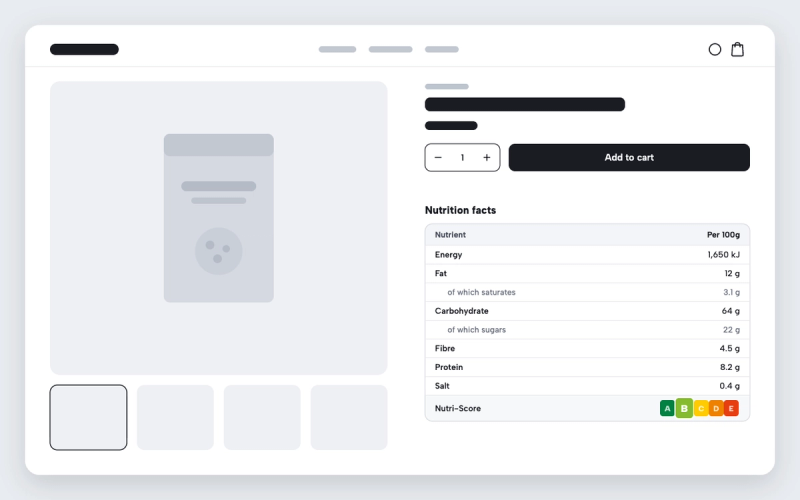
Shopify theme with a nutrition facts table for food products
Publish nutrition values as a clean table on the product page, with sub-lines and a Nutri-Score.