
Shopify pre-order button without an app
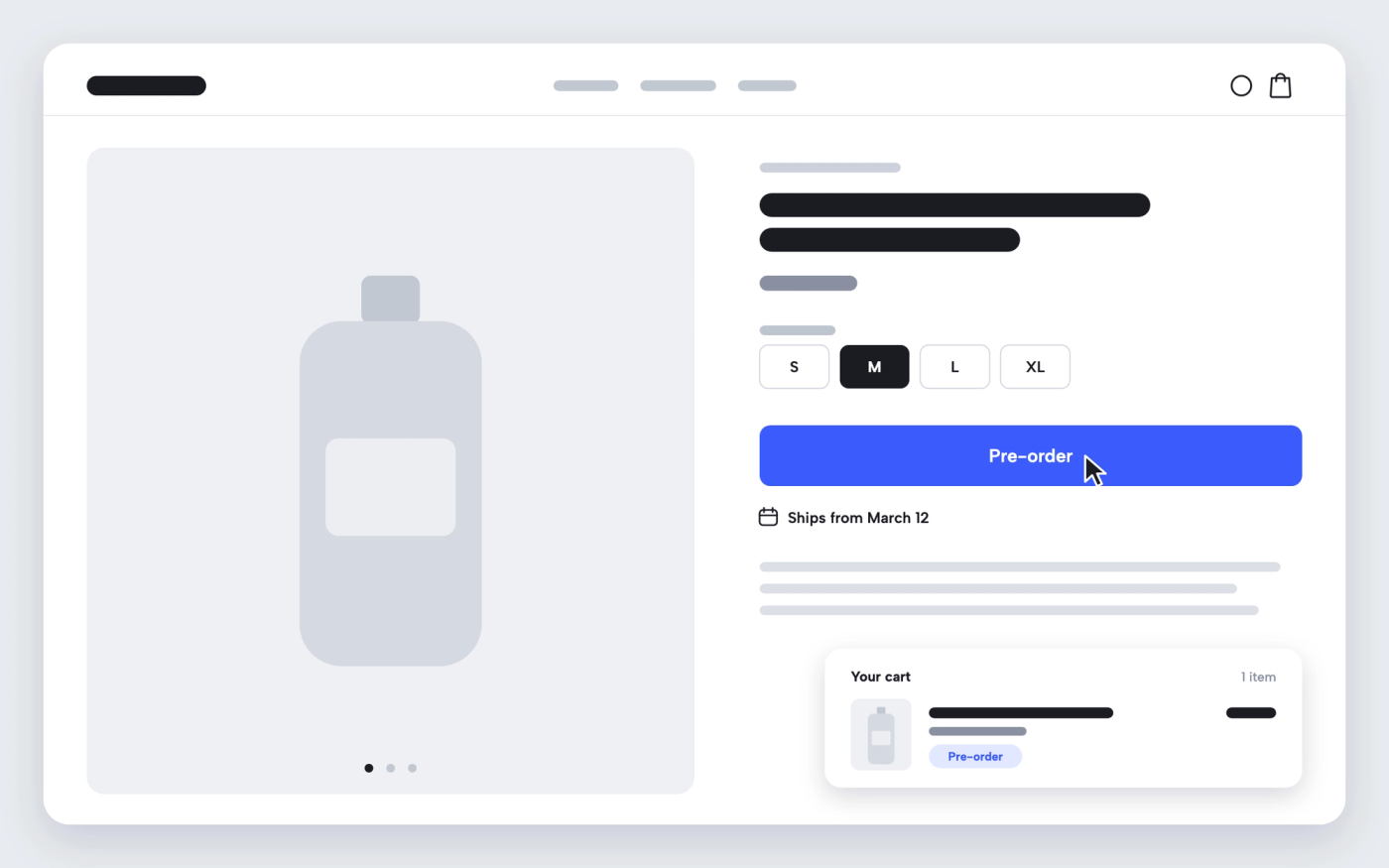
Turn the add to cart button into a Pre-order button on chosen products, and flag each pre-order in the cart and the order.
Available in
The problem
Selling a product before it is in stock usually means a pre-order app and its monthly fee. Without one, shoppers see a Sold out button, or an Add to cart button that gives no hint the item ships later.
The solution
How it works
-
Add the metafield
If it is not there yet, add a True or false product metafield with the key trafik-plus.preorder in Settings > Custom data > Products.
-
Keep selling when out of stock
On each variant, turn on Continue selling when out of stock, so the button stays active with no stock.
-
Switch on pre-order
Open the product, set the Pre-order metafield to True and save. The button changes on the storefront.
Questions merchants ask
Do I need a pre-order app?
No. The button and the pre-order flag come from the theme. You need an app only to take a deposit or charge the shopper later.
What do I do when the stock arrives?
Set the Pre-order metafield back to False. The button goes back to Add to cart.
Why does the button still say Sold out?
The pre-order button only shows on a variant that can be sold. Turn on Continue selling when out of stock, or add stock.
Related features
 Saves €4/month
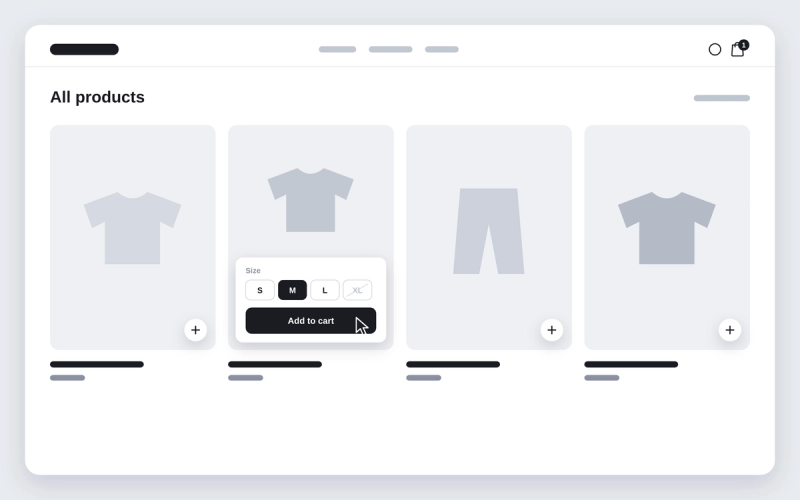
Shopify theme with quick add to cart from collection pages
Add products to the cart from the collection grid, without opening the product page.
 Saves €7/month
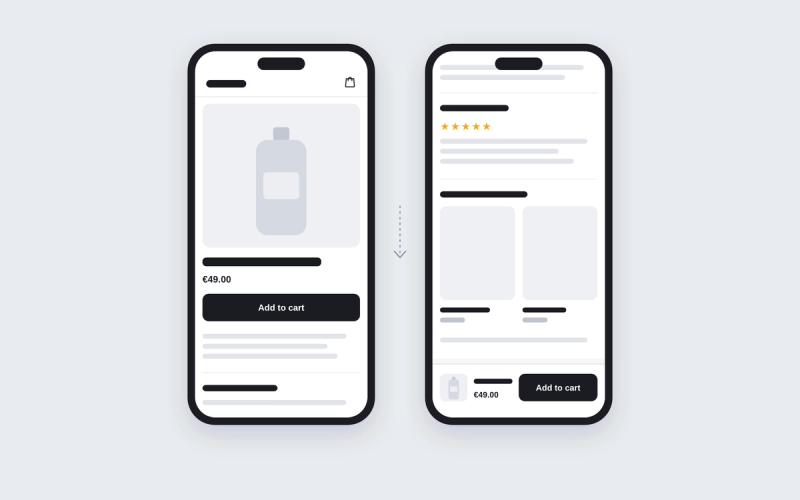
Shopify theme with a sticky add to cart bar
Keep the add-to-cart button on screen while shoppers scroll the product page.
 Saves €7/month
Shopify theme with a countdown timer for sales
A live countdown to the end of a sale, in the announcement bar or anywhere on the page.
 Saves €9/month
Shopify theme with a built-in newsletter popup
Collect email sign-ups with a popup that waits before opening and stays away once dismissed.

Show local pickup availability on Shopify product pages
Tell shoppers which of your locations can have the selected variant ready for pickup.
 Saves €5/month
Shopify theme with a shareable cart link
Let shoppers send their cart as a link that fills someone else’s cart in one click.