
Shopify theme with subscribe and save on the product page
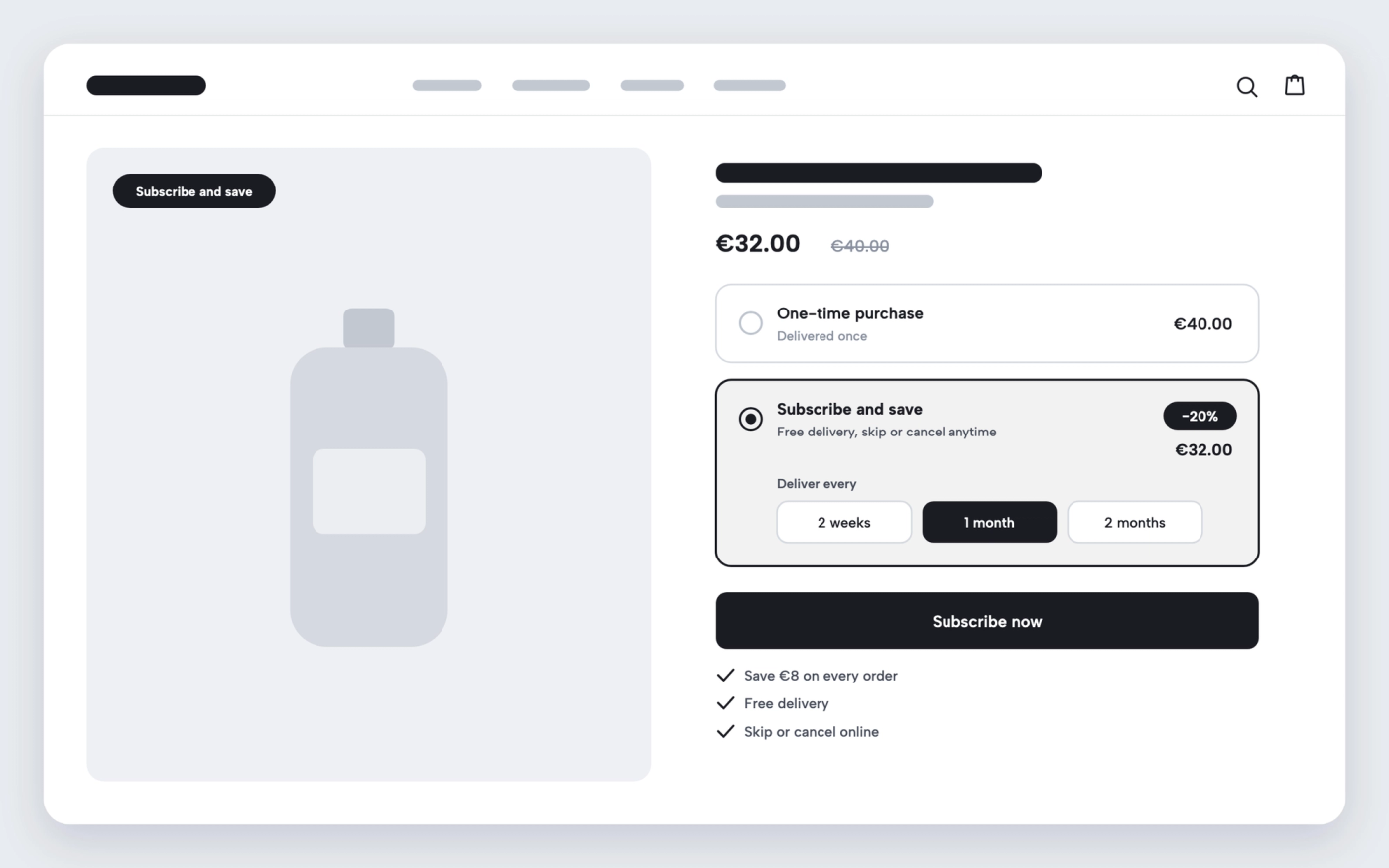
Offer one-time purchase or subscription on the product page, with the saving shown.
Available in
The problem
A subscription app creates the plans, but the product page still has to offer them. If the choice between one-time purchase and subscription is unclear, shoppers miss the discount, or don’t notice the product can be delivered on a schedule.
The solution
Pops shows the purchase options on the product page as cards: one-time purchase or subscription, with a “Subscribe and save” badge and the saving as a percentage. It reads Shopify’s selling plans, so it works with subscription apps that use them, such as Shopify Subscriptions. The plan name follows the item into the cart.
How it works
-
Create a subscription plan
Install a subscription app such as Shopify Subscriptions and add the product to a plan.
-
Keep Subscriptions on
In the theme editor, open the product template, select the Buy buttons block and leave the Subscriptions option ticked.
-
Choose the default option
Pick whether one-time purchase or subscription is selected when the page opens.
Questions merchants ask
Do I still need a subscription app?
Yes. The app creates the plans and handles recurring billing. Pops shows those plans on the product page and in the cart.
What about products sold only as a subscription?
Their purchase options always show, even if the Subscriptions setting is off, so they can still be bought.
Related features

Increase average order value on Shopify without an upsell app
Cart upsells, a free-shipping bar and post-purchase offers, in the themes and in the app.
 Saves €6/month
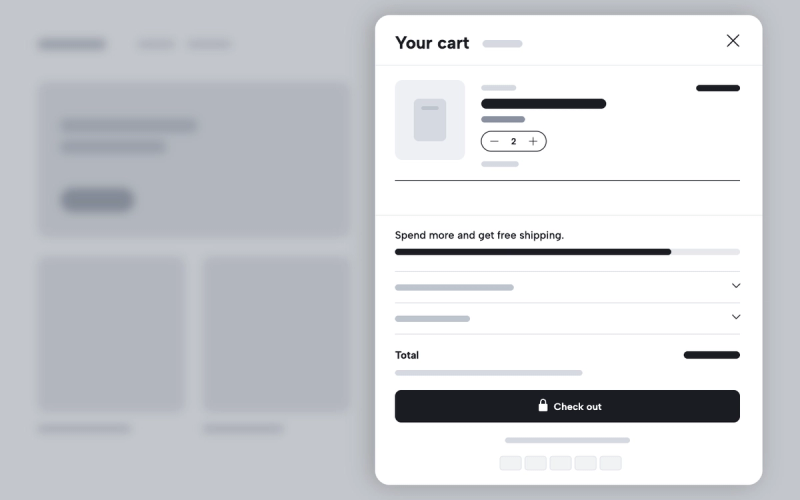
Shopify theme with a free shipping progress bar in the cart
Show shoppers how much more they need to spend for free shipping, right in the cart without an app.
 Saves €16/month
Shopify theme with product upsells in the cart drawer
A slider of recommended products inside the cart and the cart drawer, built into Pops.
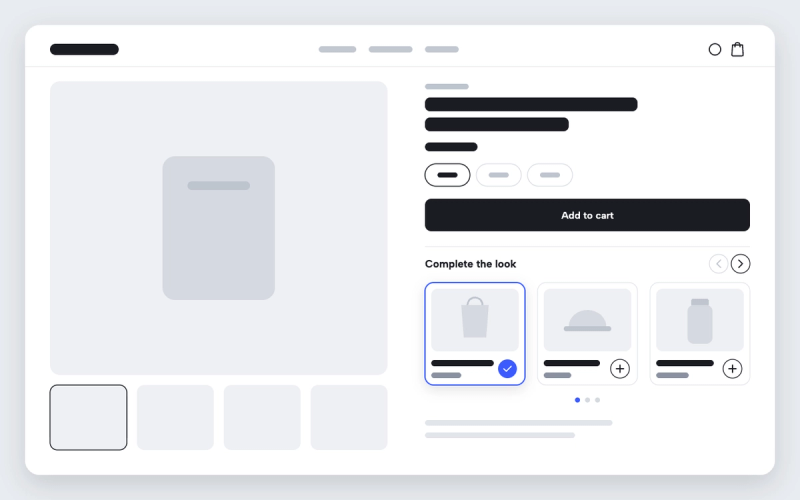
Show complementary products on Shopify product pages
“Pairs well with” recommendations on the product page, from the pairings you set in Shopify.

Free gift with a quantity discount tier on Shopify
Attach a free or discounted gift to a volume tier, shown in the offer table on the product page.

Product add-ons with discounts for Shopify
Offer extras on the product page, like gift wrap, a case or a refill, at a discount when bought together.